





 LC Tech FILERECOVERY Professional Review – Can It Compete with Modern Recovery Tools?
Jordan Jamieson-Mane • April 17, 2024

Pandora Recovery is the ultimate trustworthy source of expert-delivered data recovery software rankings, comparisons, recommendations, and more. Let us be your data recovery mentor.
4.55
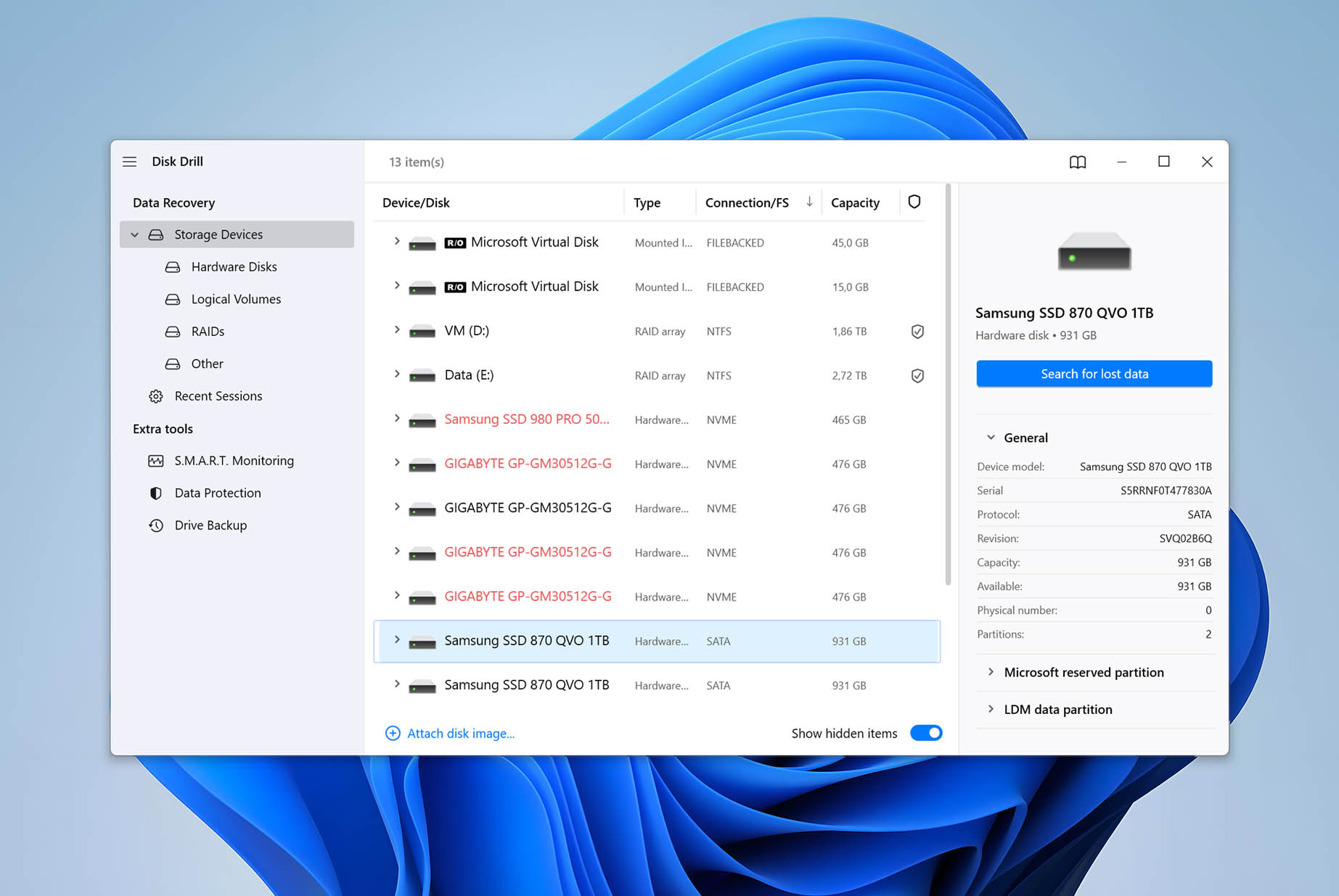
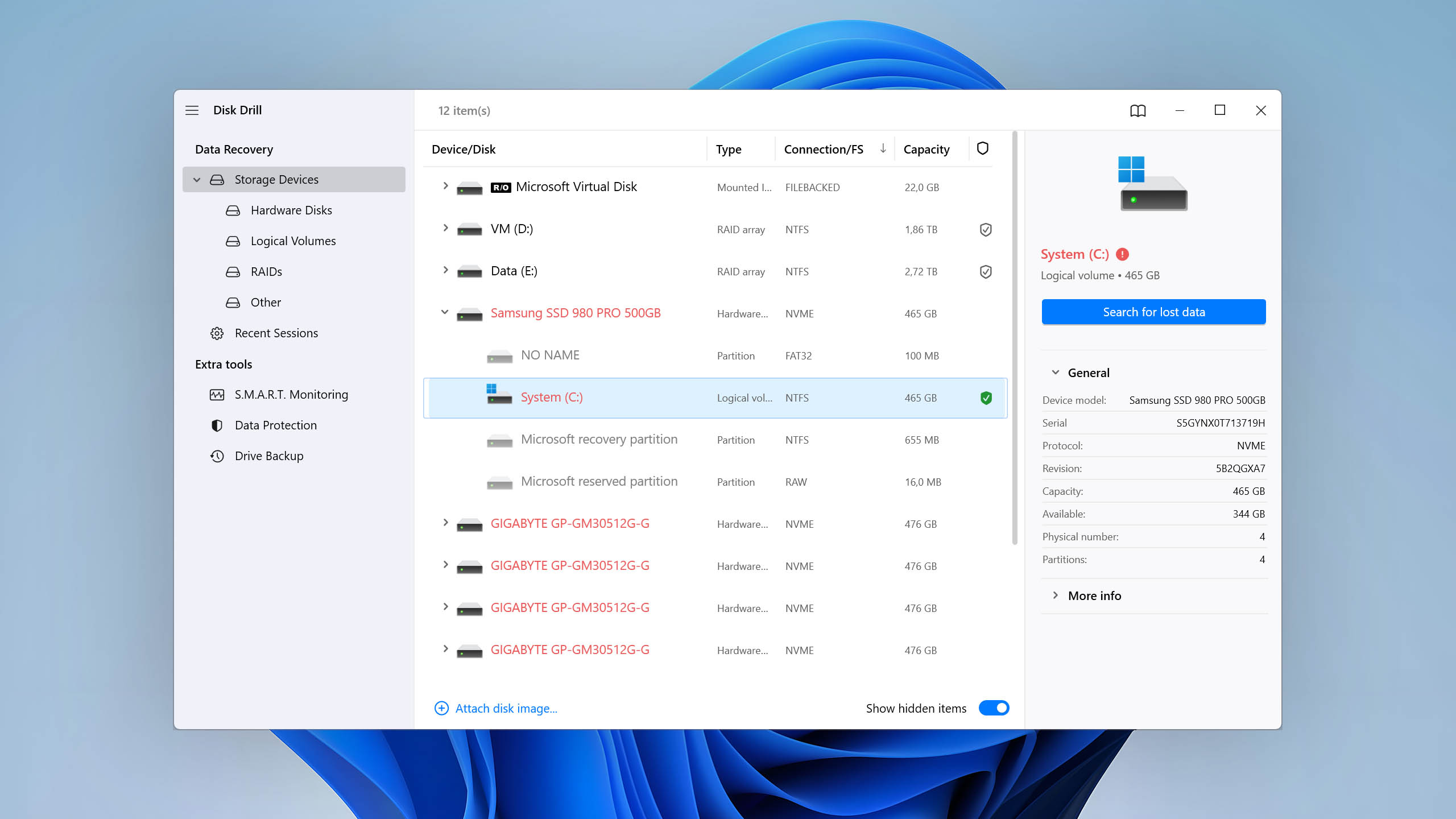
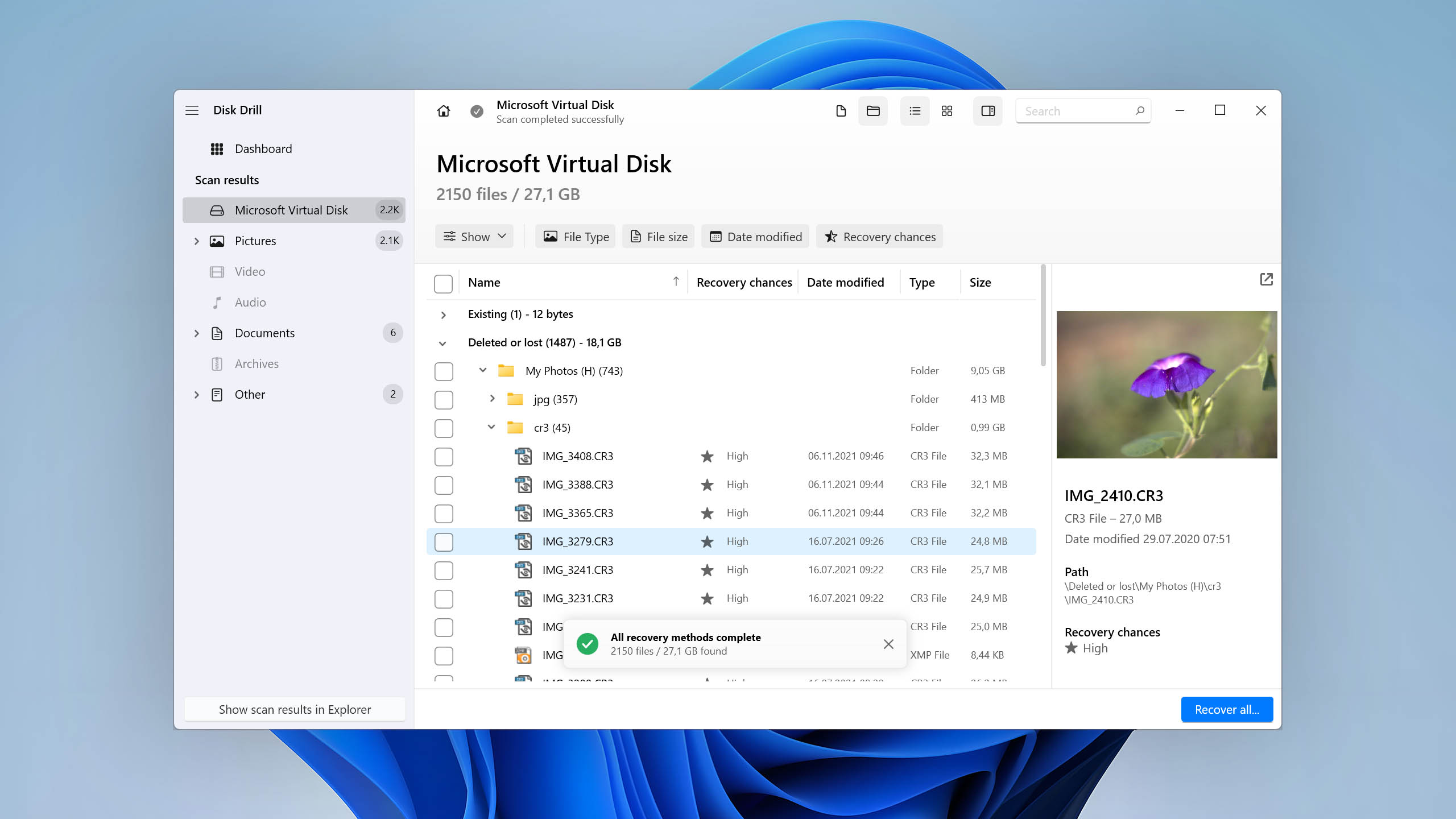
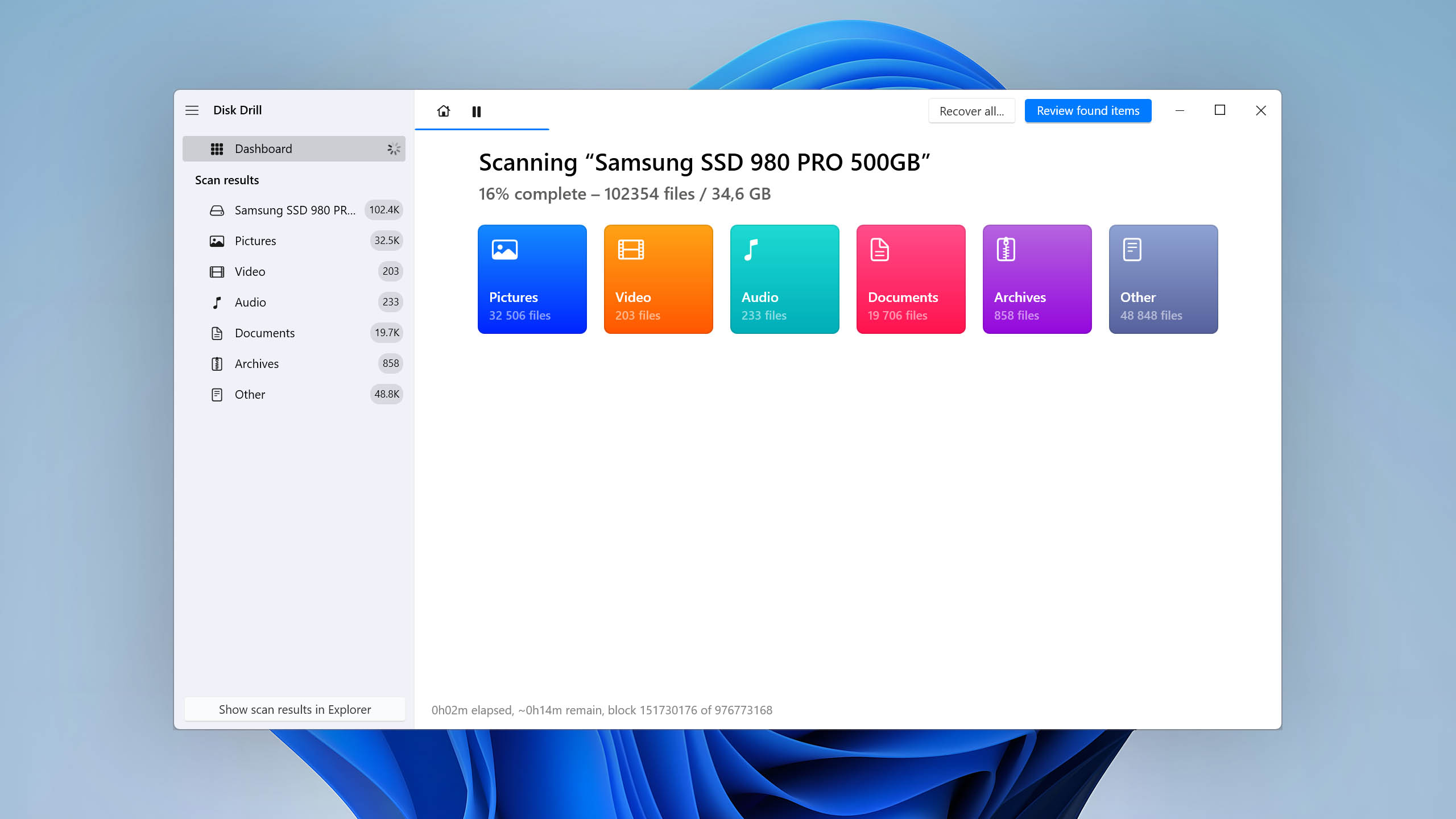
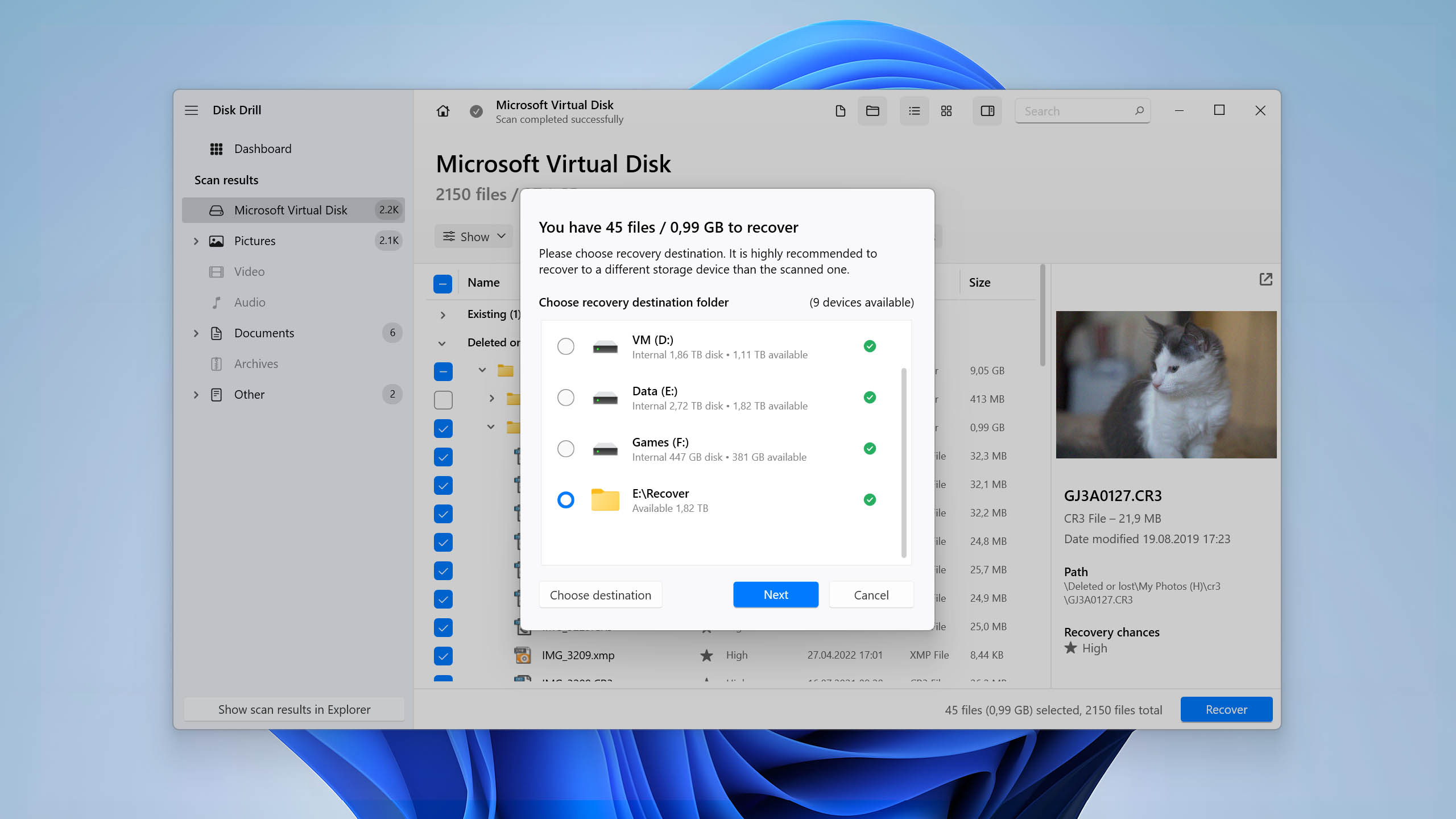
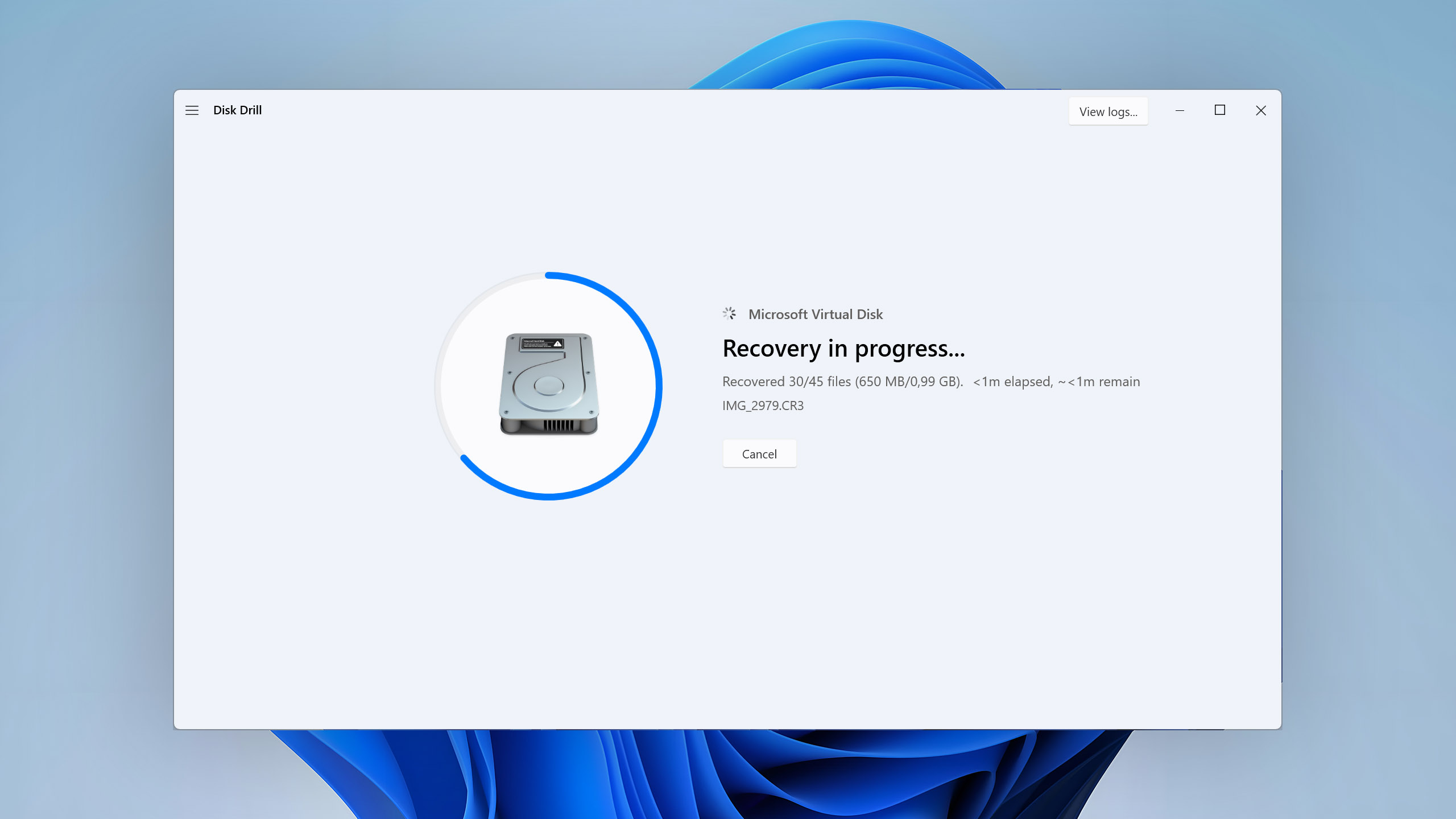
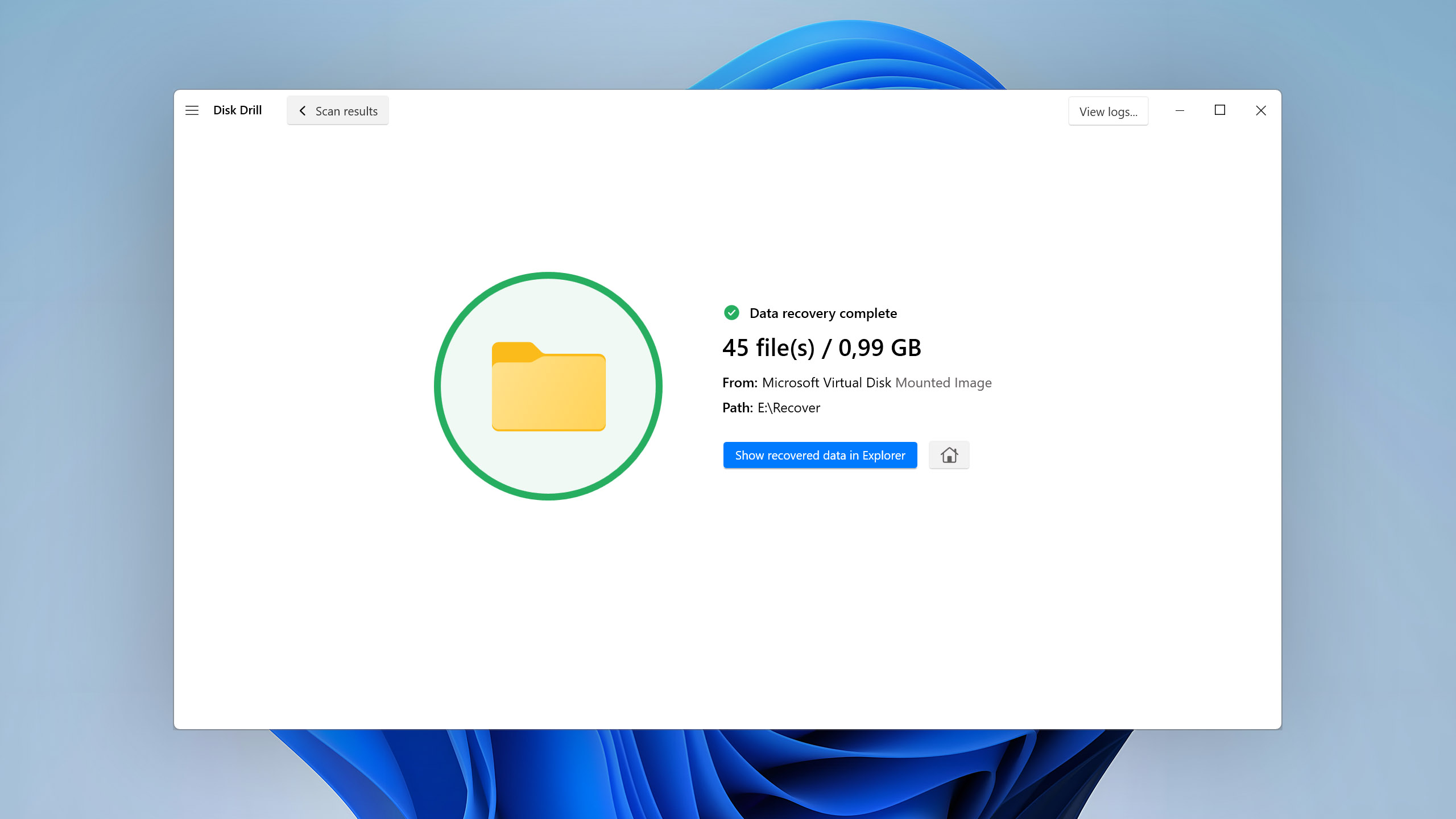
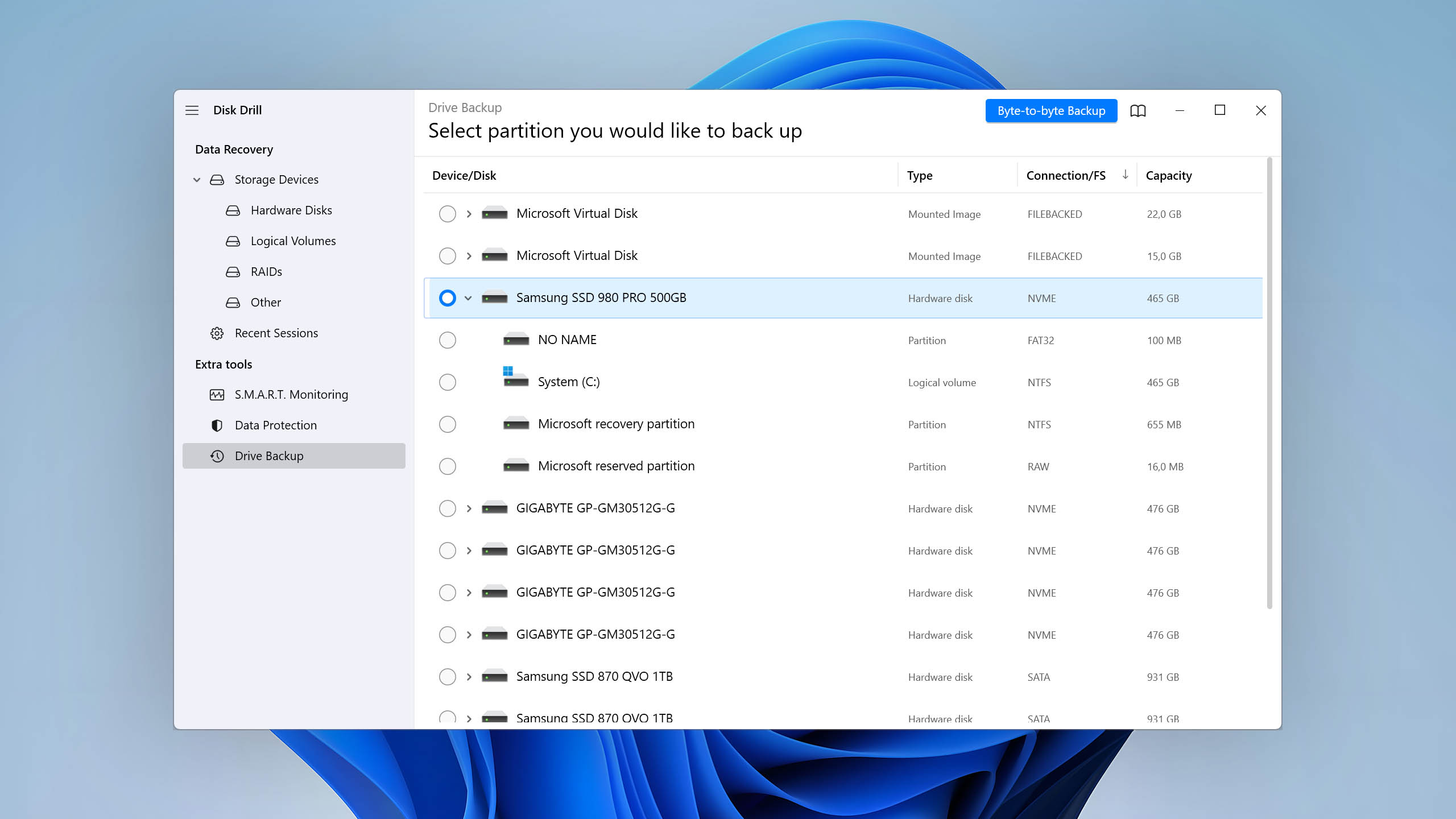
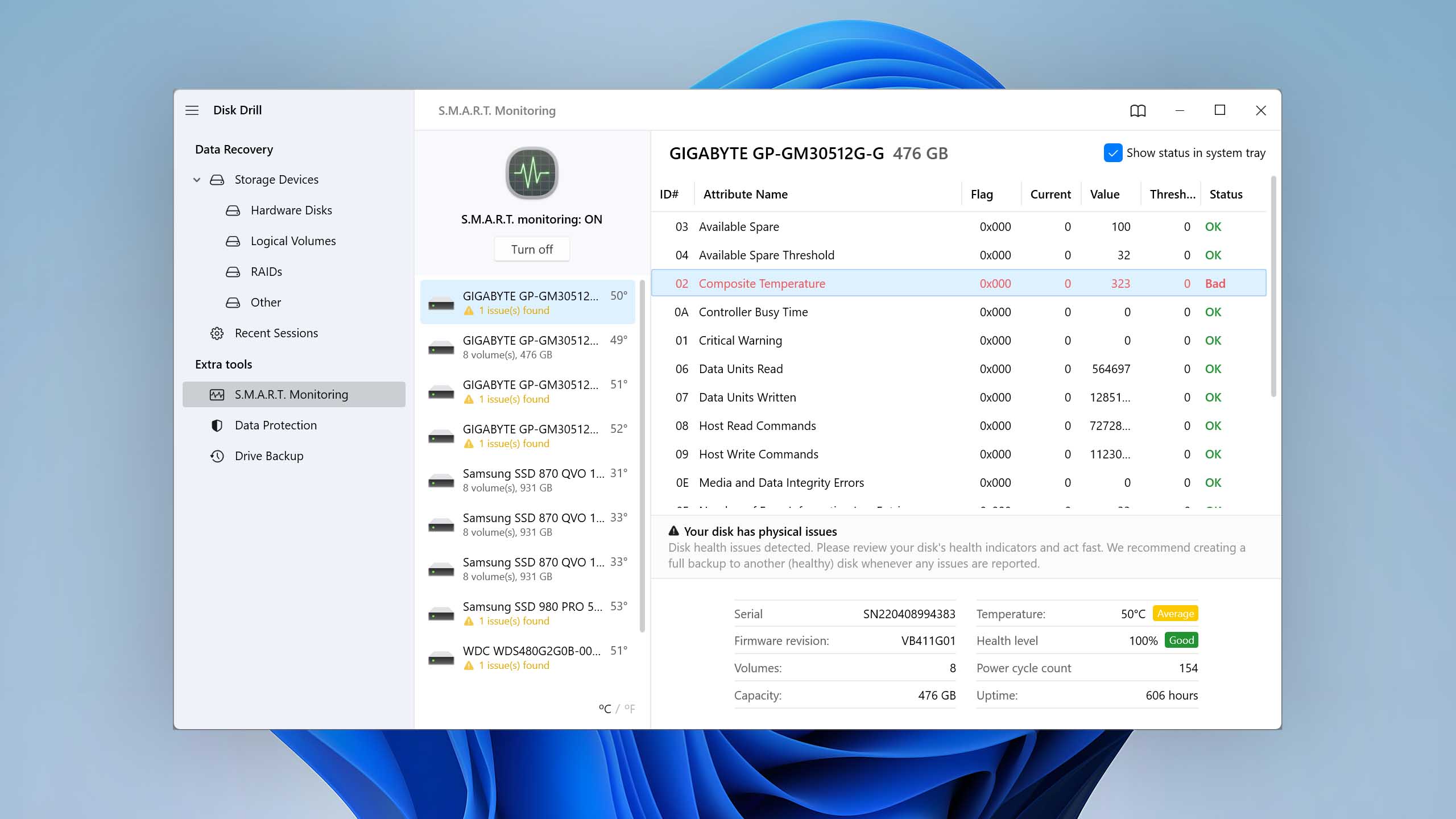
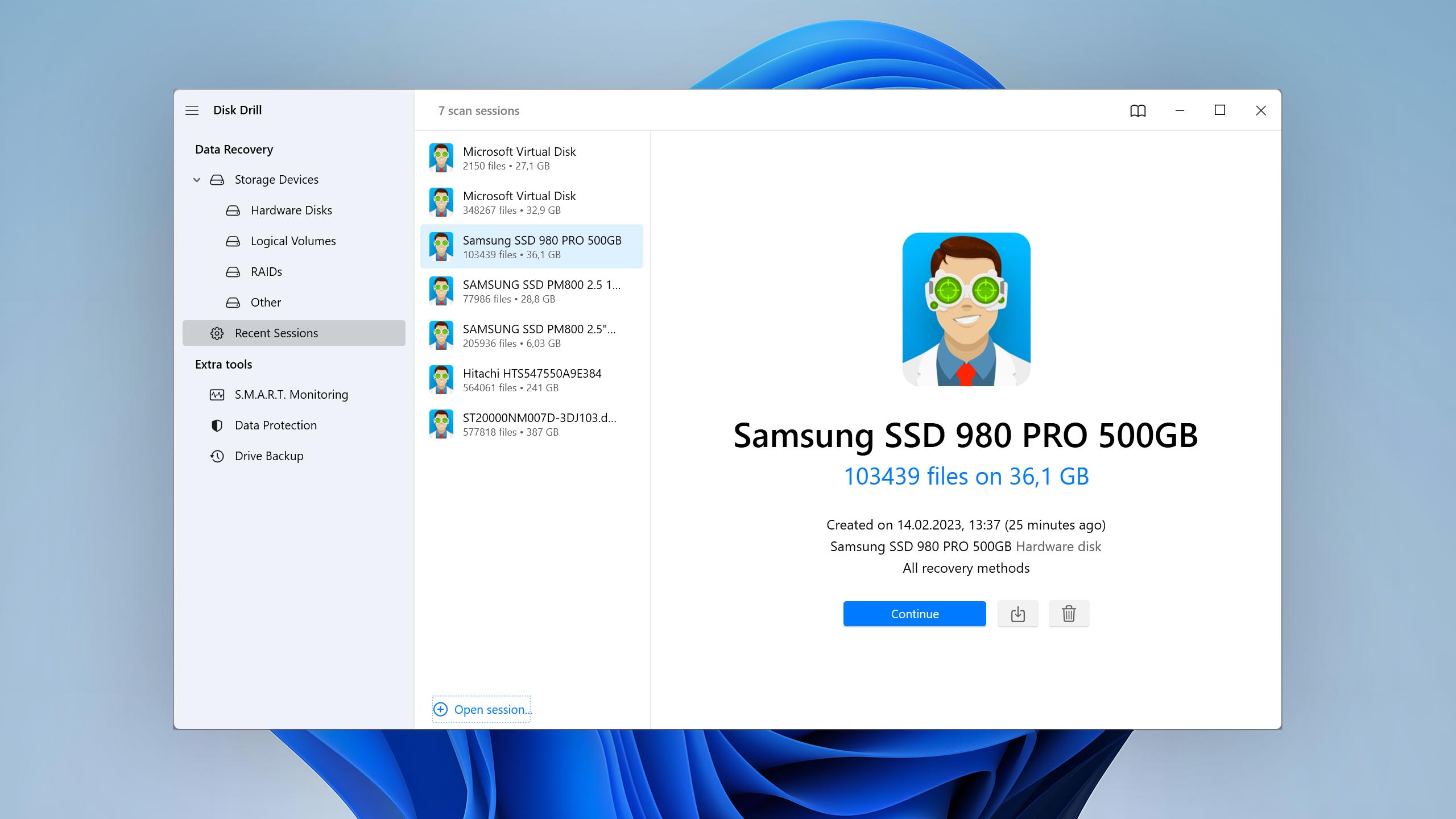
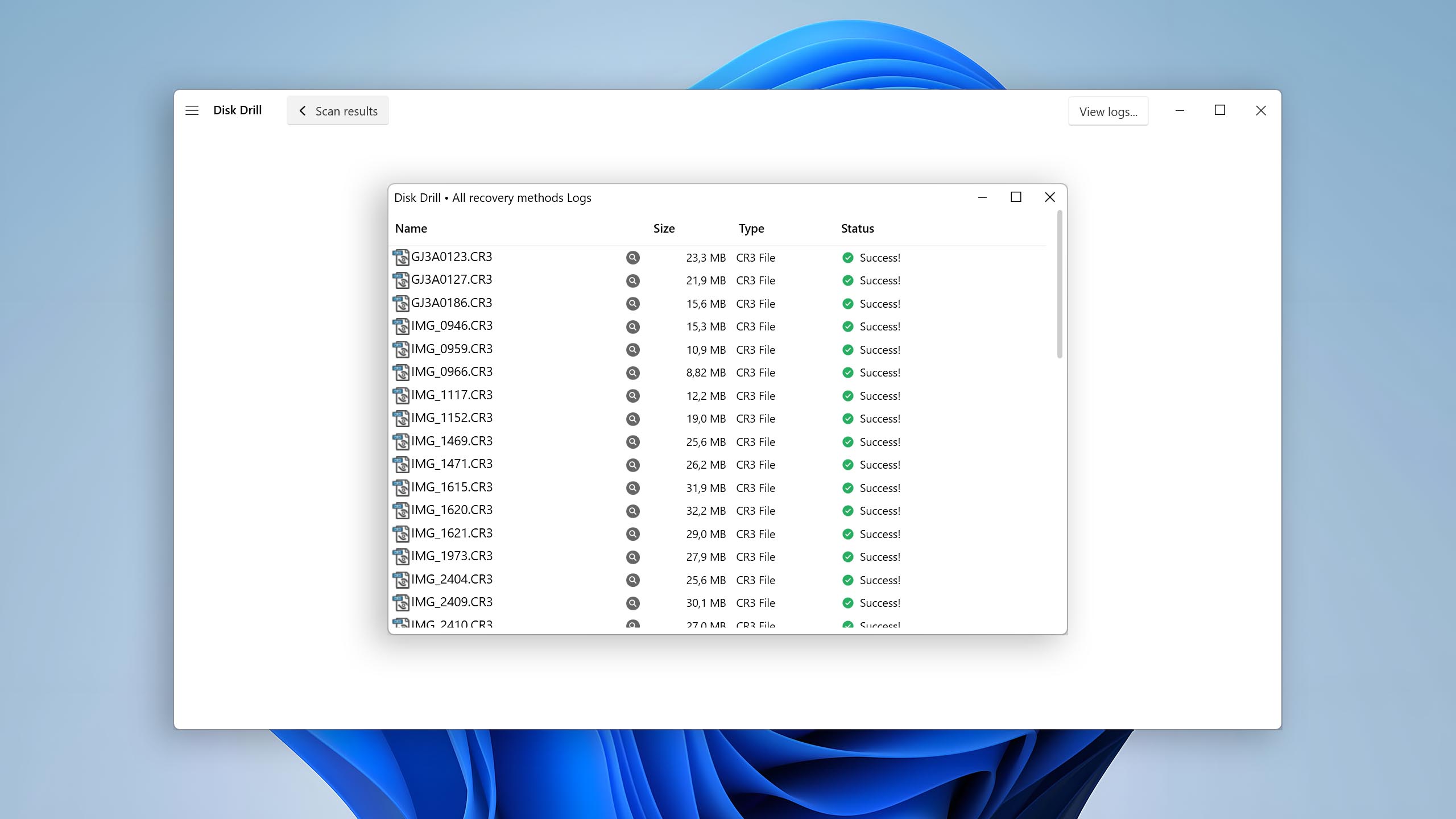
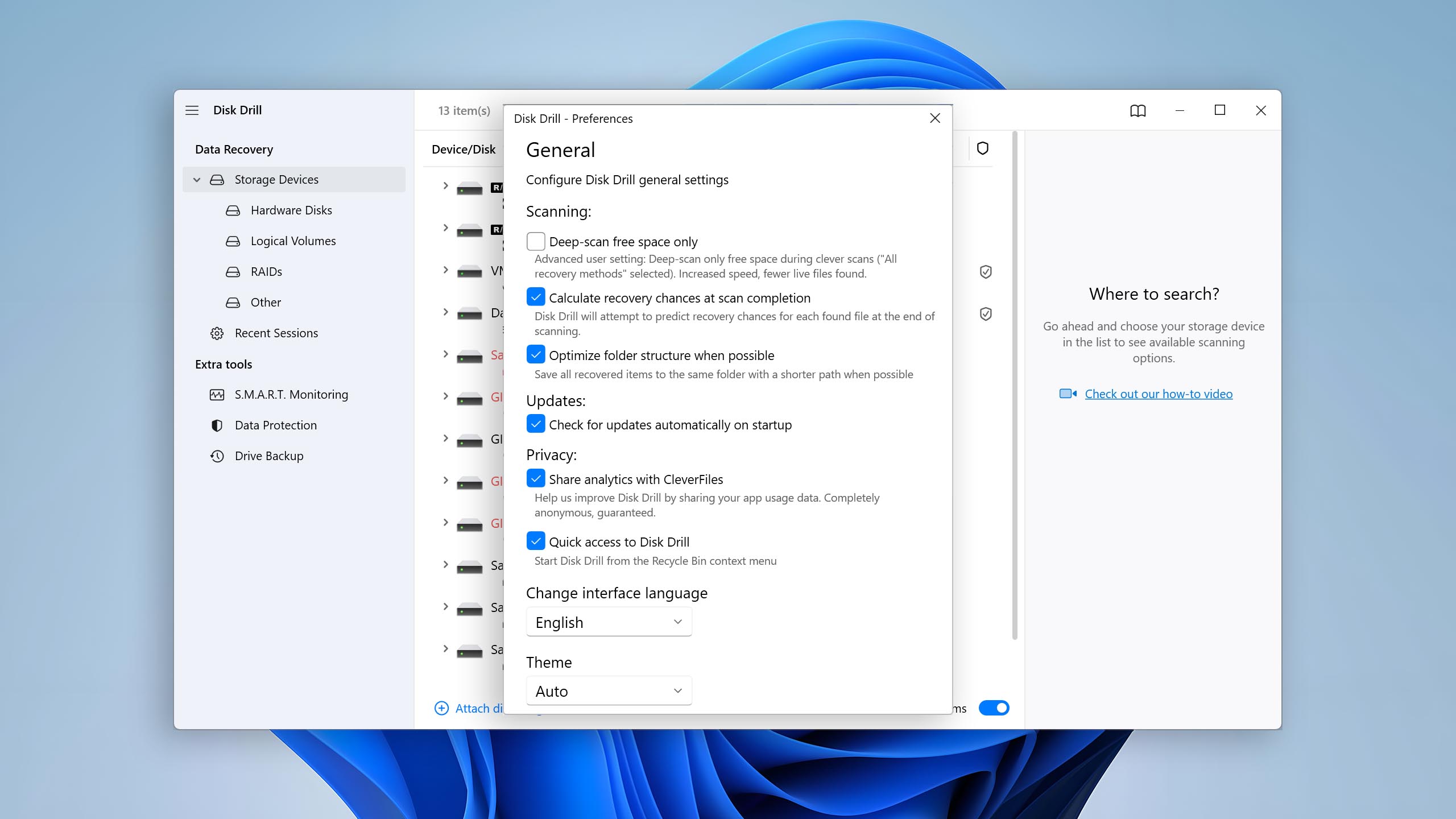
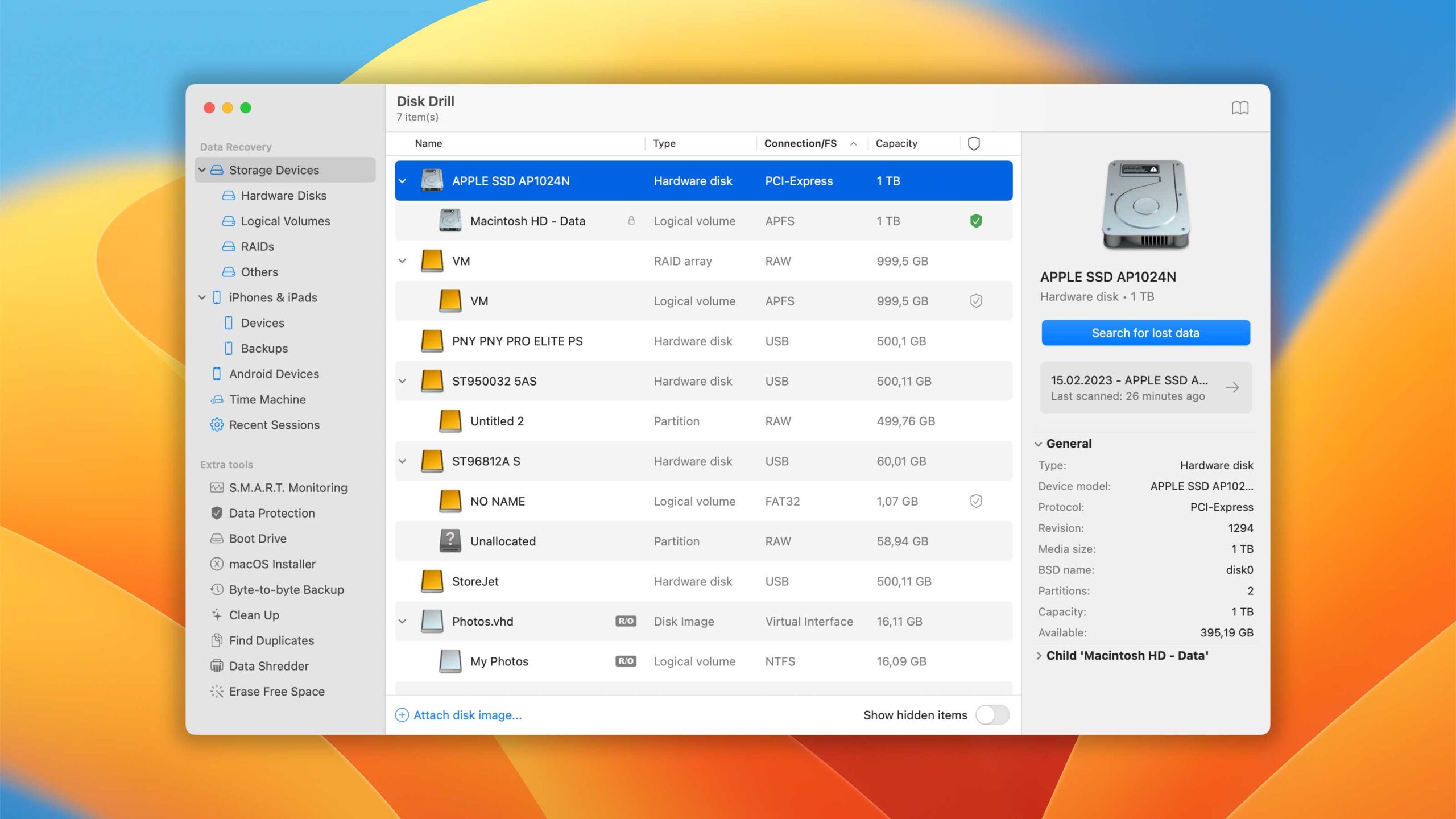
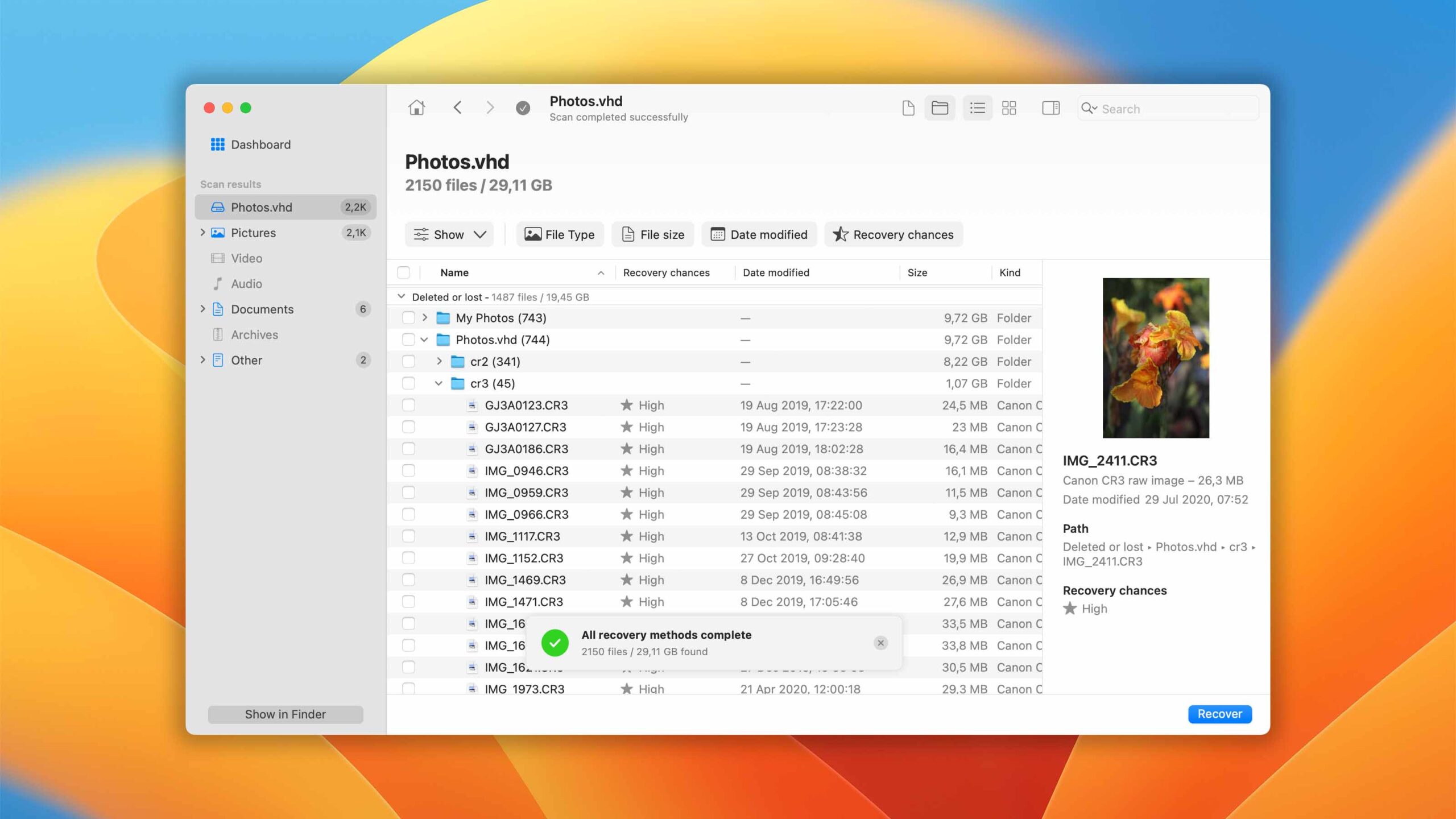
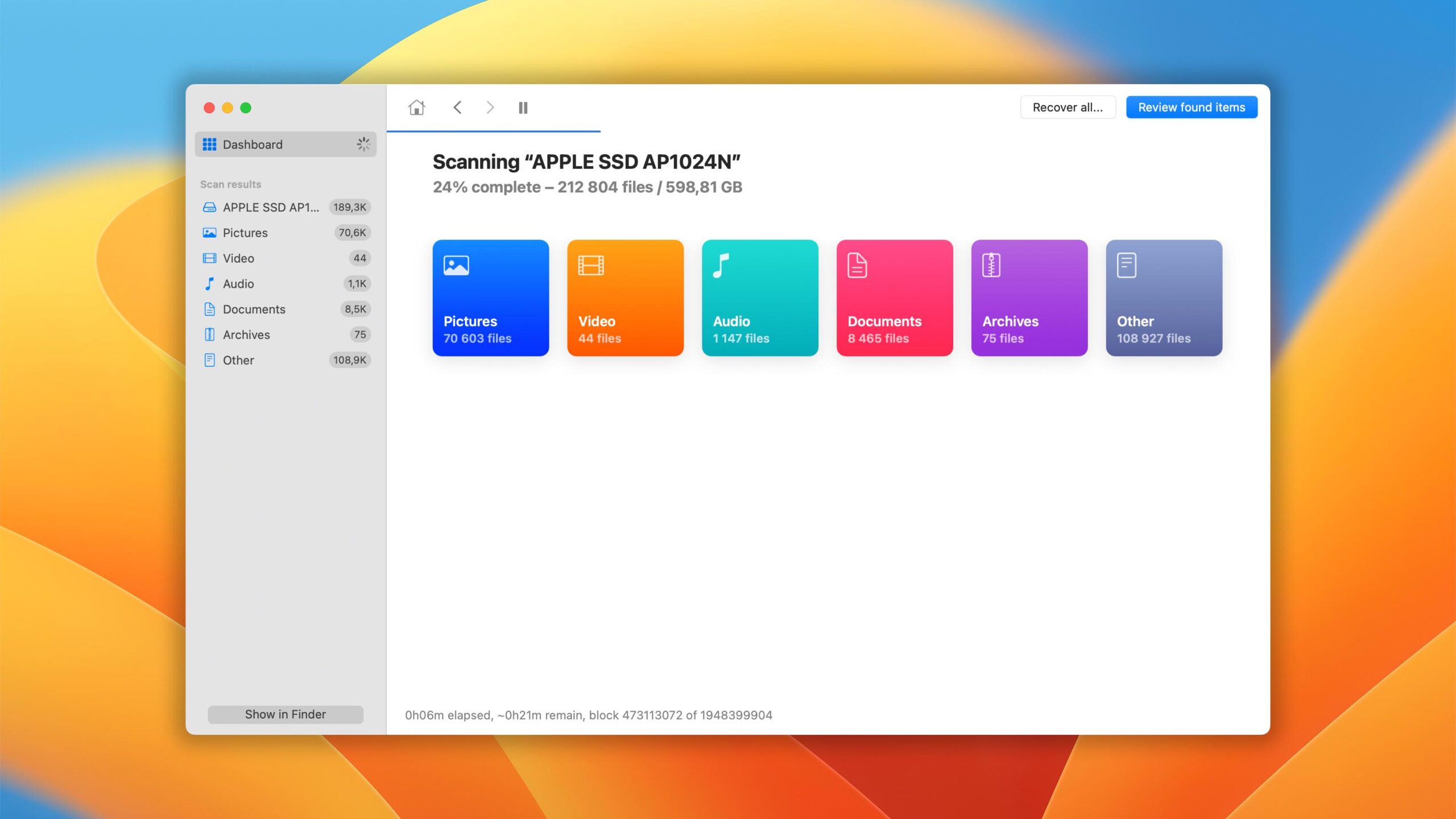
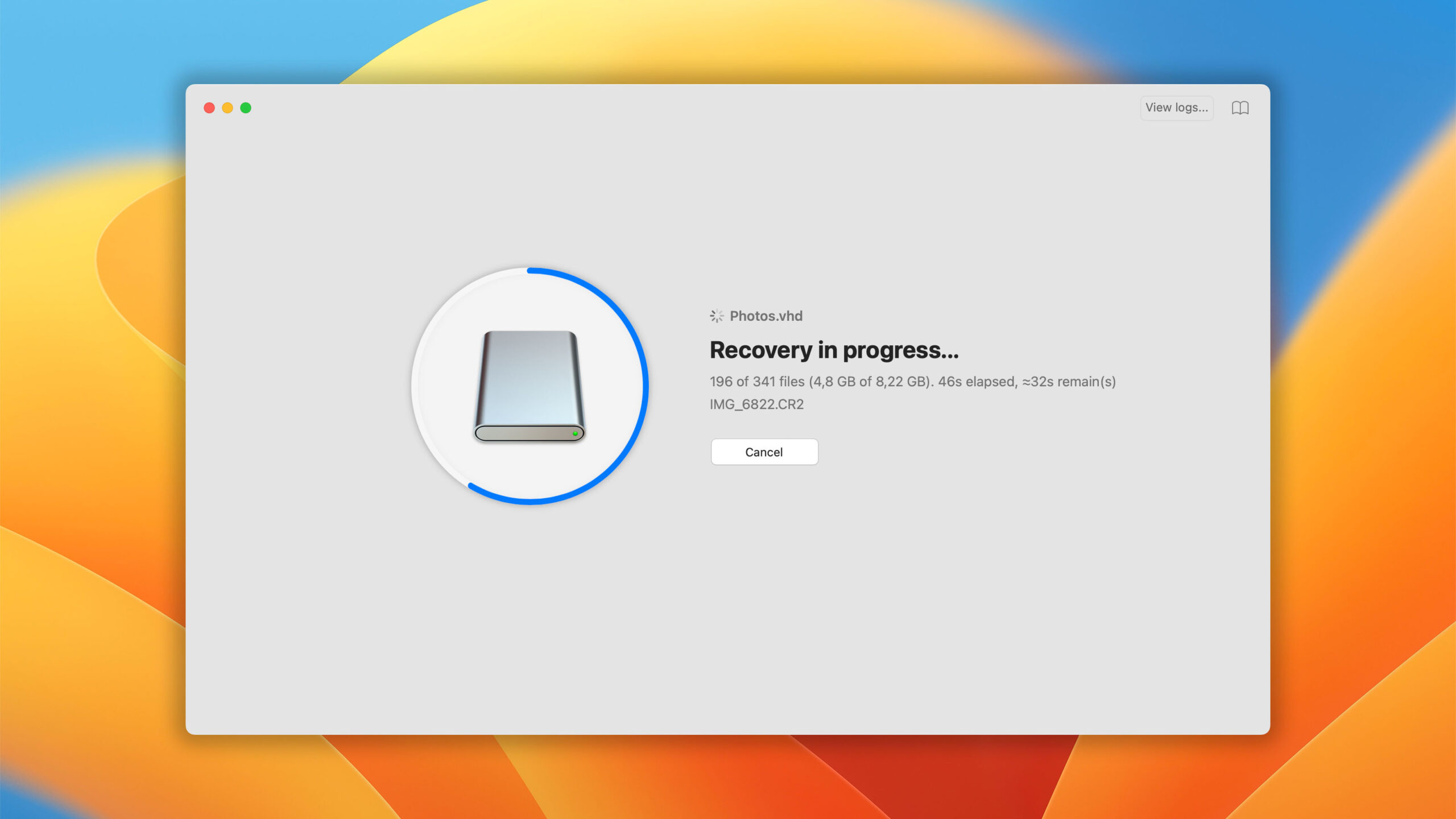
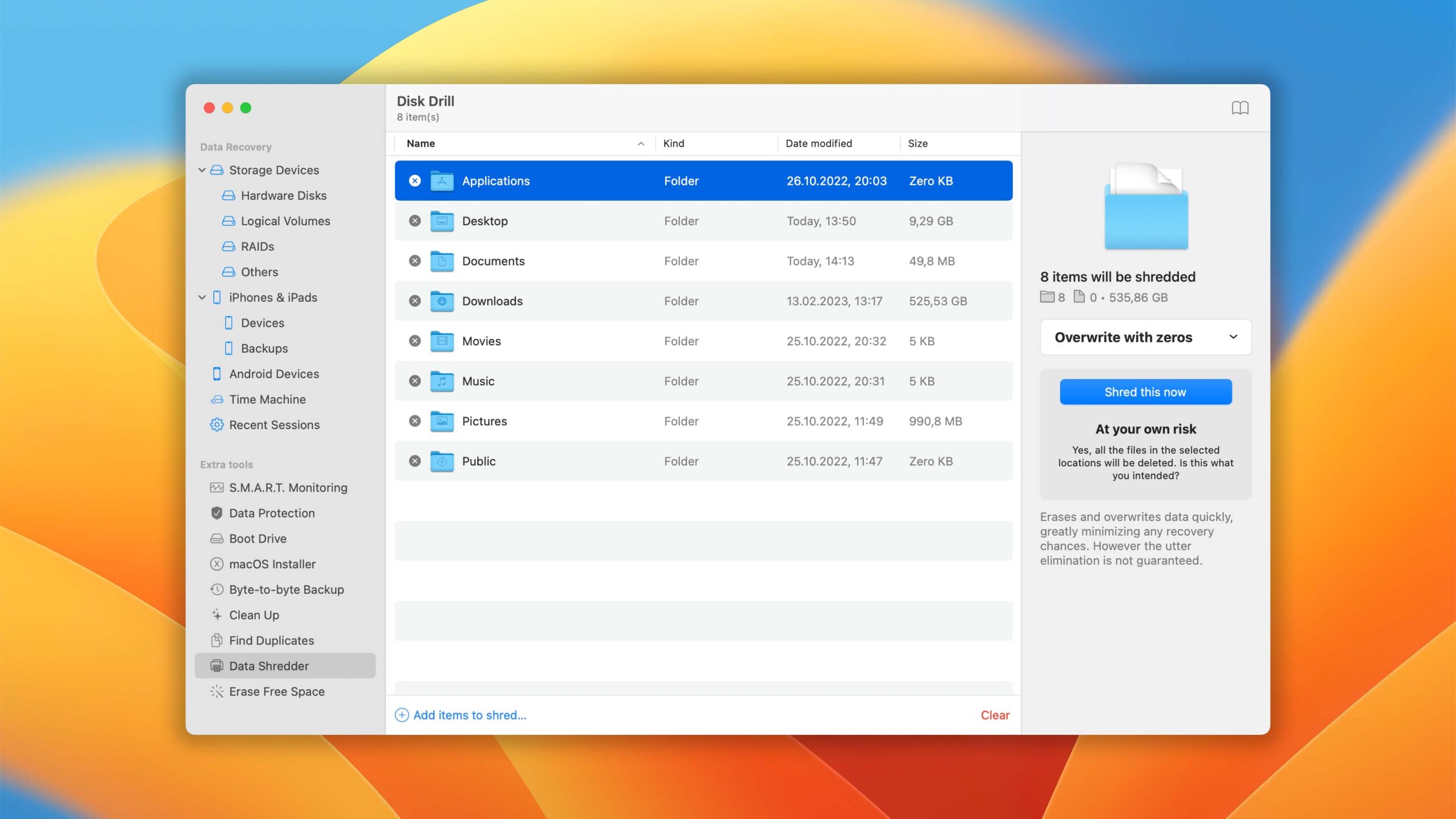
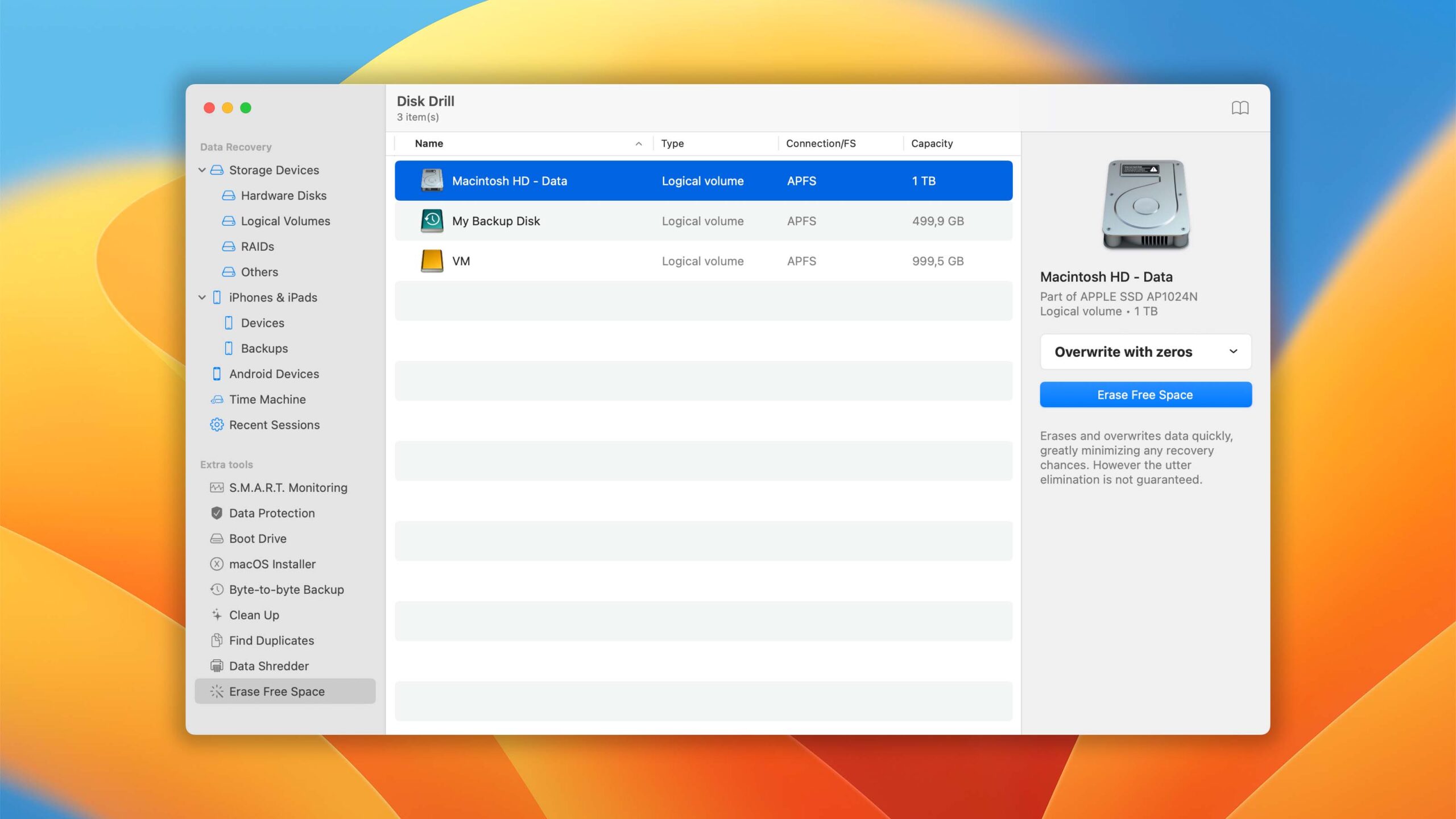
The Windows version of Disk Drill empowers regular users to reliably recover all kinds of lost data with a few simple clicks. Read full review
Read full review3.97
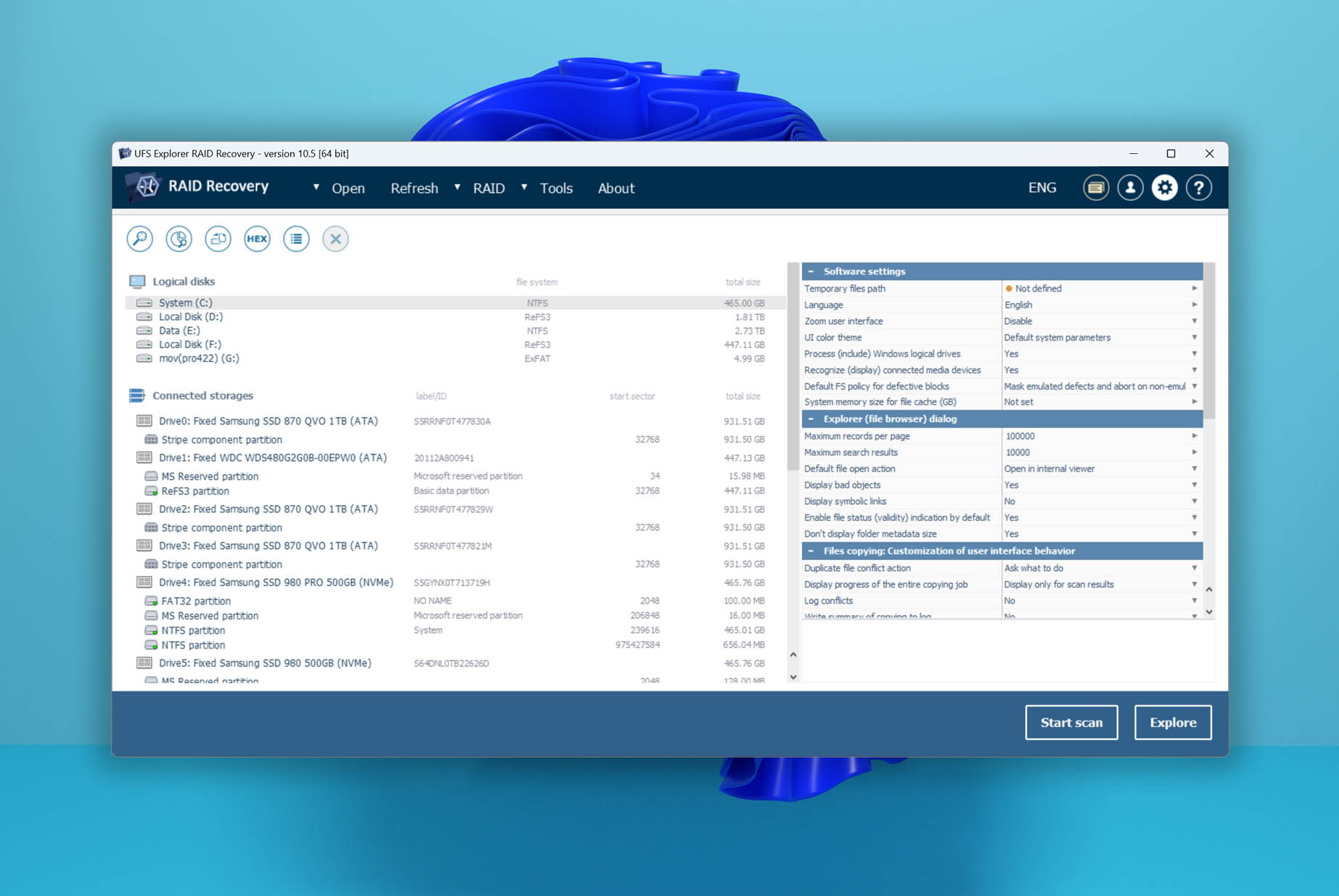
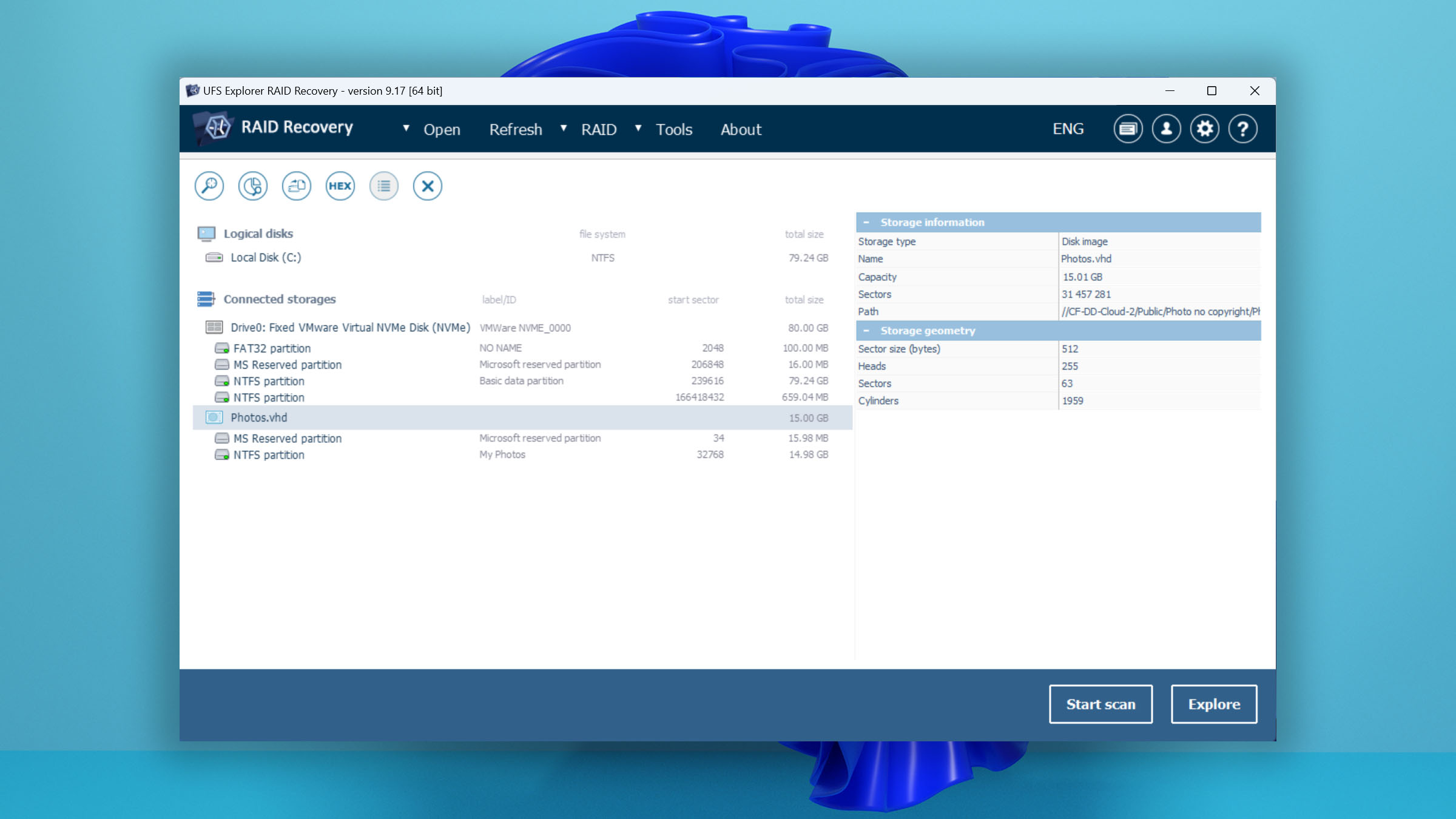
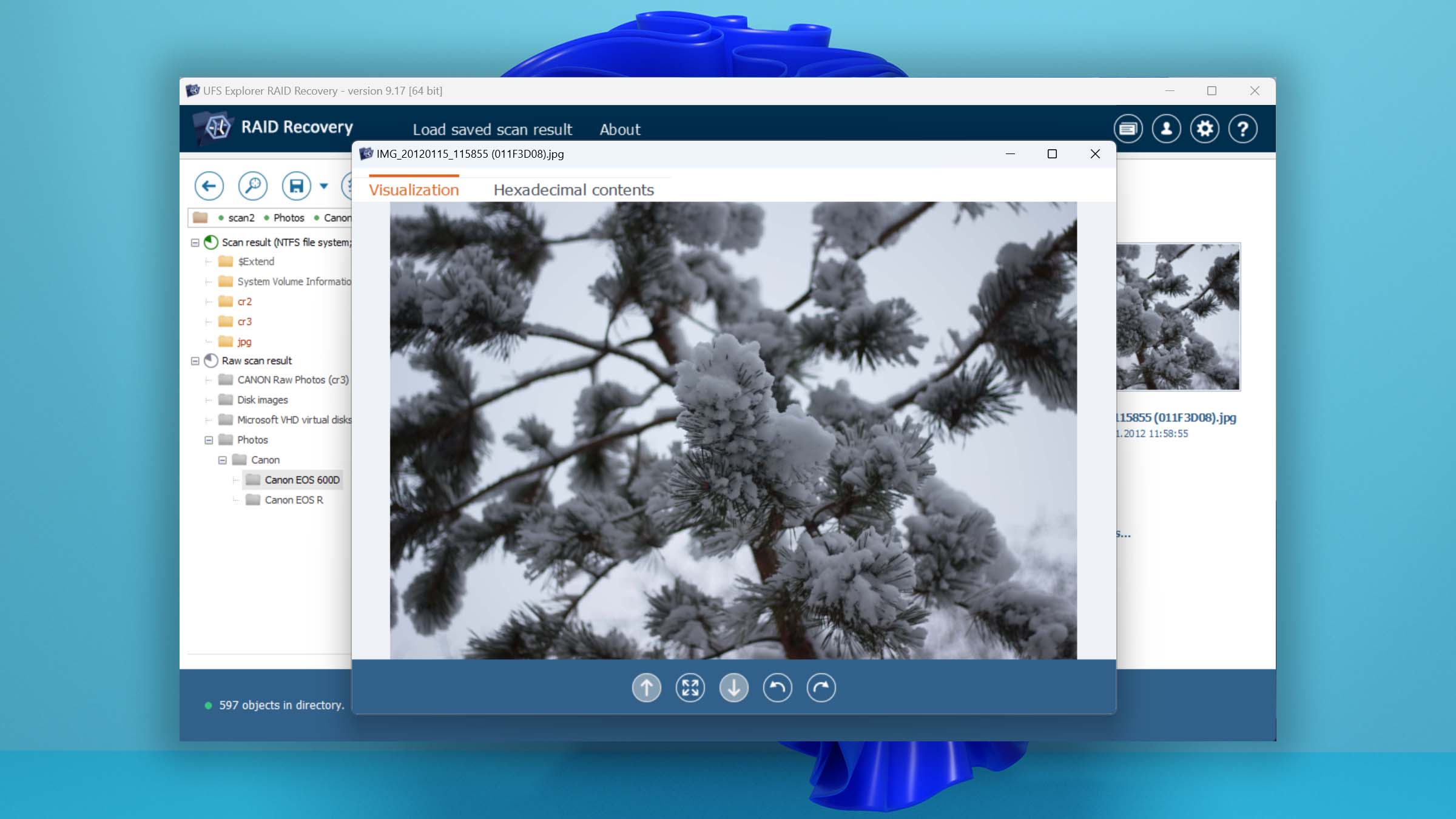
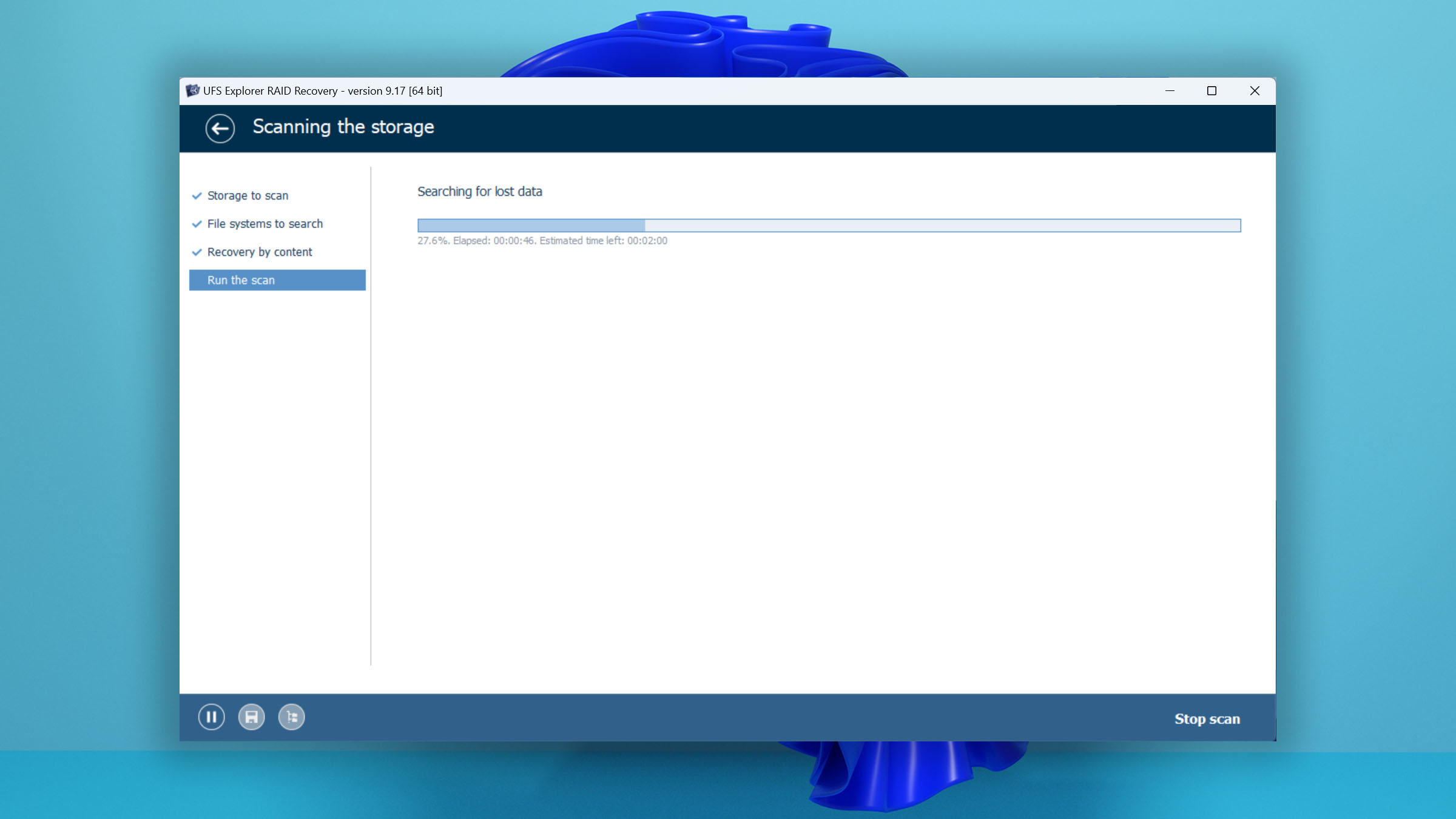
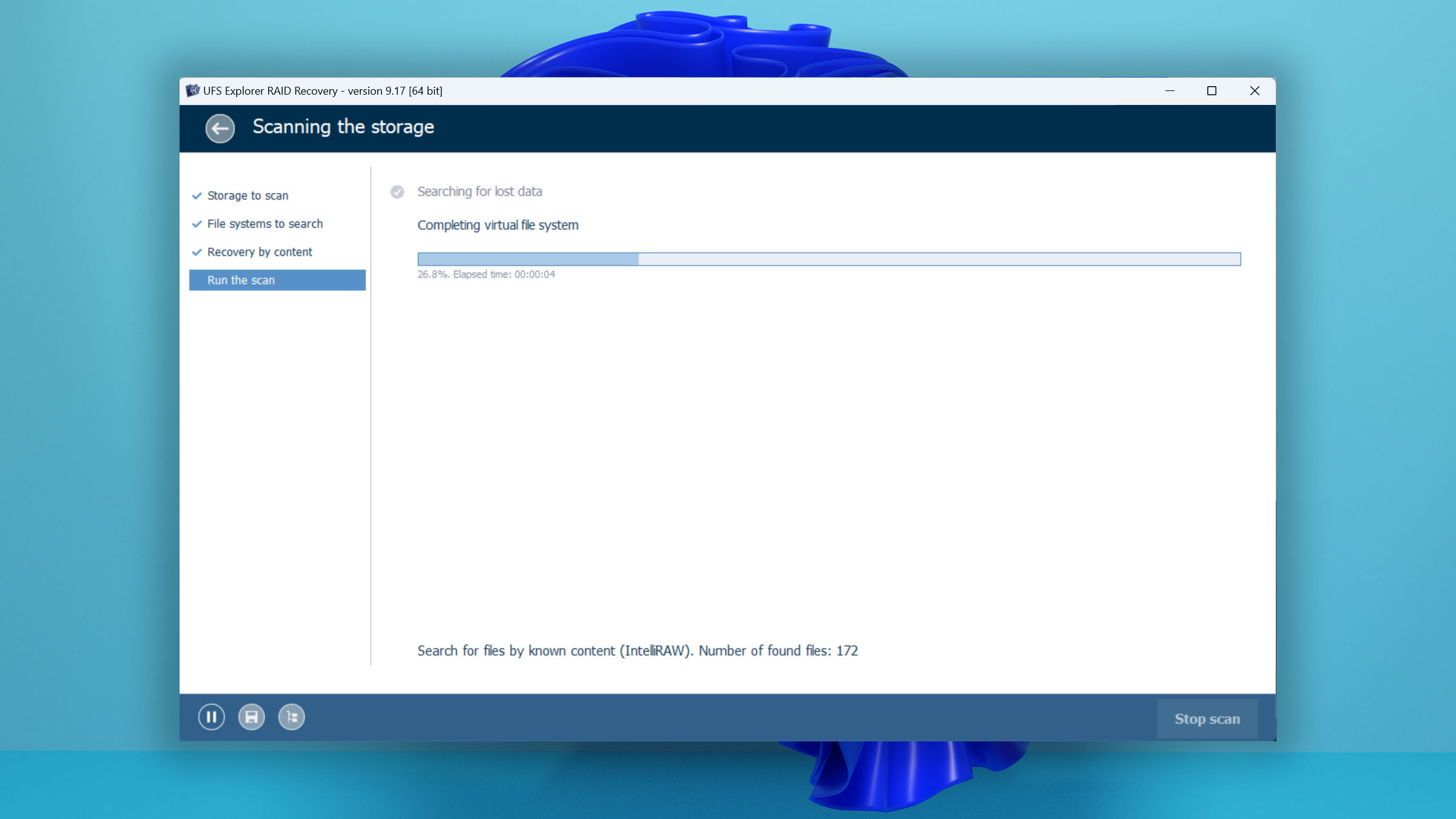
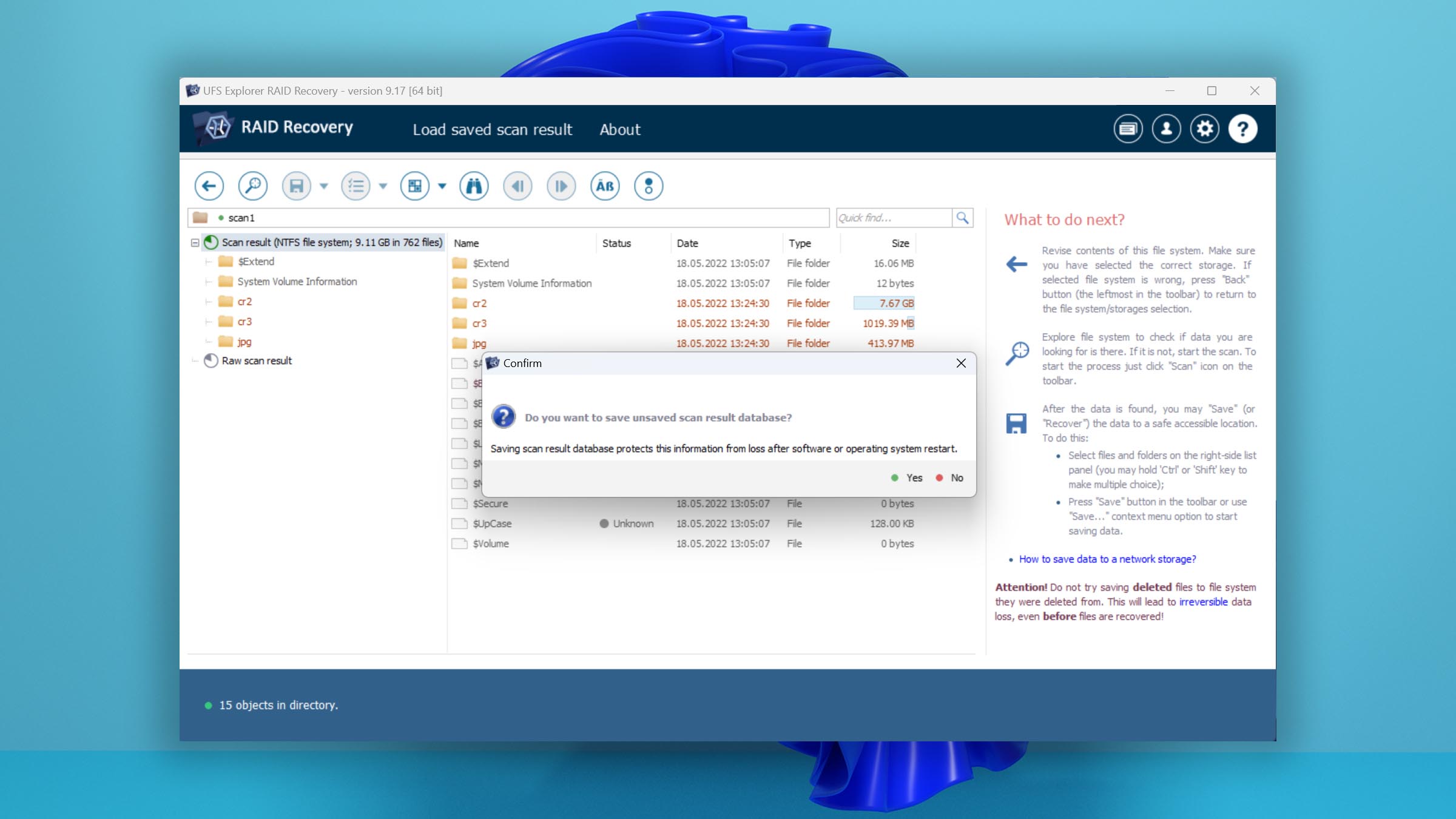
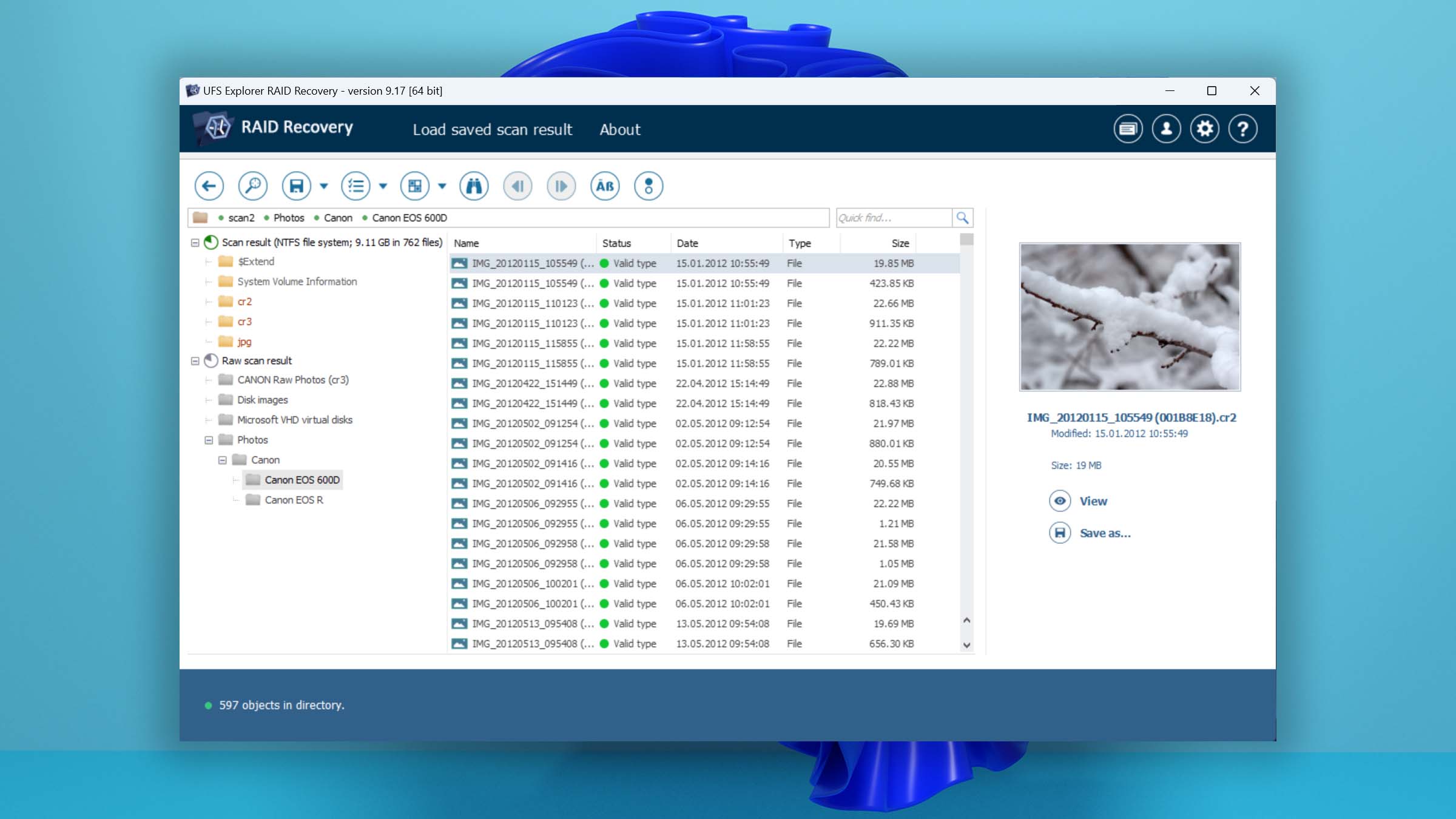
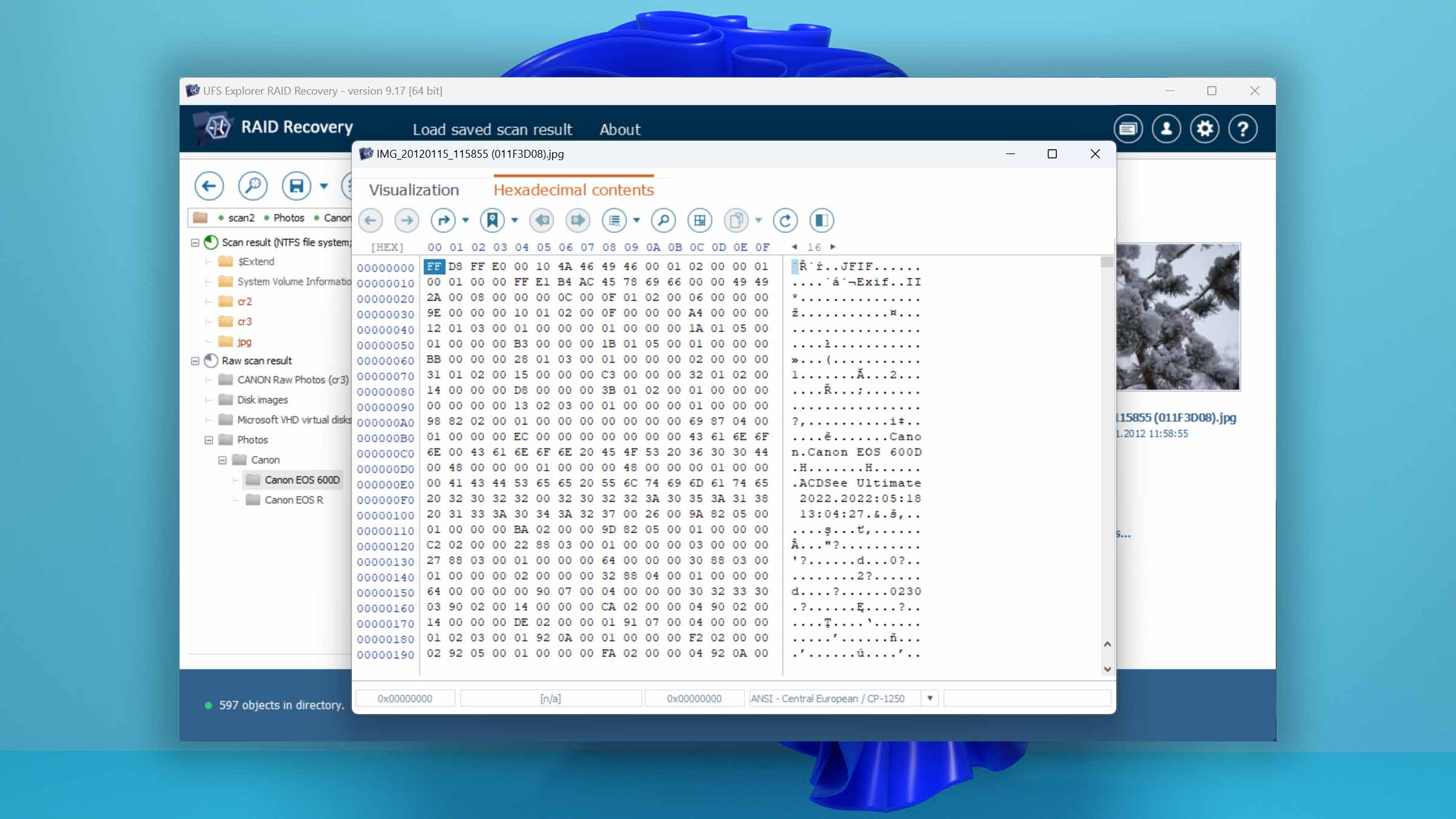
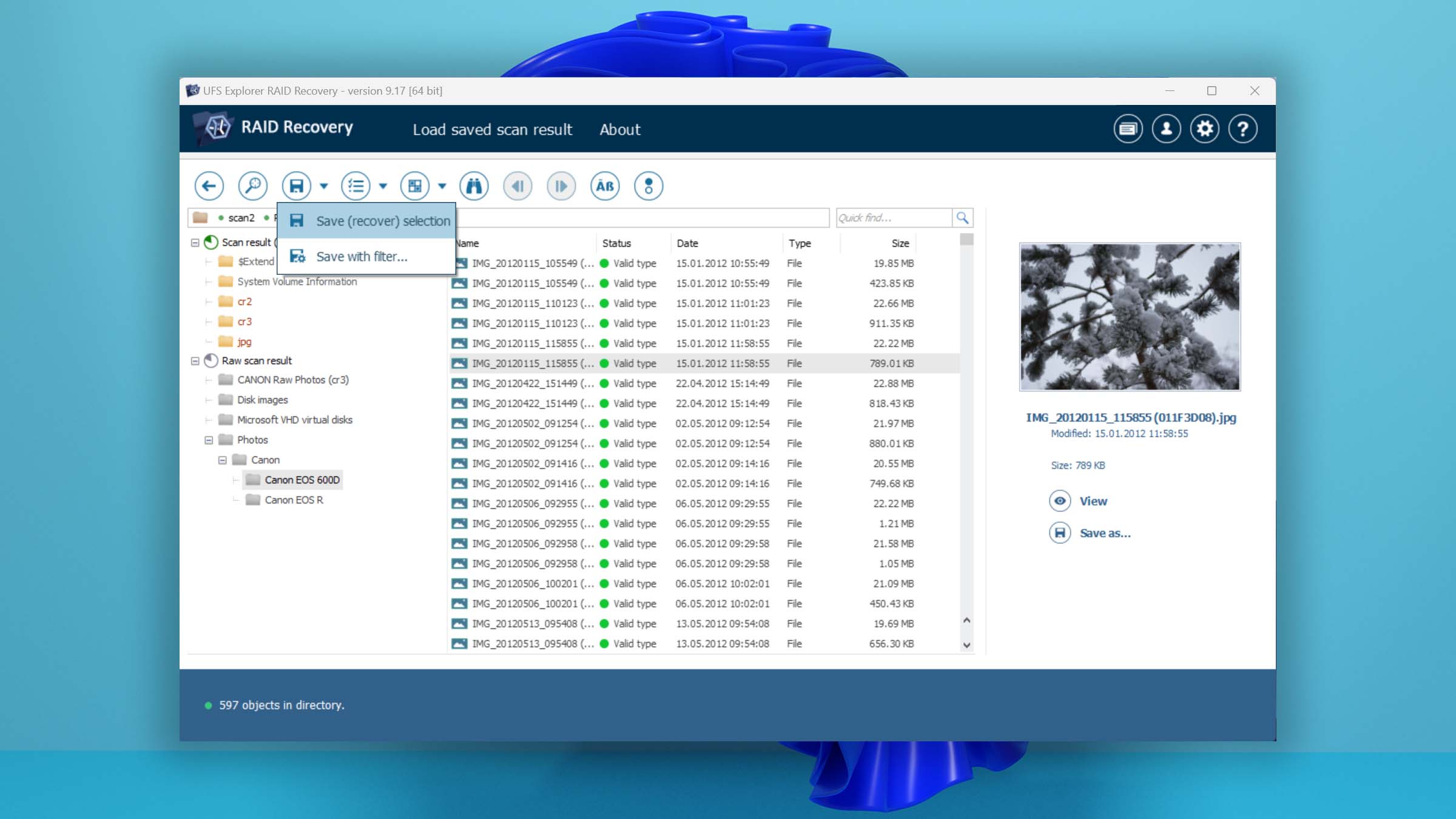
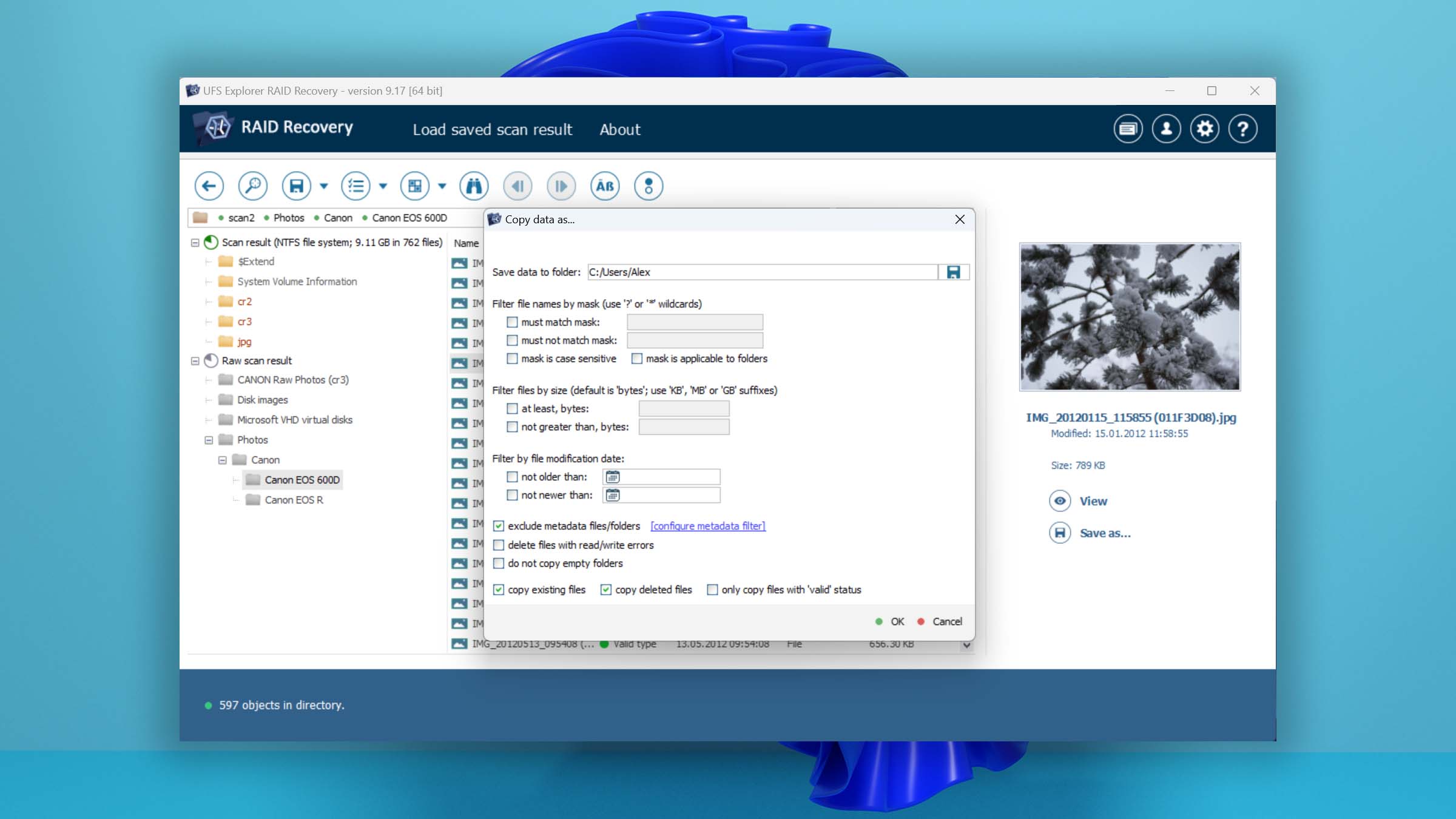
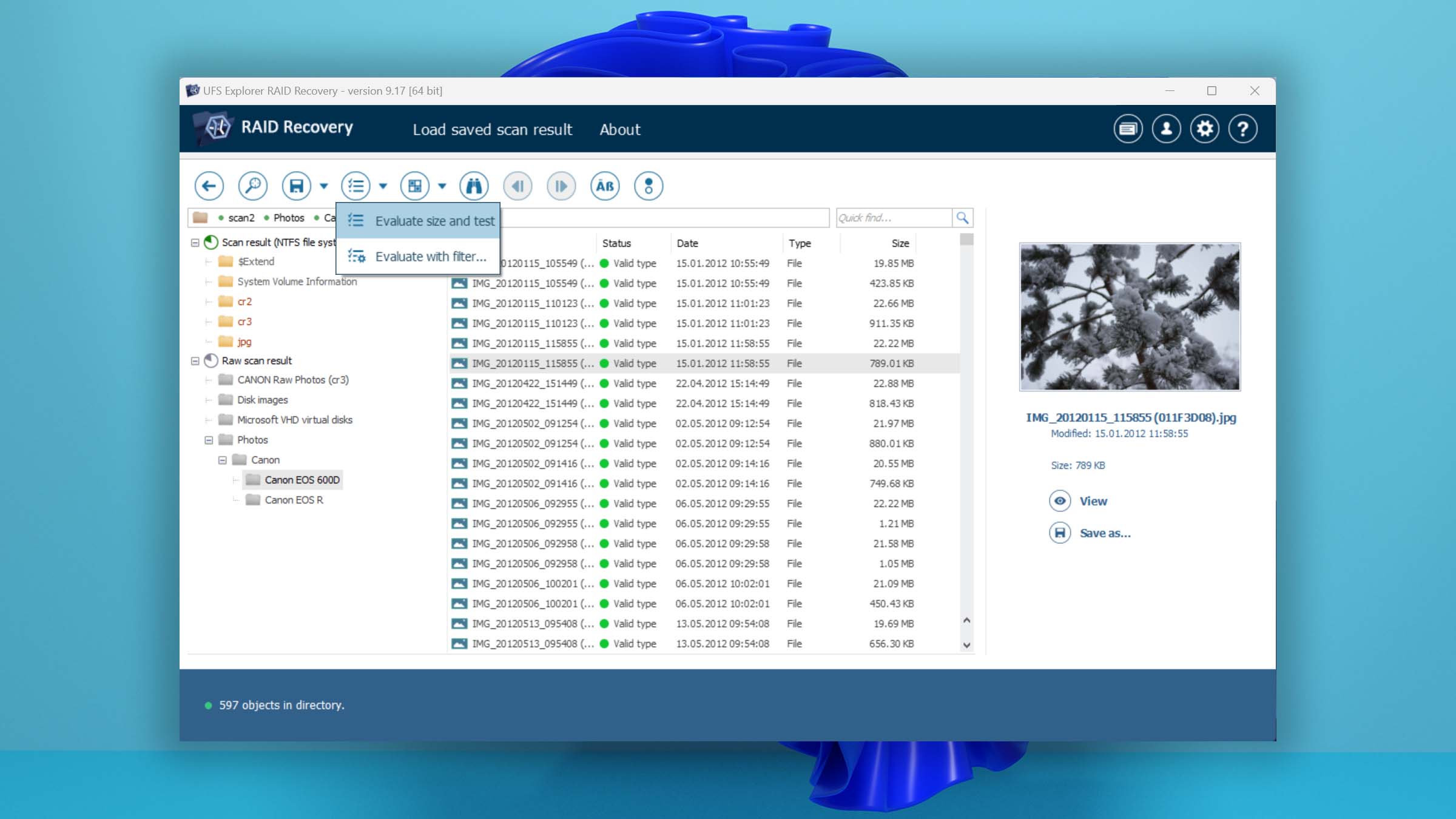
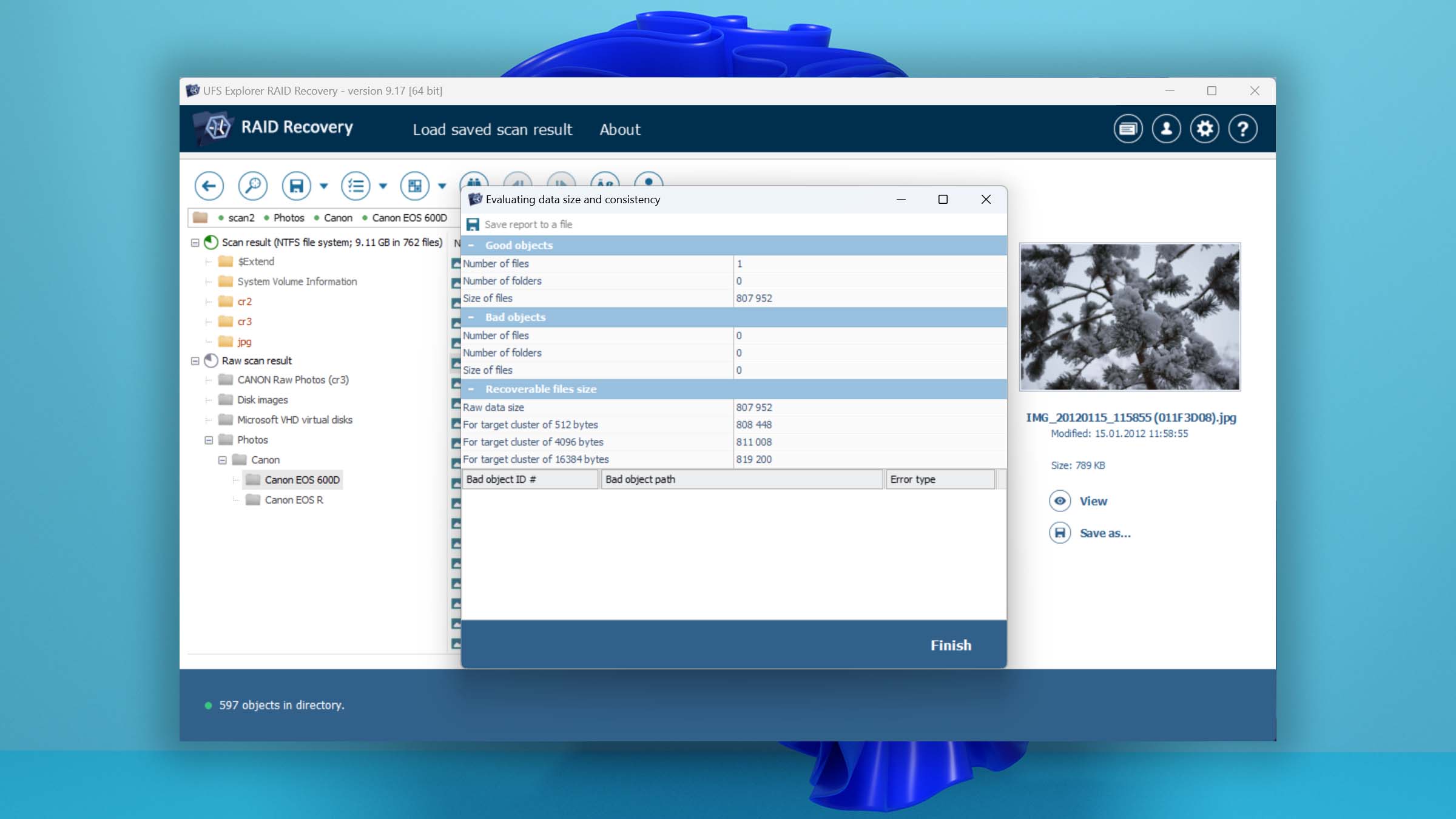
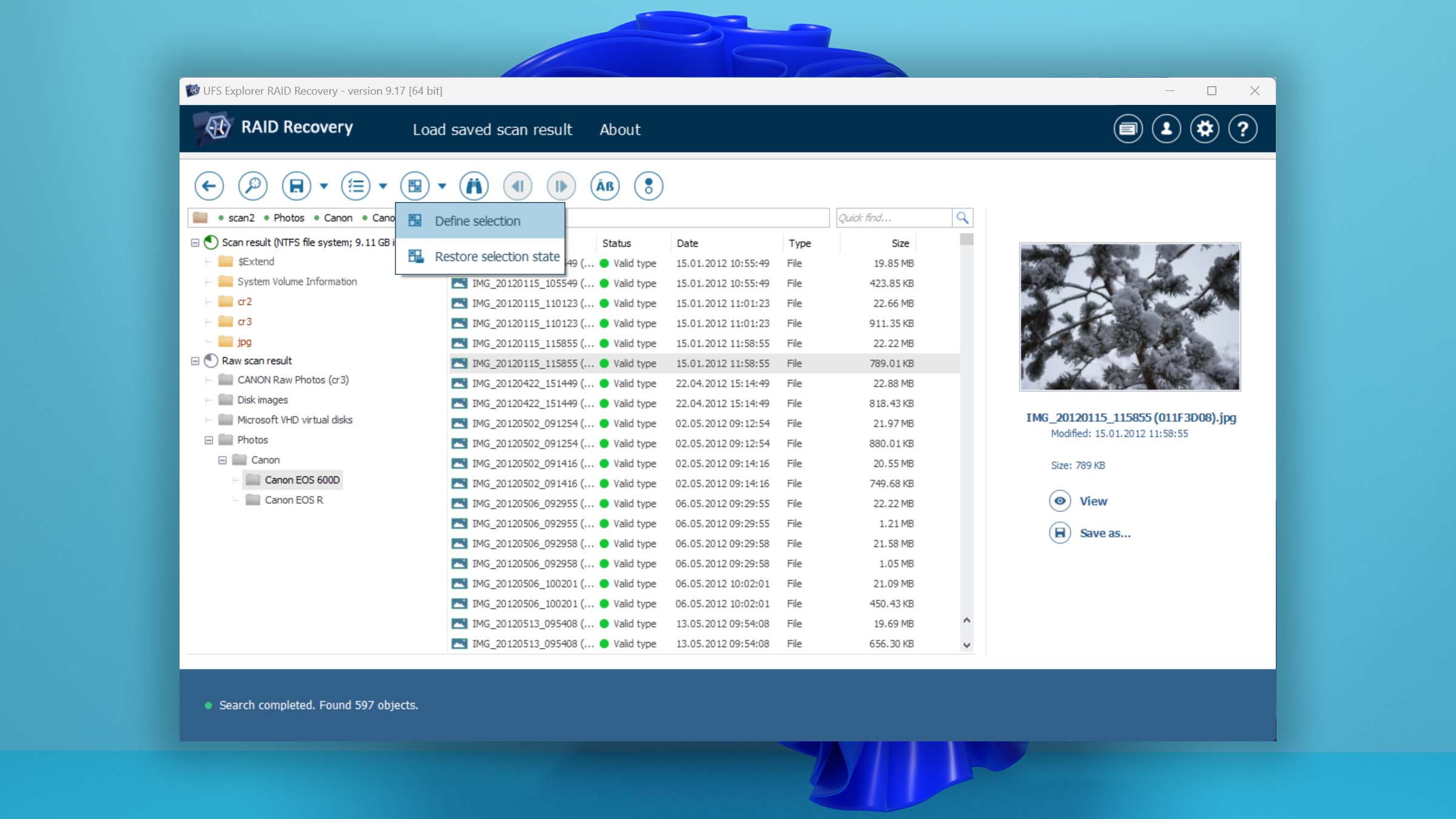
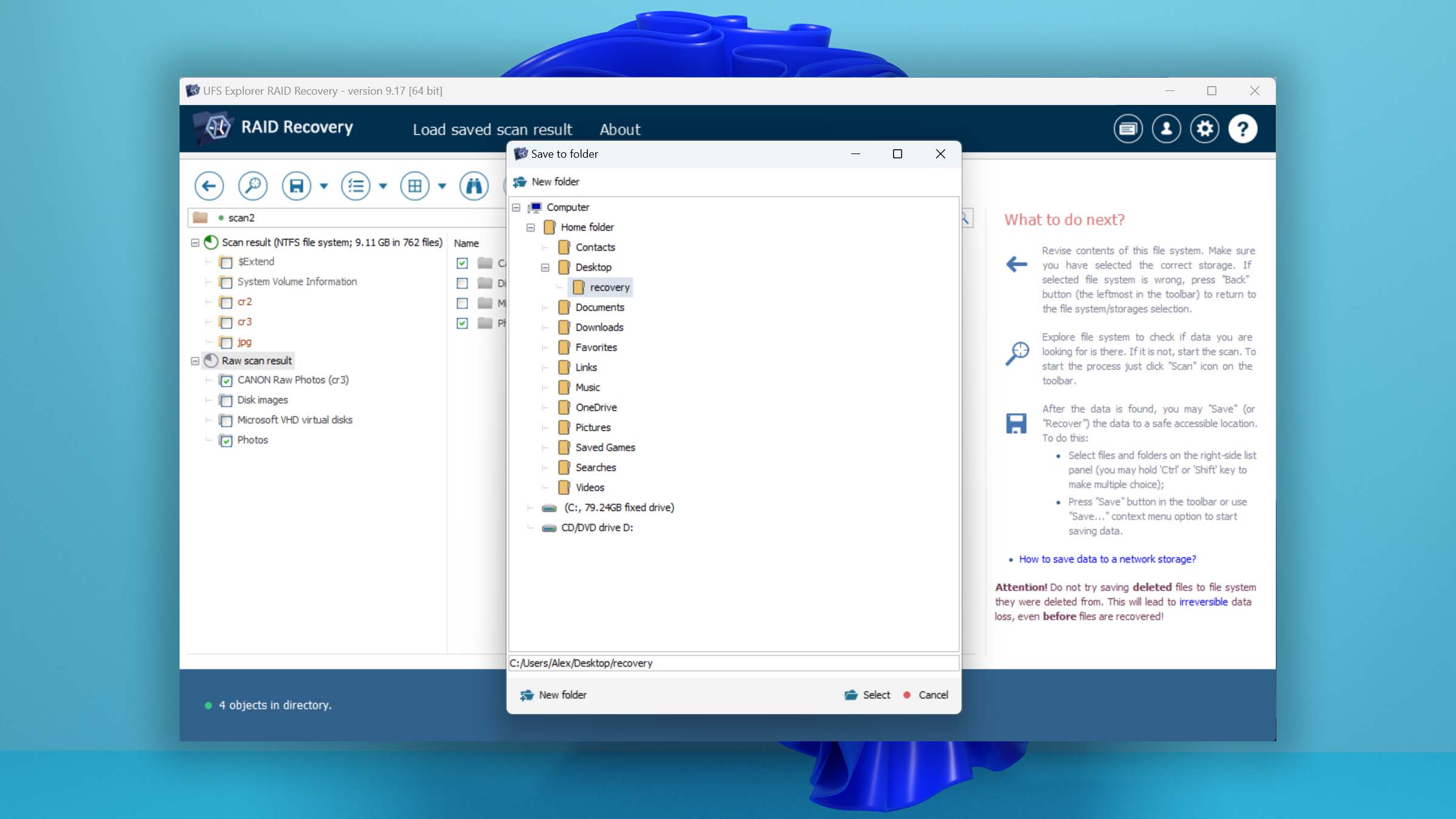
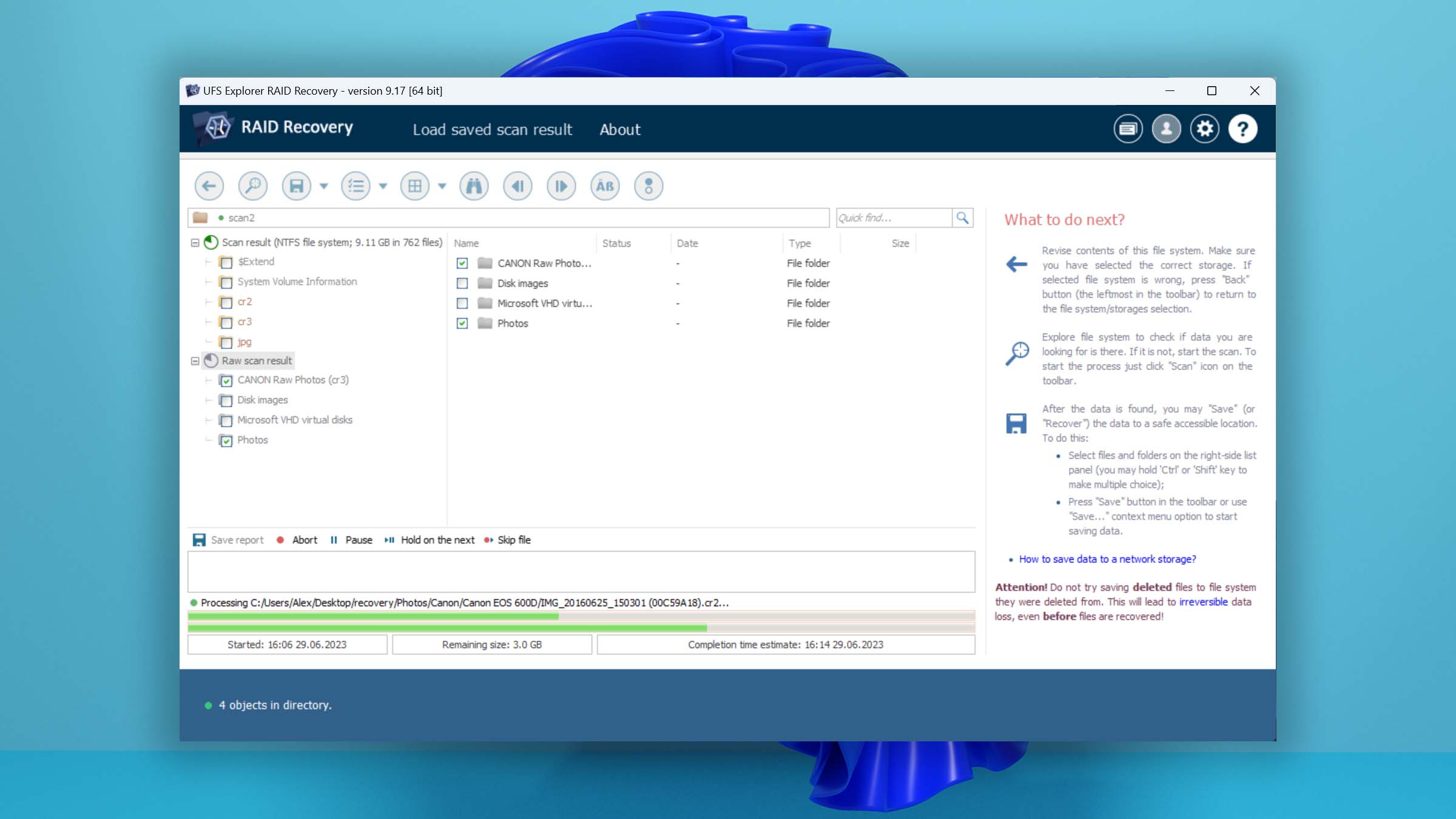
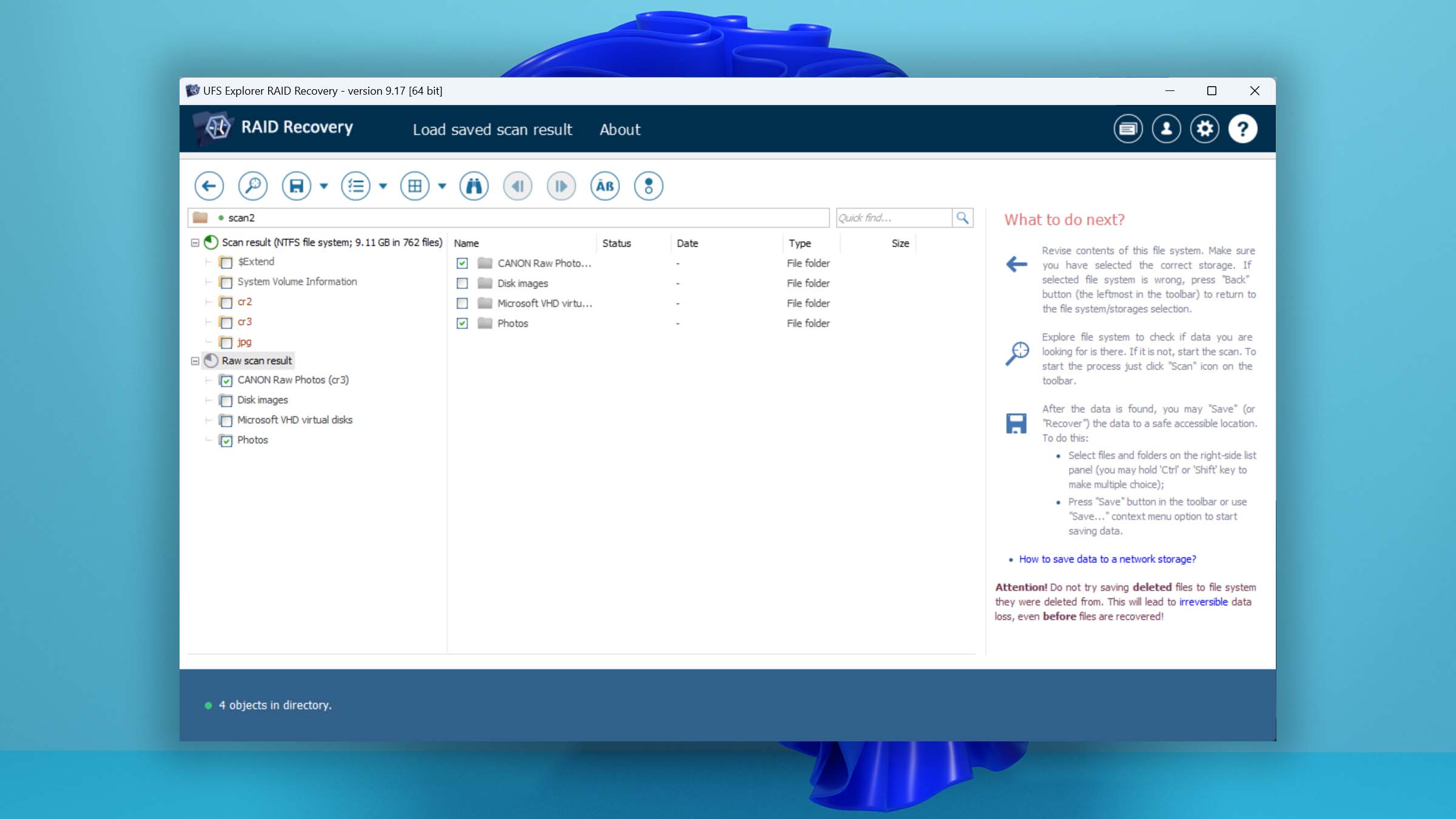
Despite its usability concerns, UFS Explorer demonstrates a proficient ability to recover data with great success. Read full review
Read full review3.88
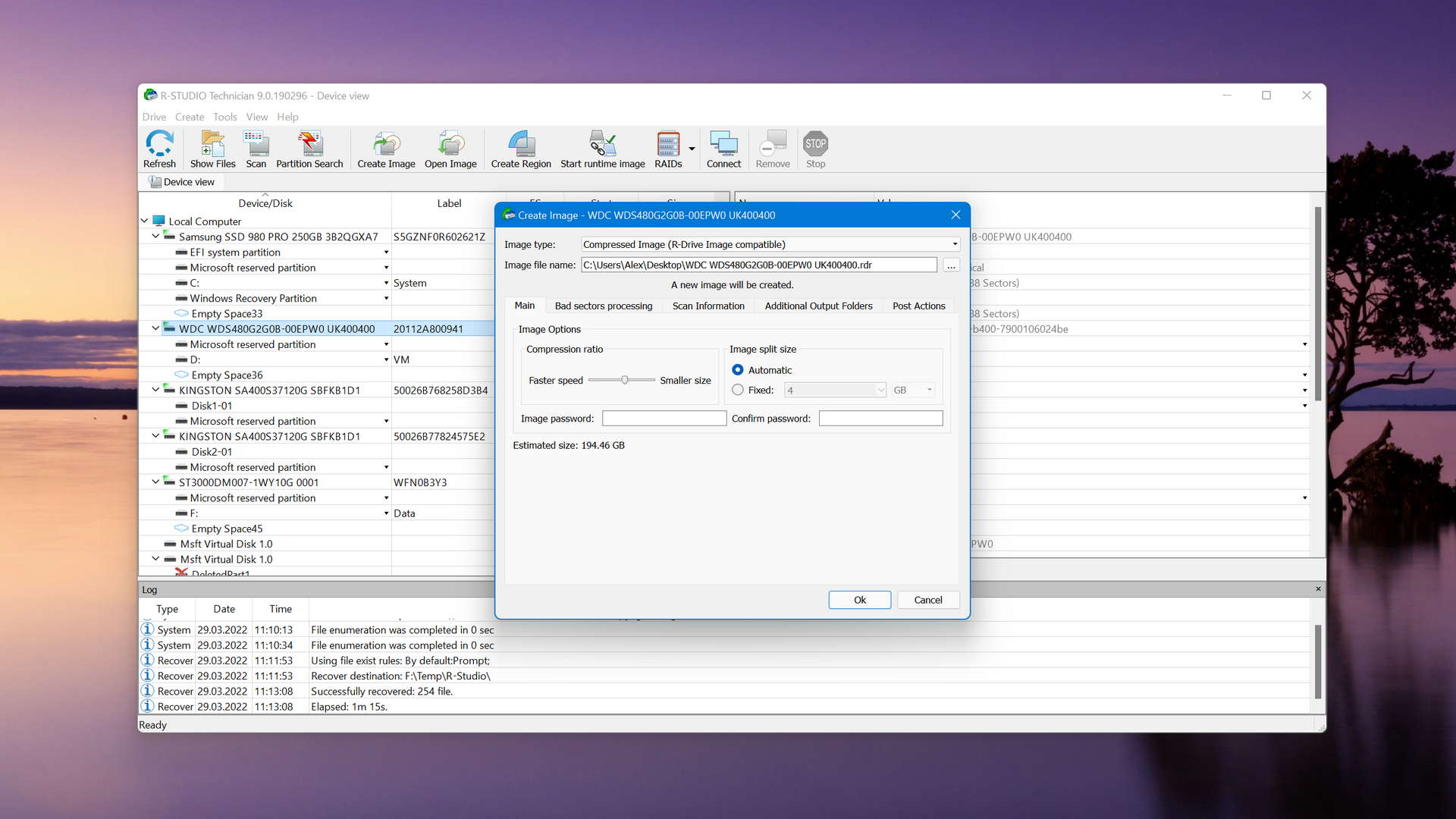
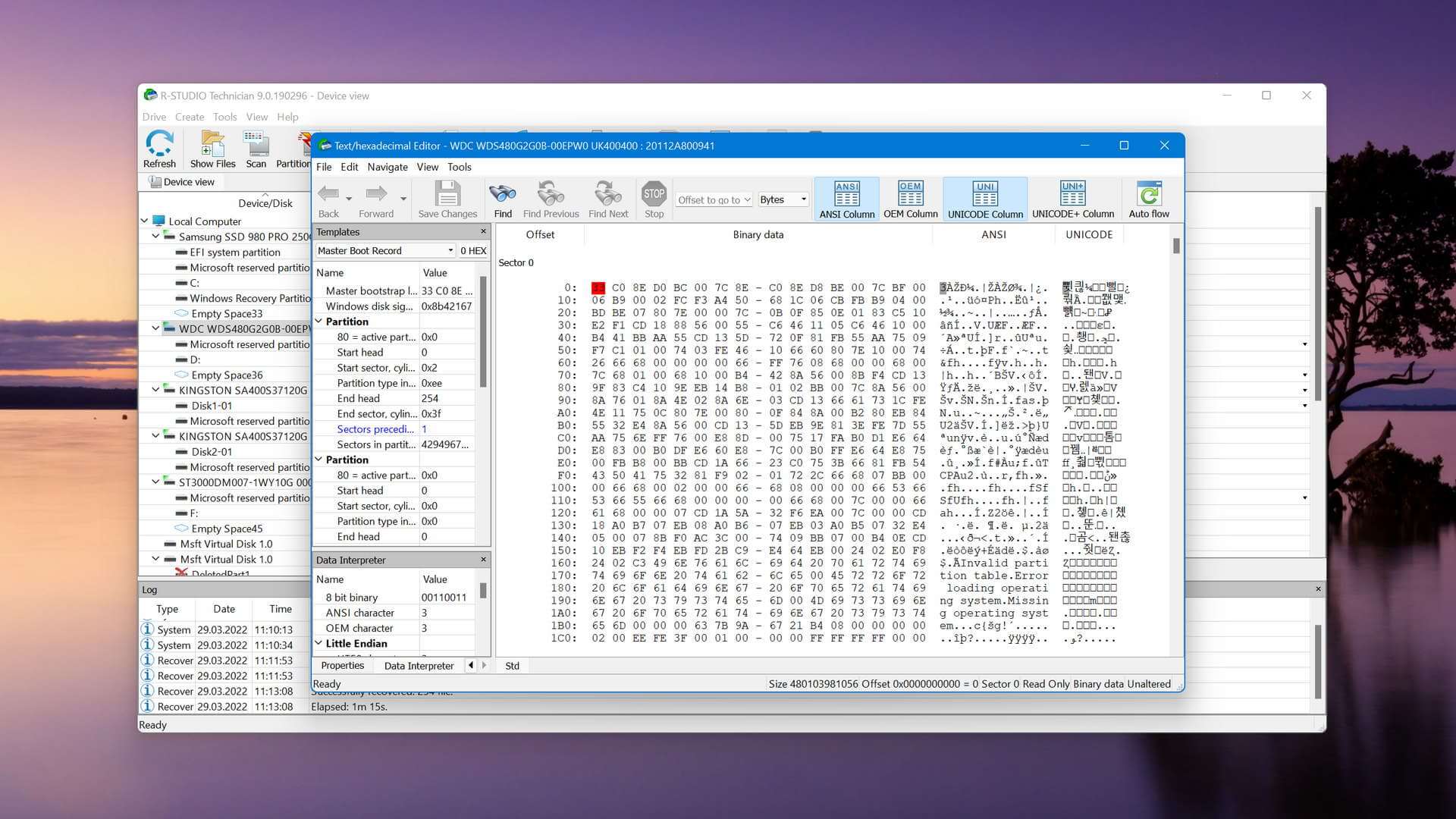
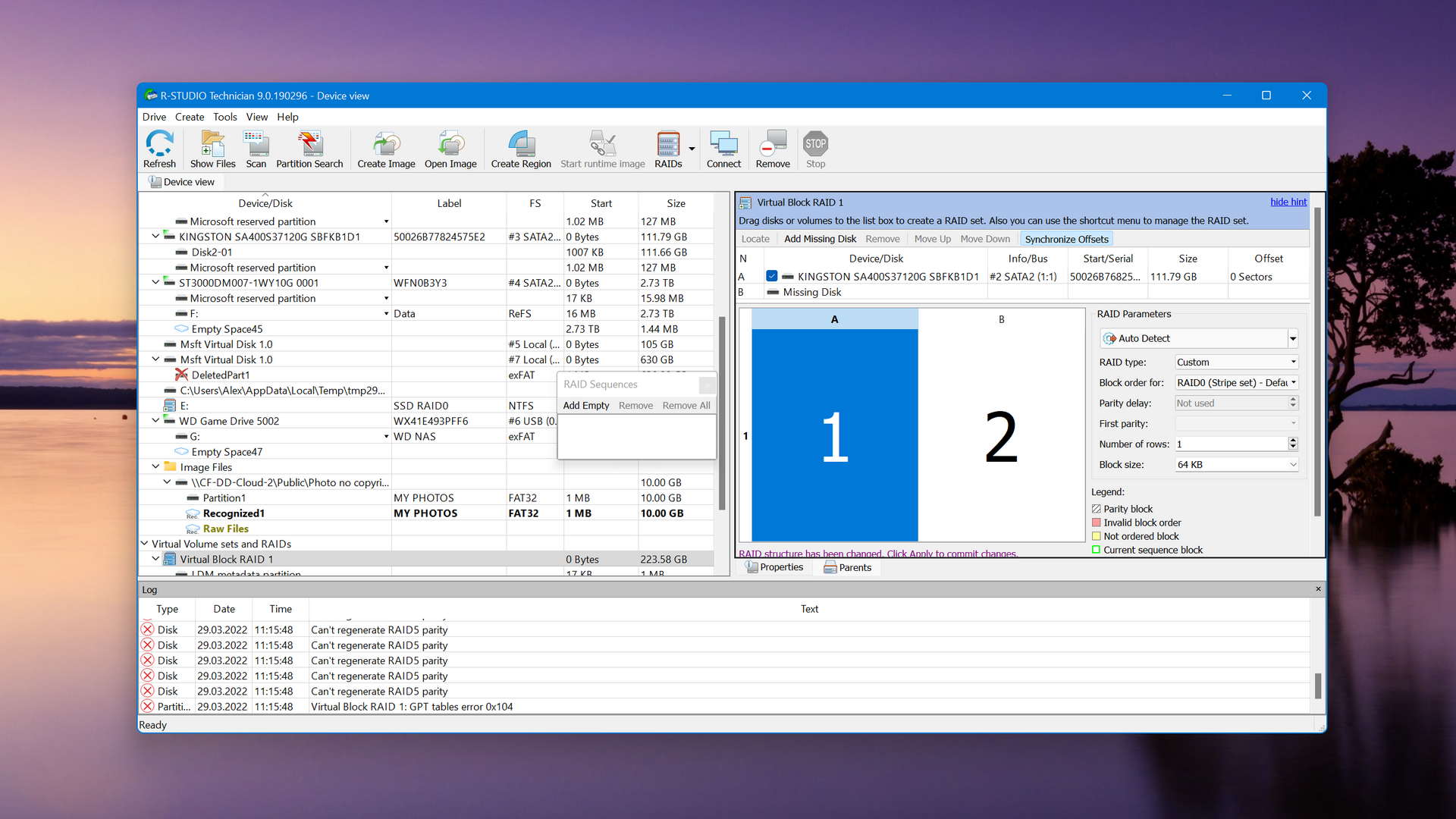
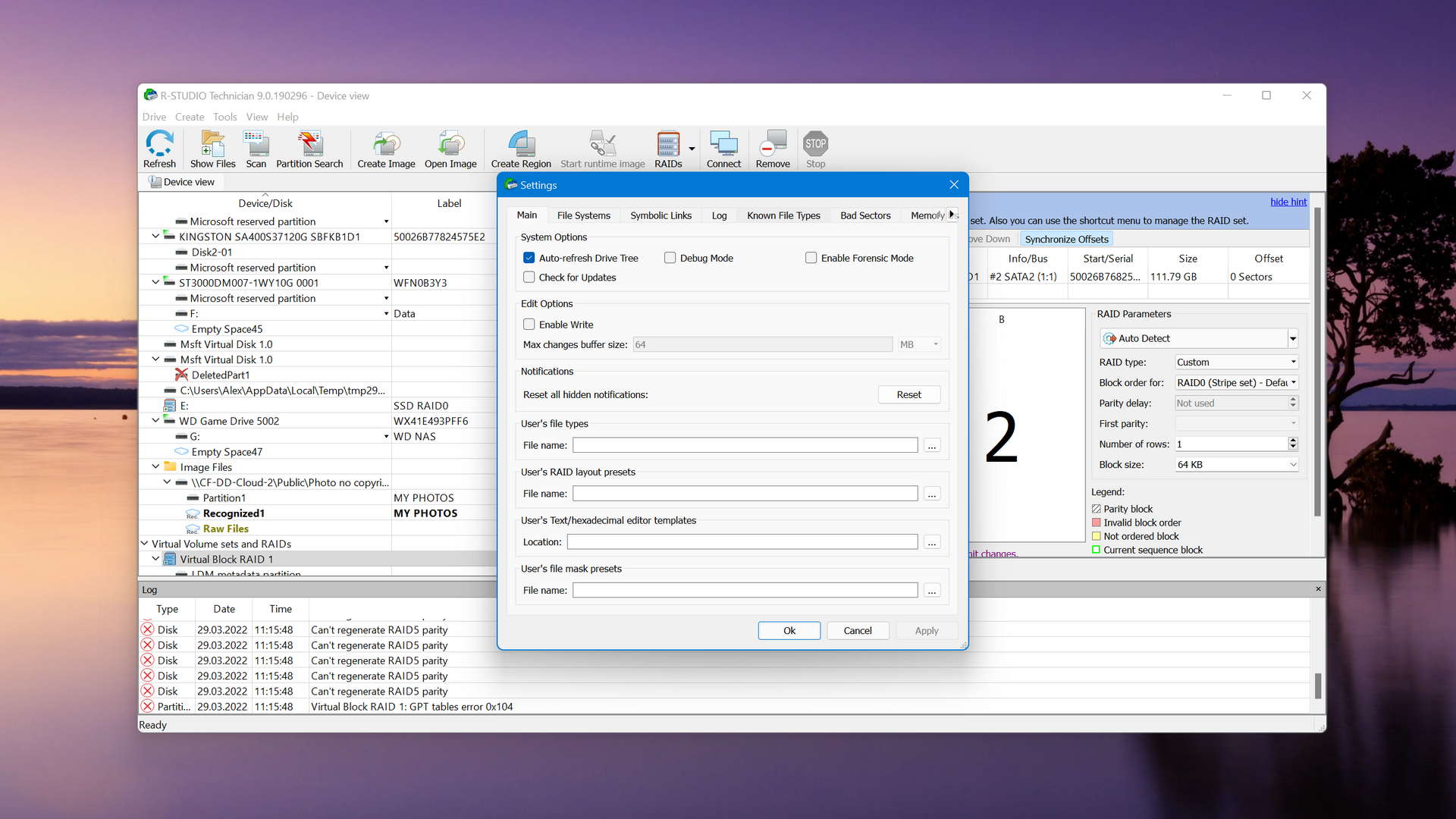
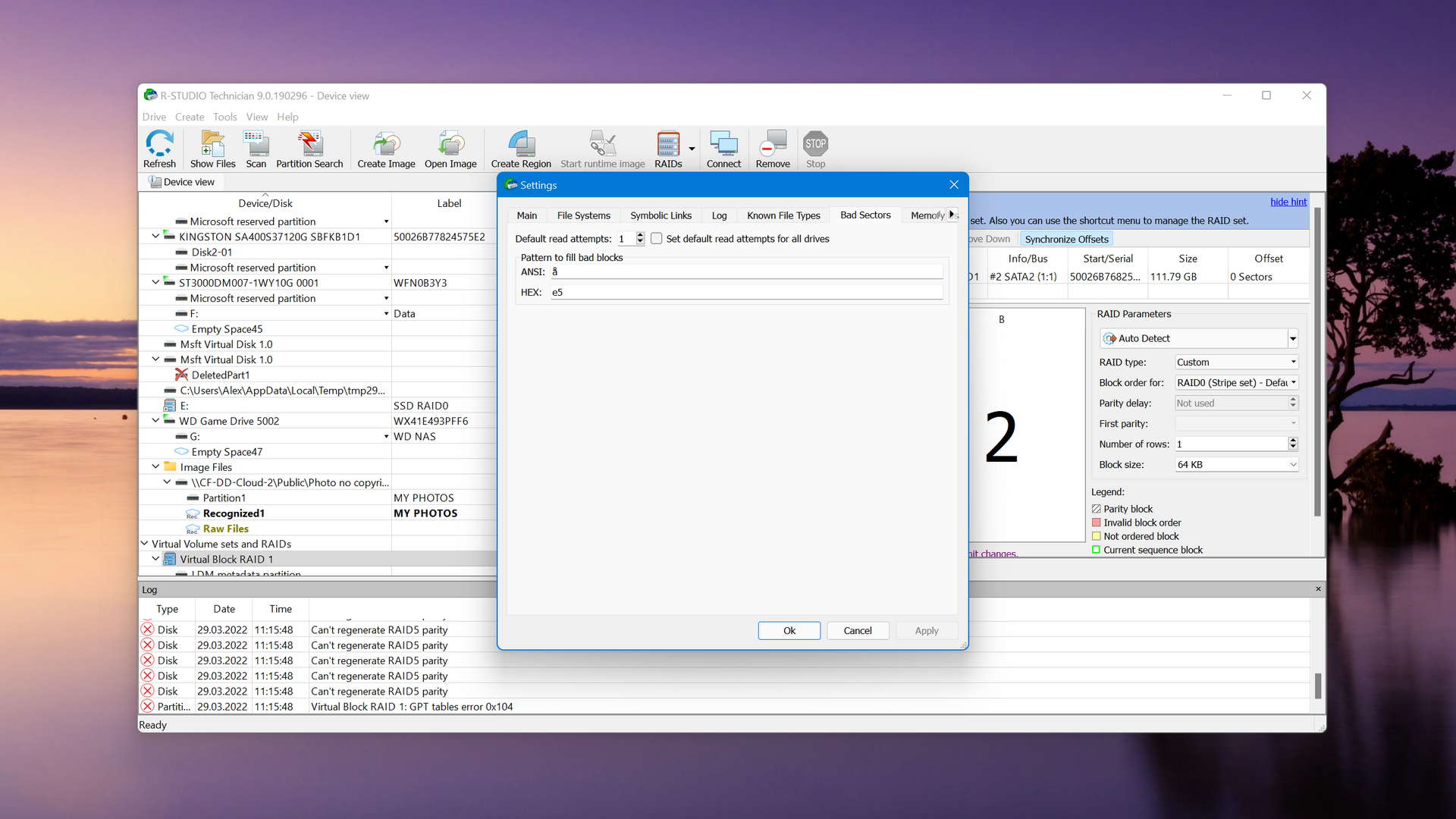
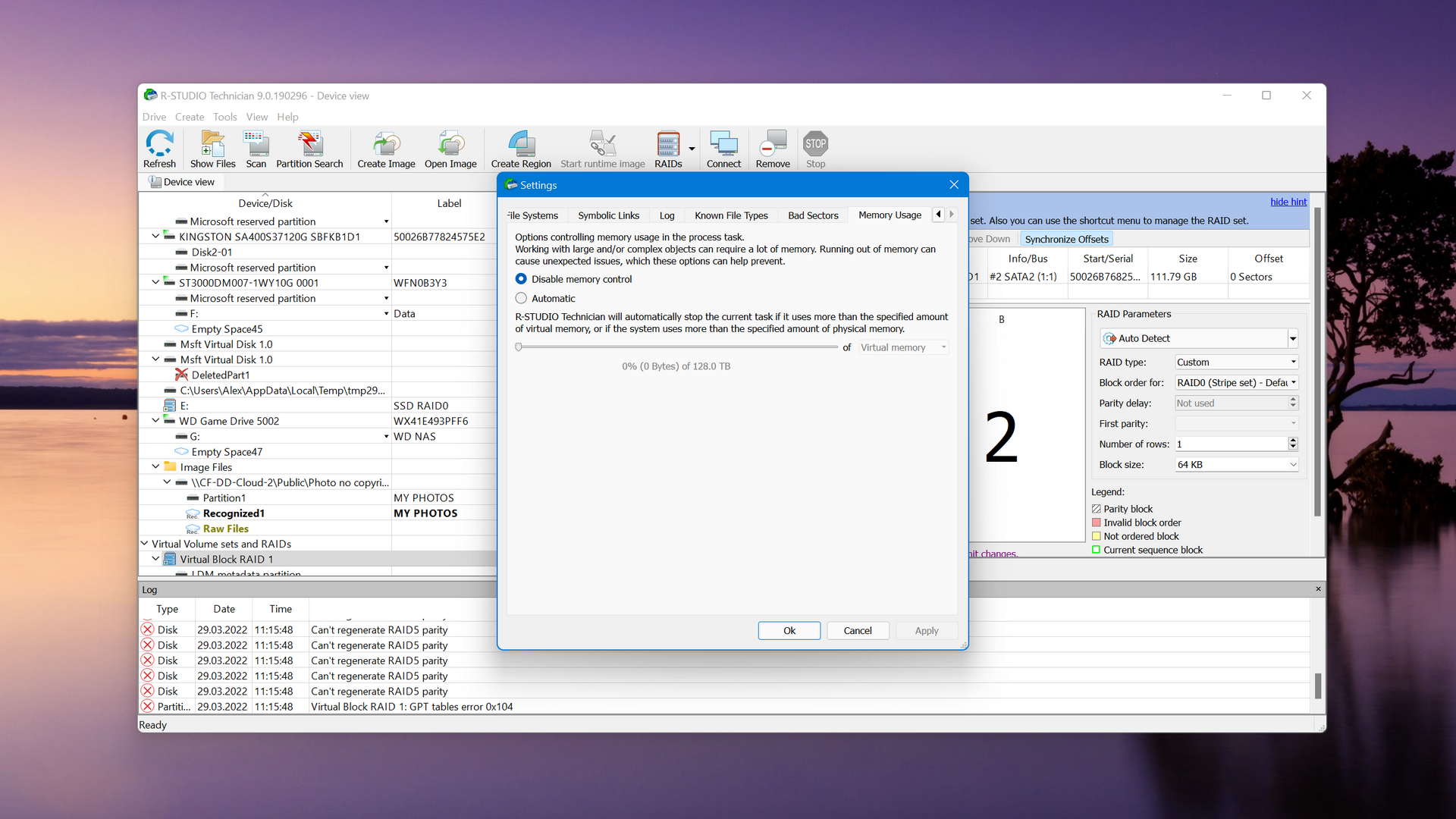
R-Studio for Windows is a powerful data recovery software application, but regular home users may struggle to master it and put its capabilities to good use. Read full review
Read full review4.79
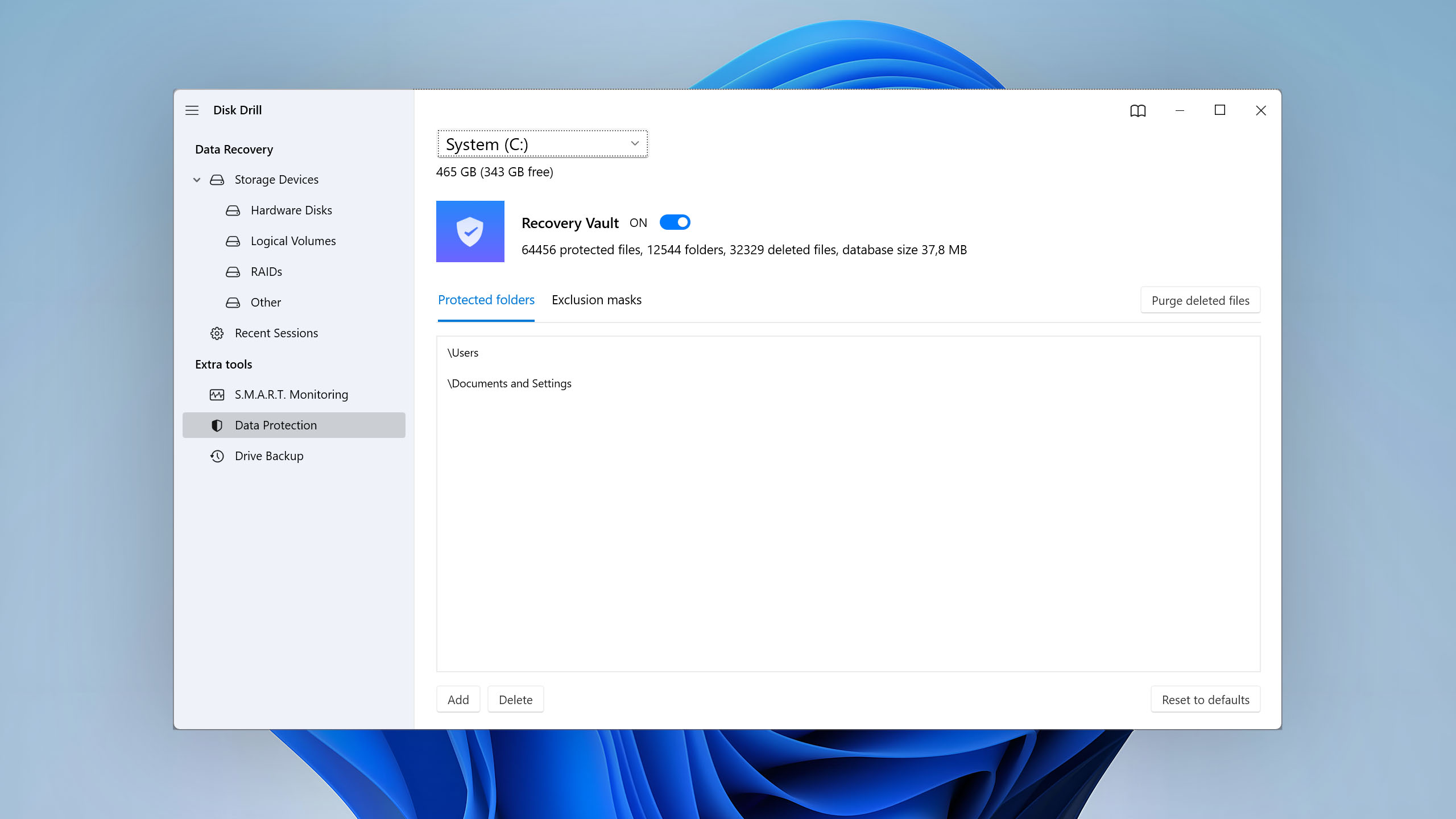
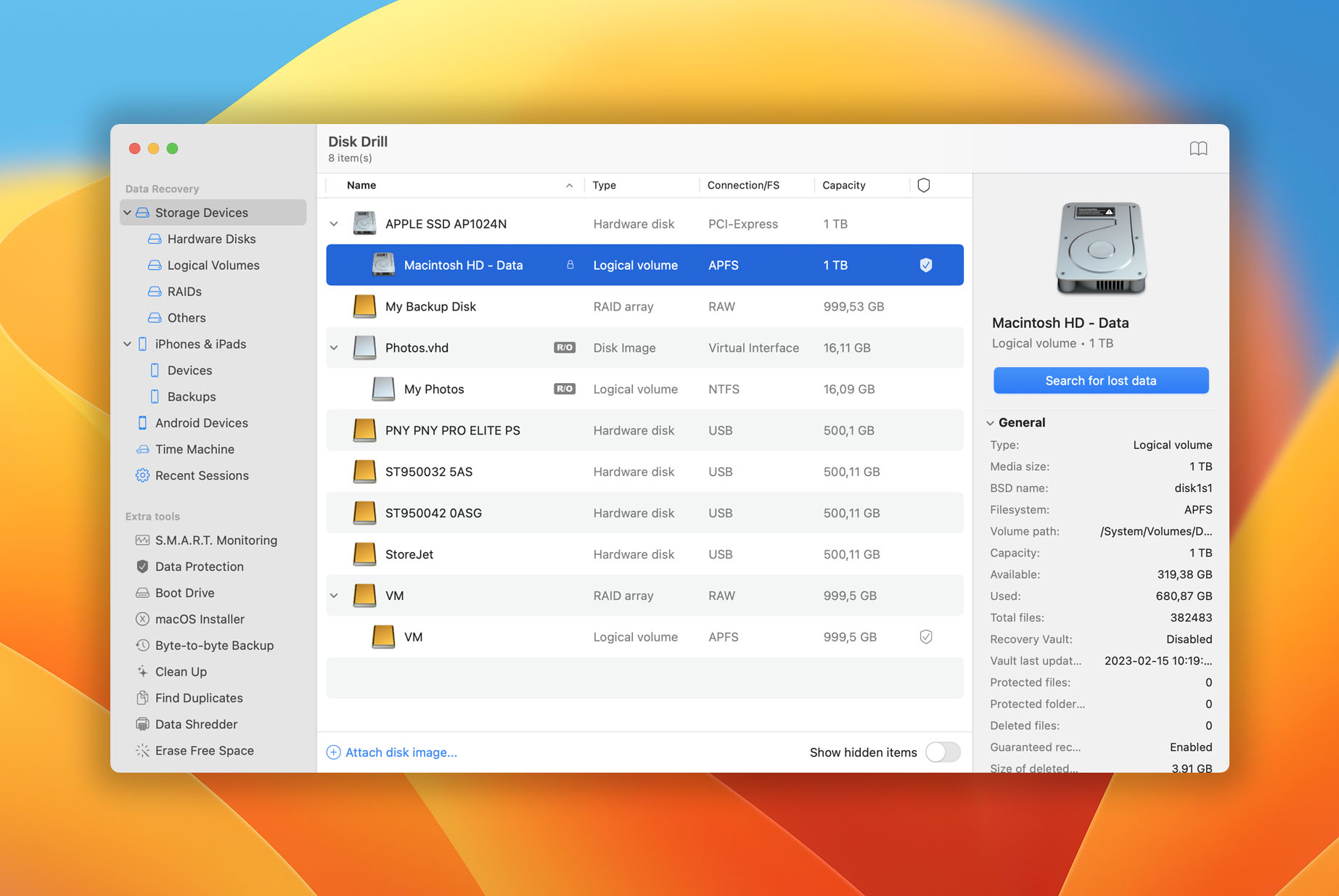
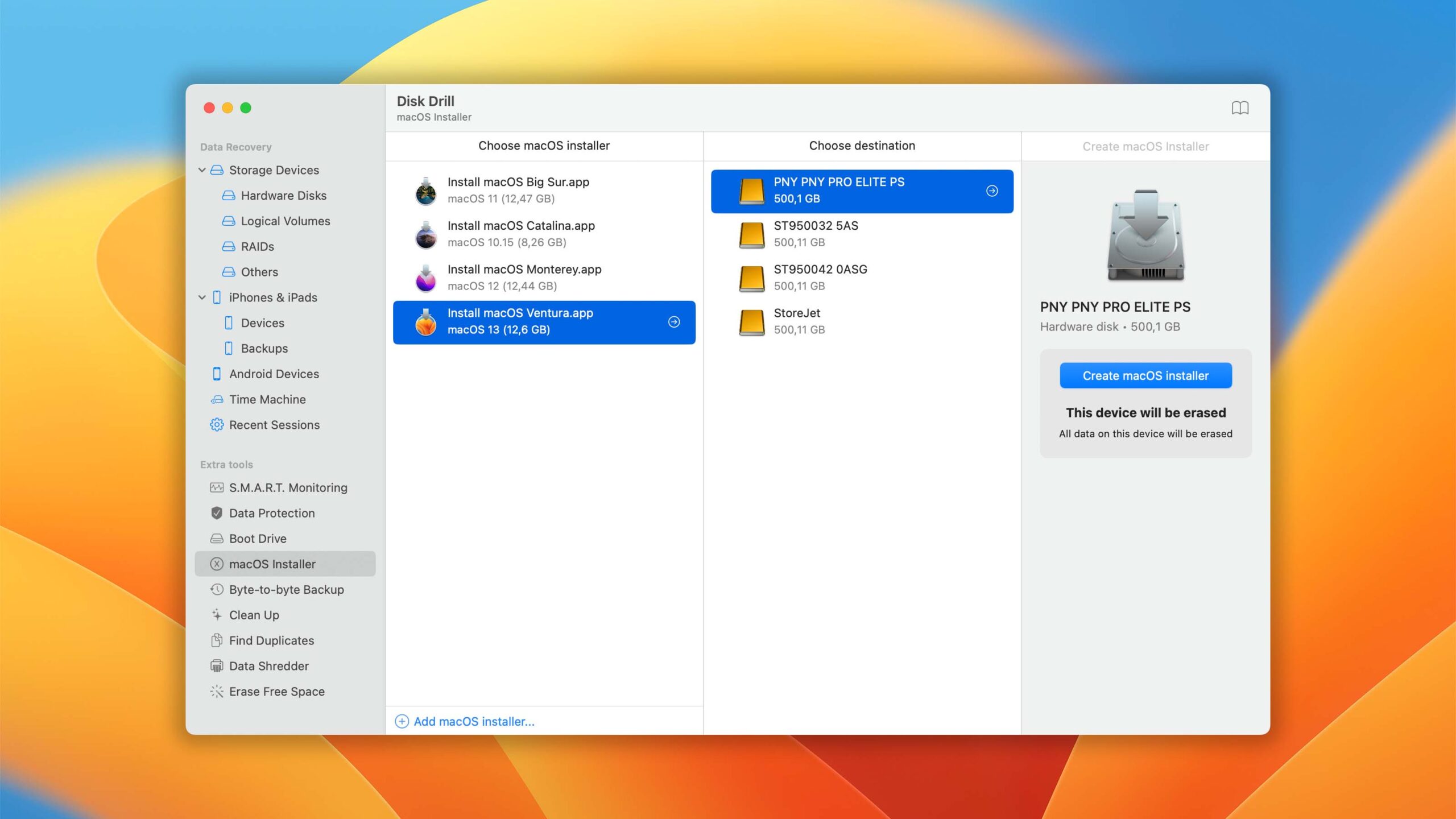
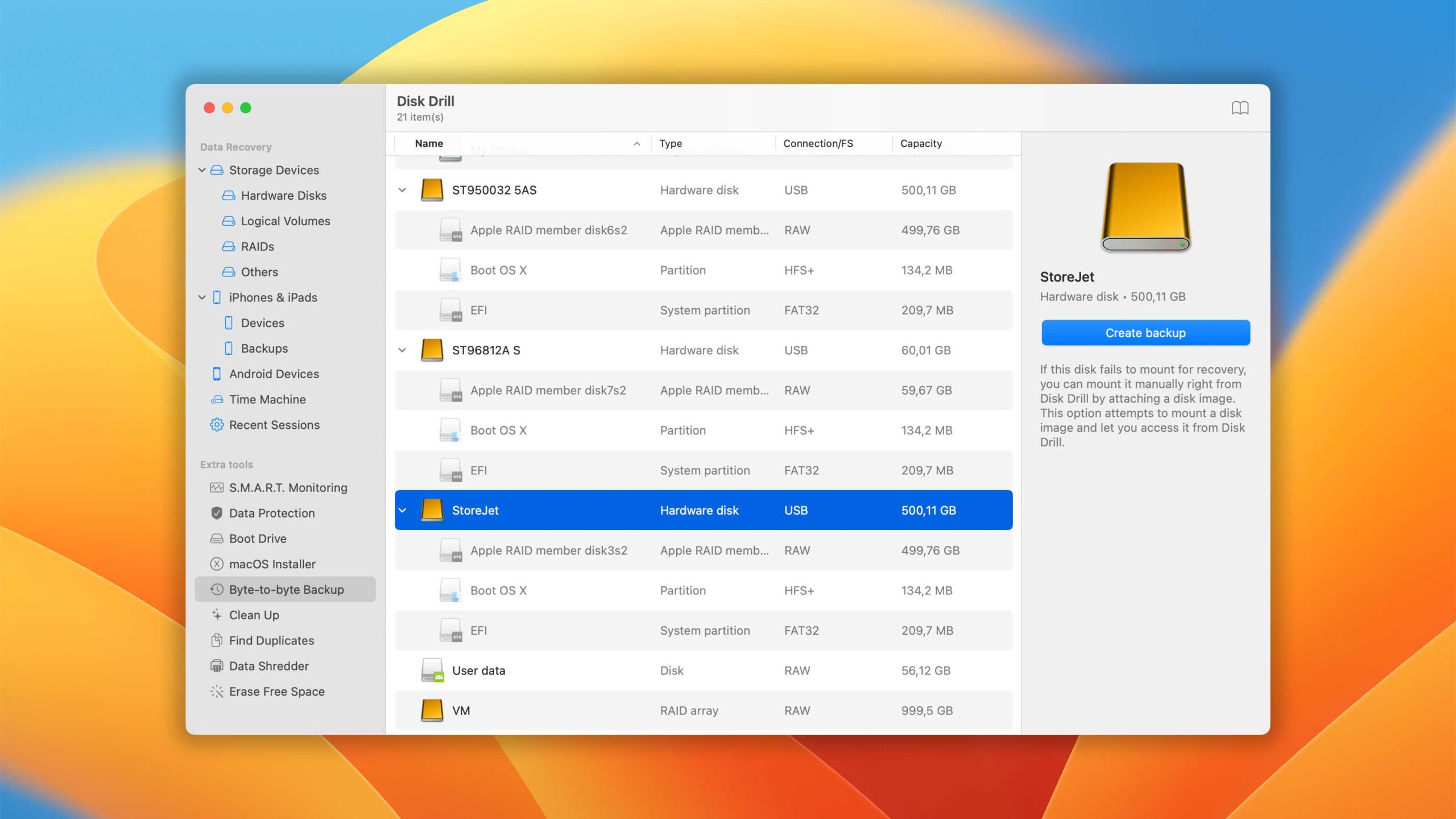
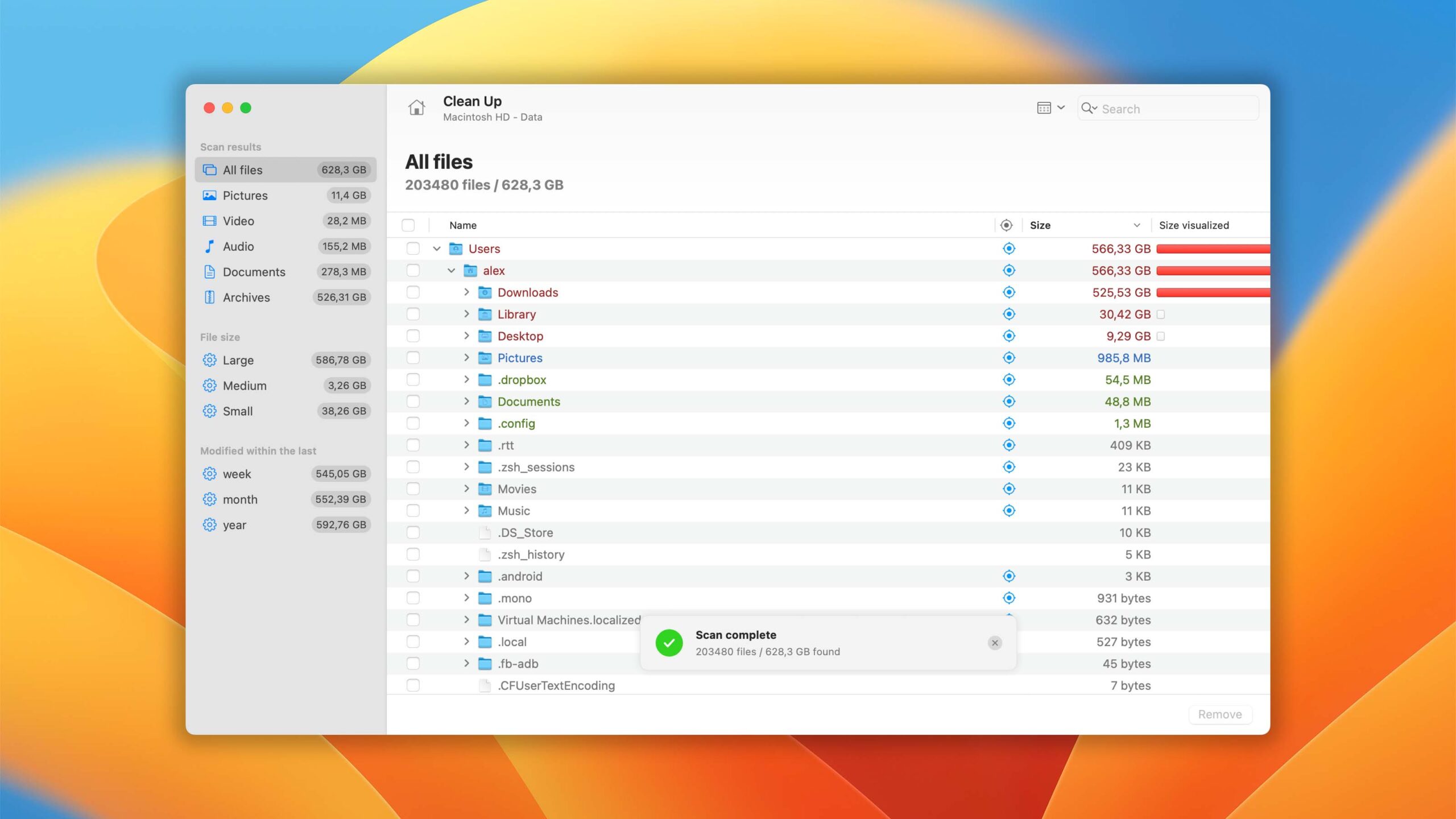
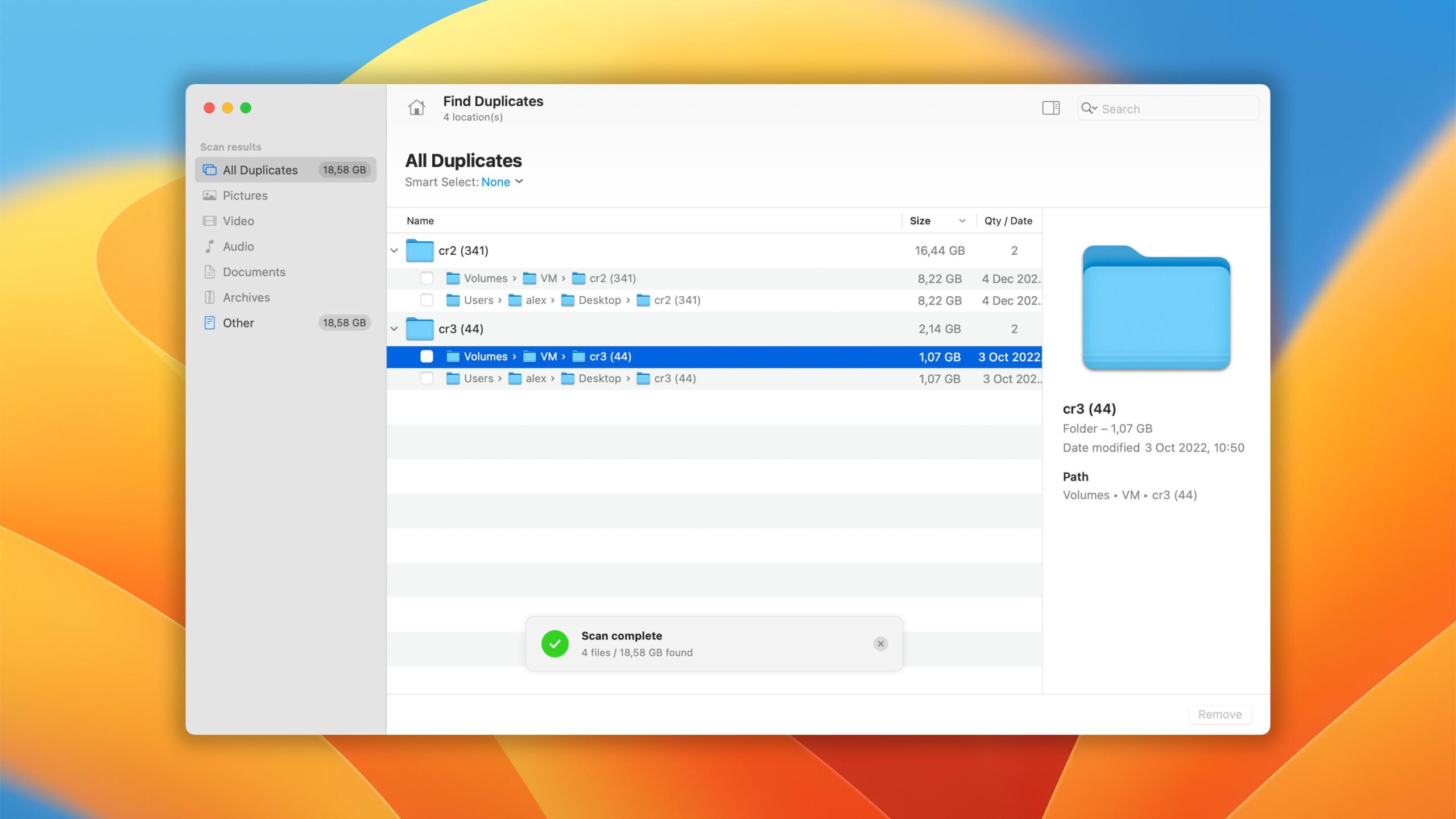
Disk Drill for Mac combines ease of use with excellent data recovery capabilities and many extra features that greatly increase its overall value. Read full review
Read full review3.82
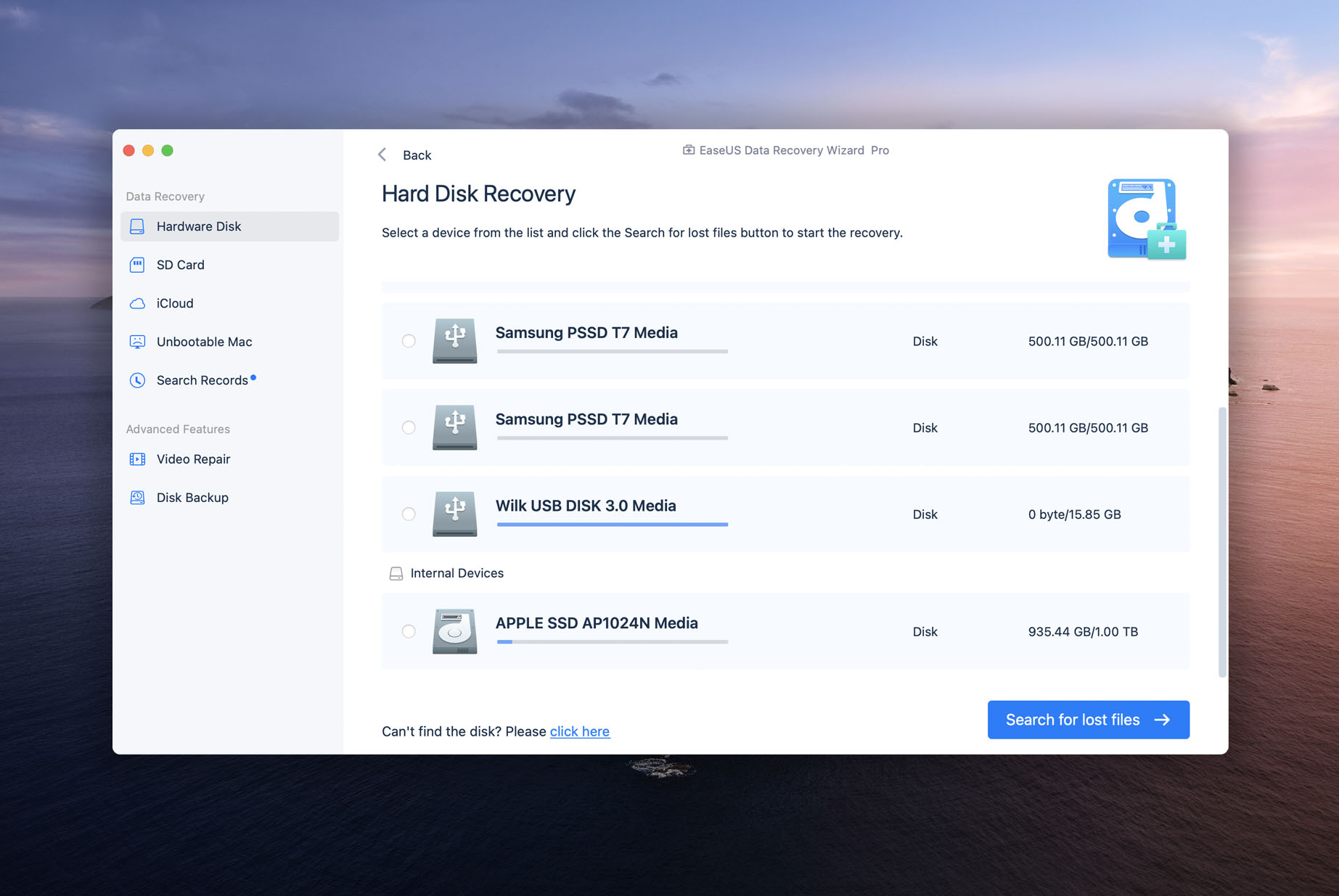
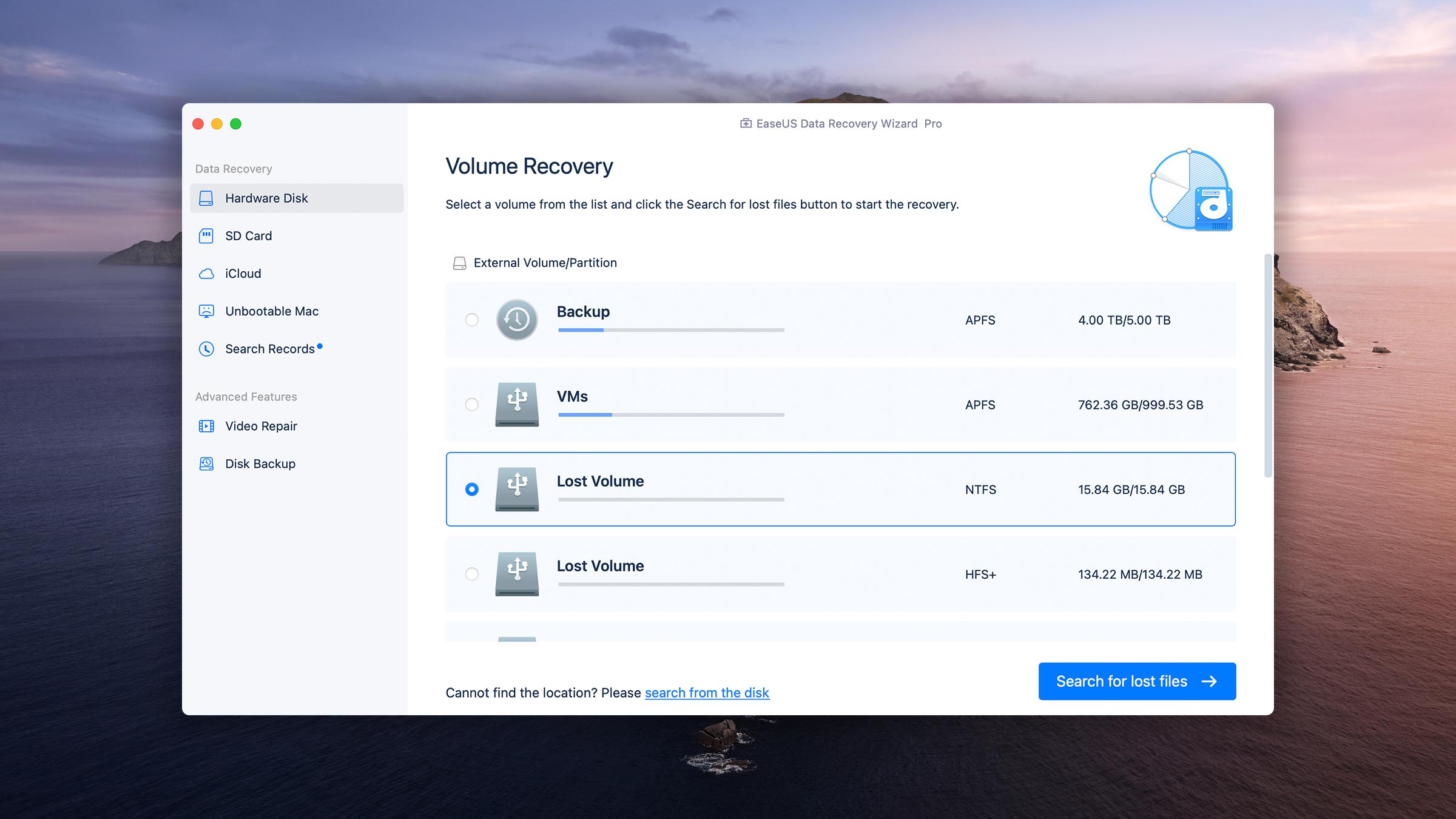
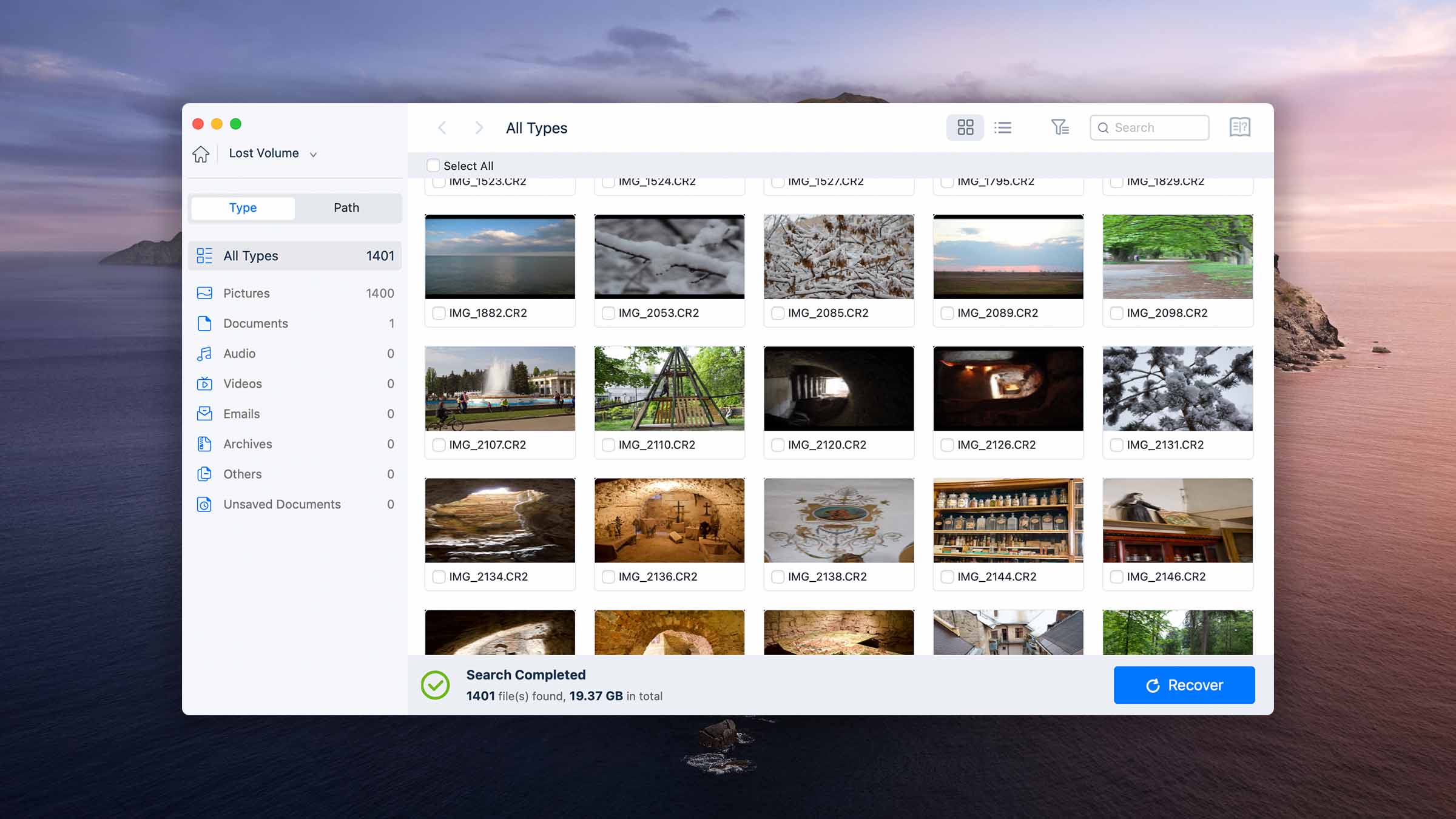
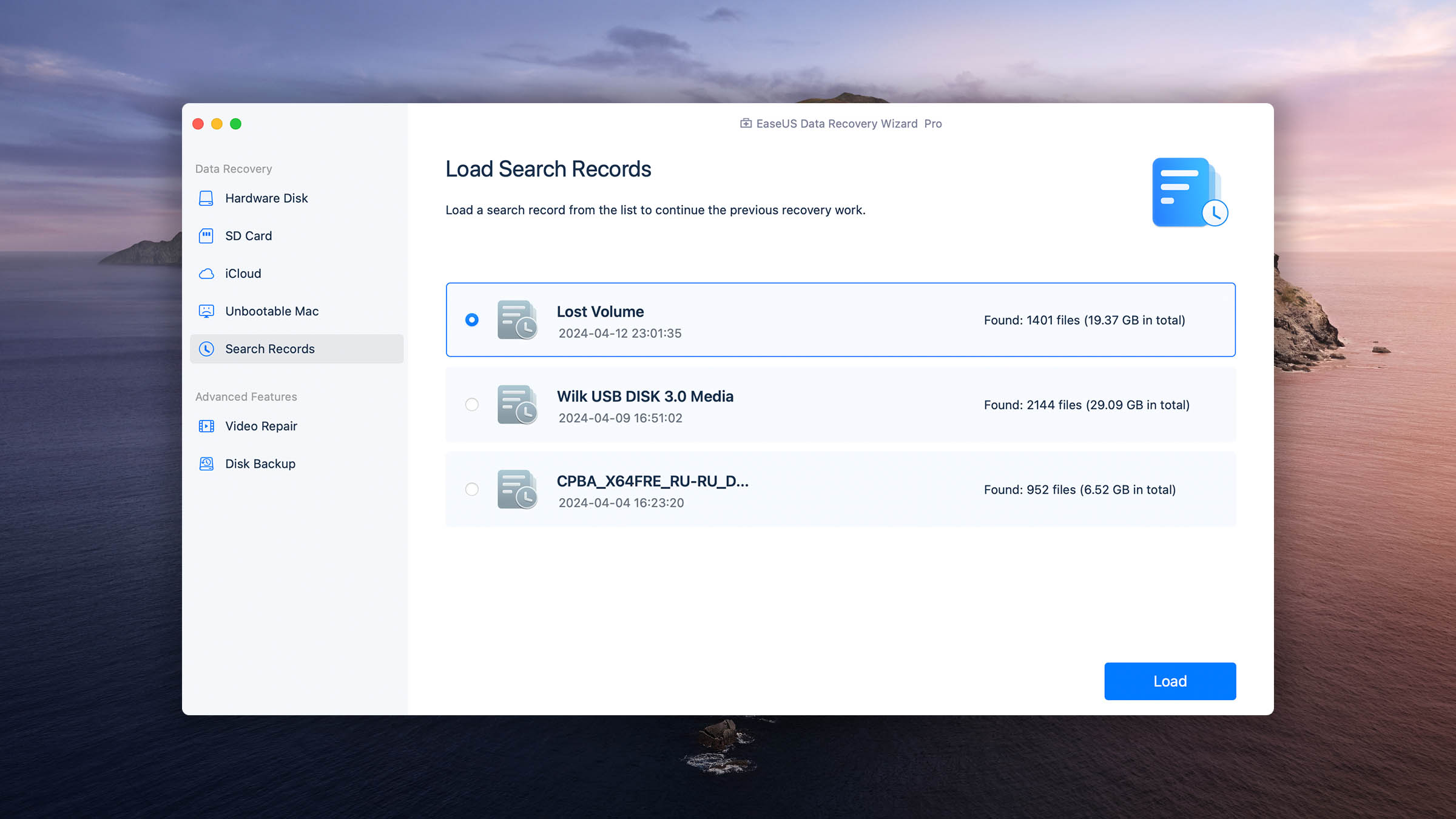
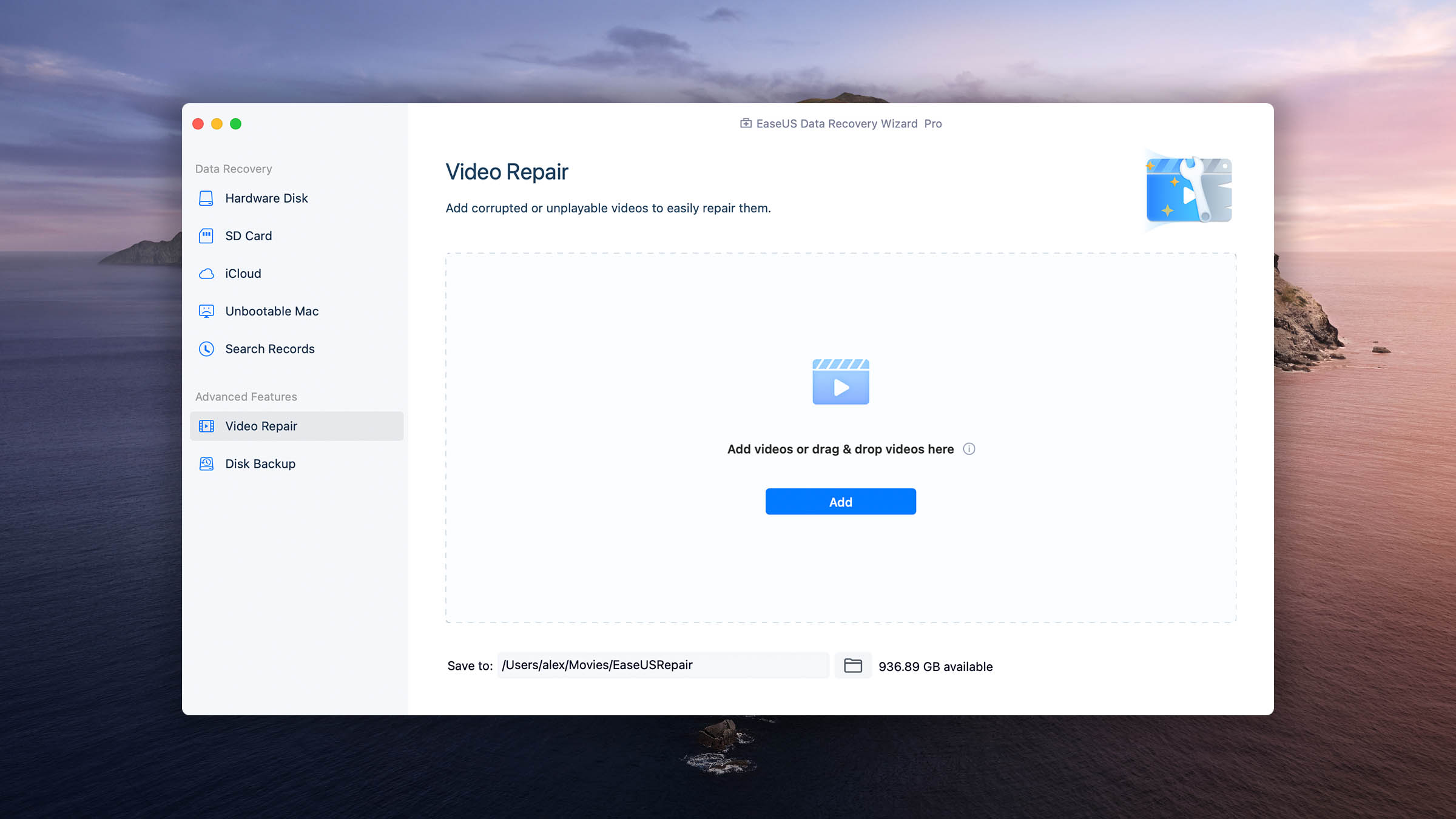
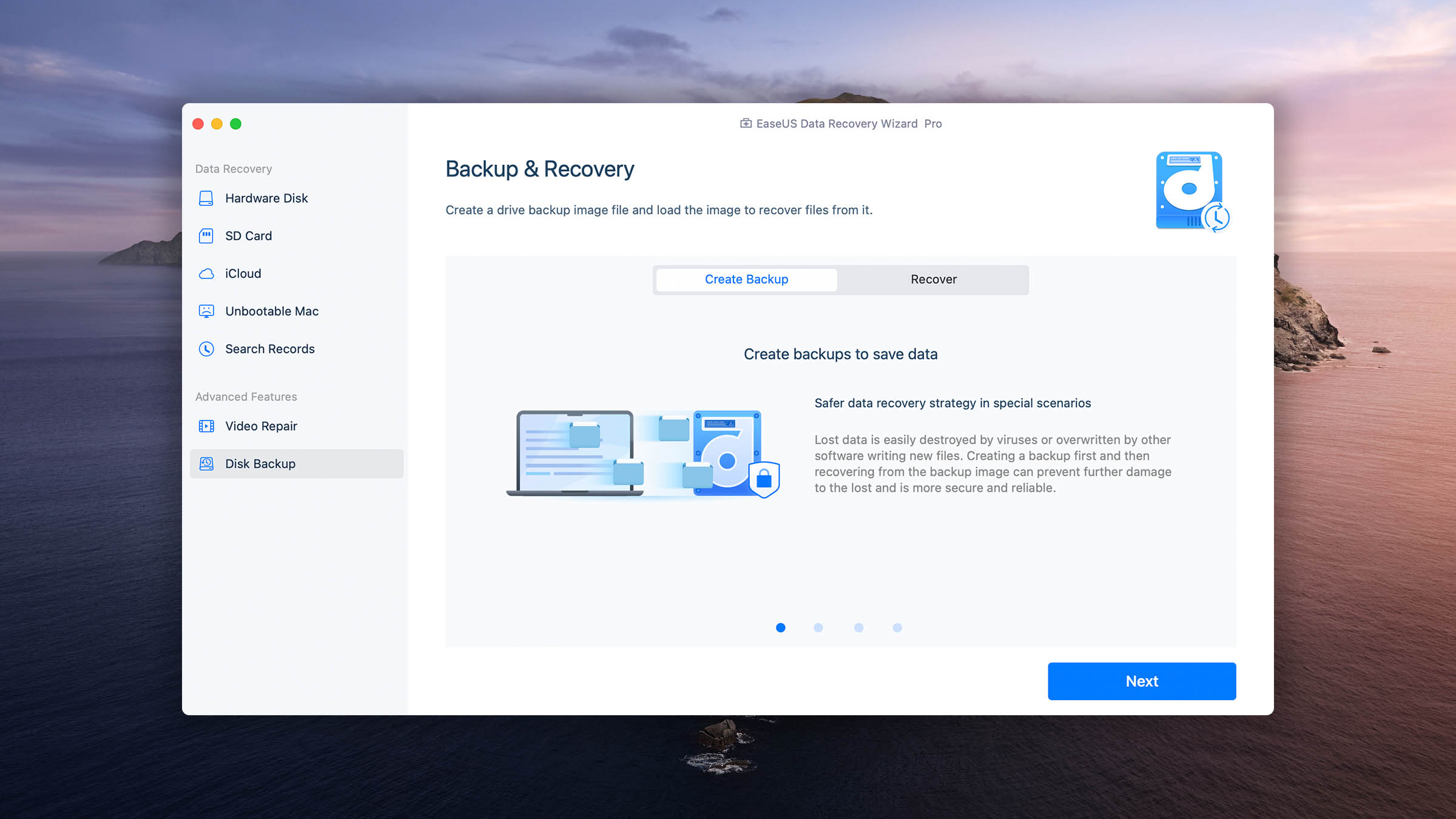
Thanks to its generous free data recovery limit, EaseUS Data Recovery Wizard for Mac is worth trying despite its shortcomings. Read full review
Read full review3.78
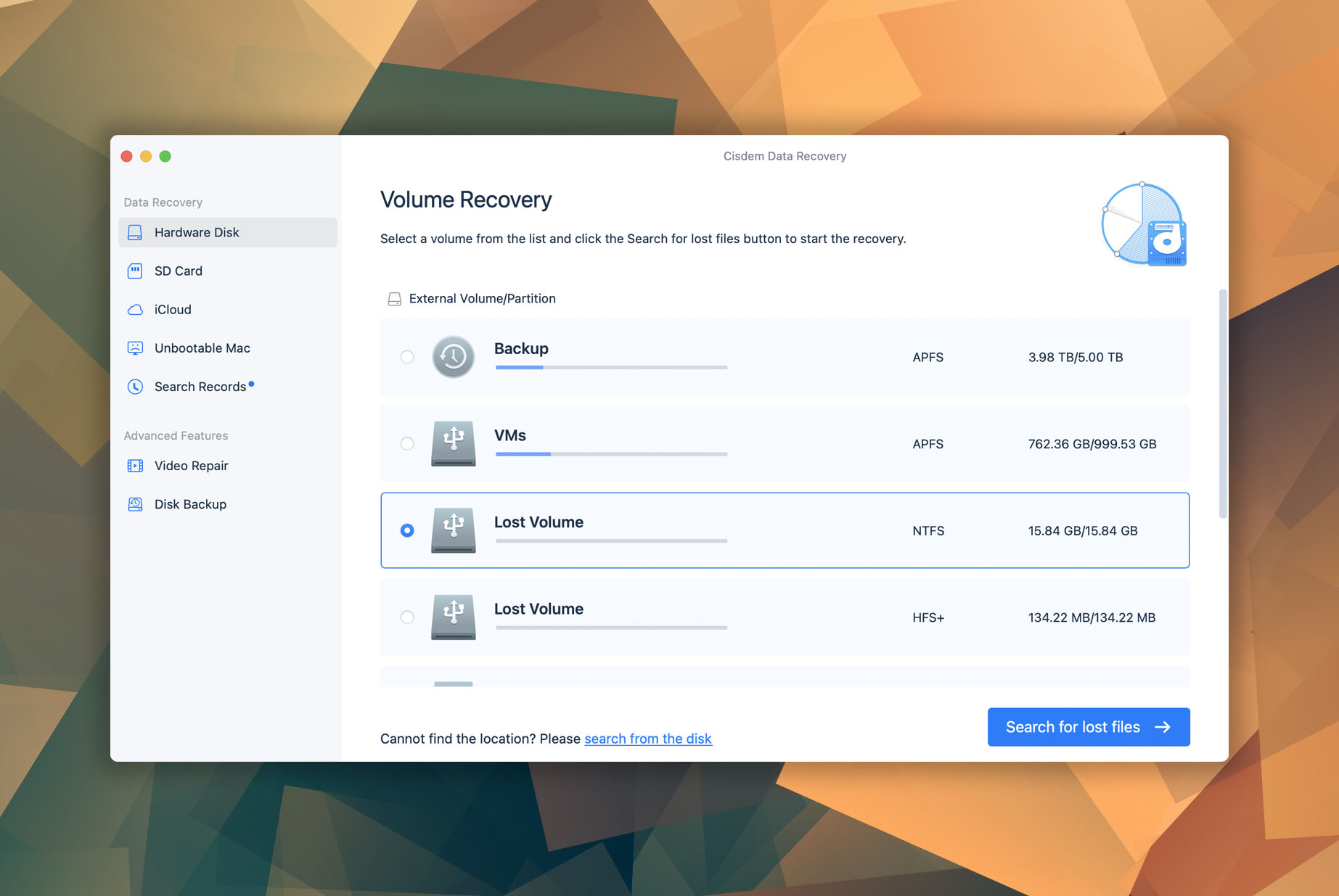
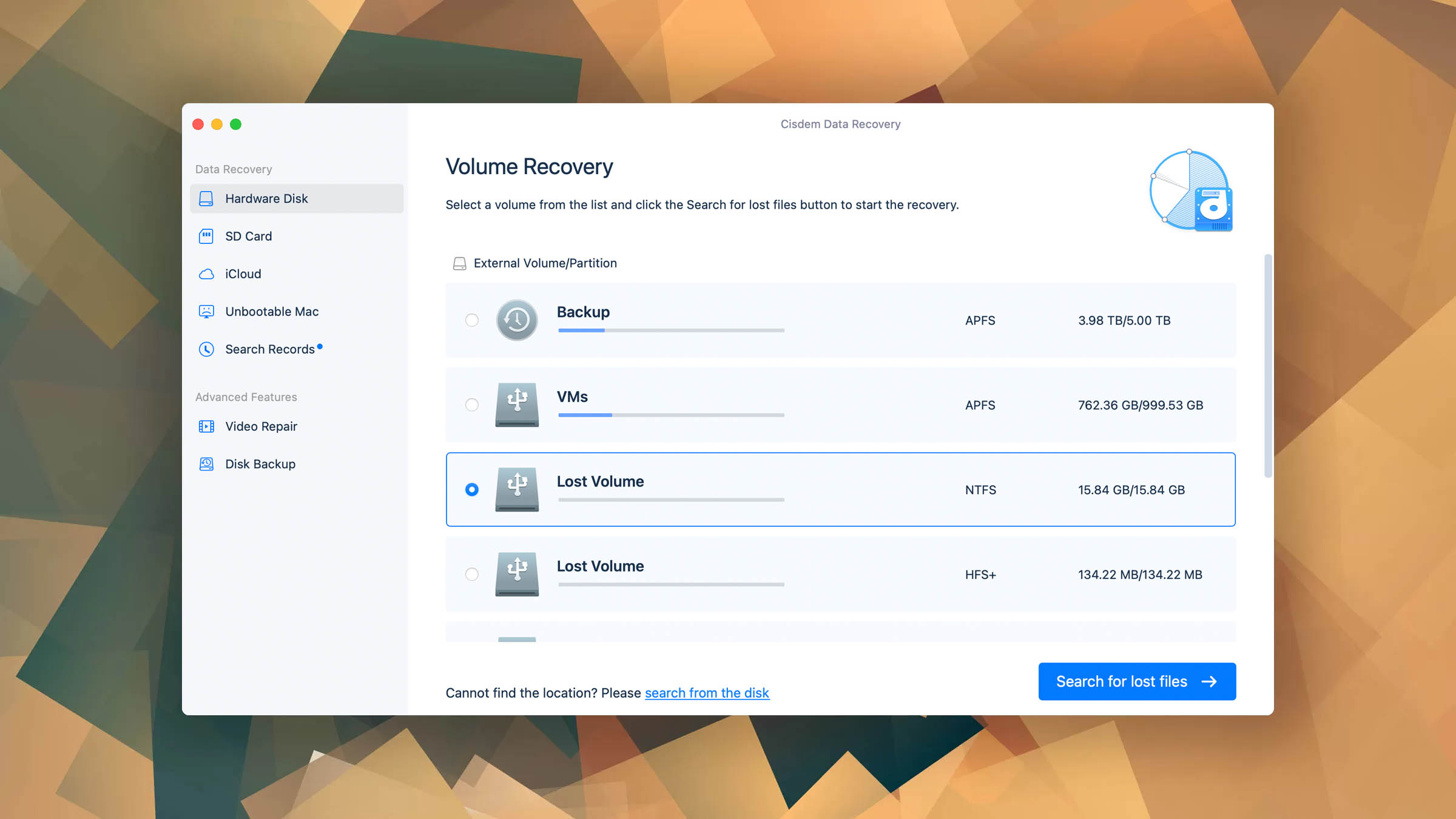
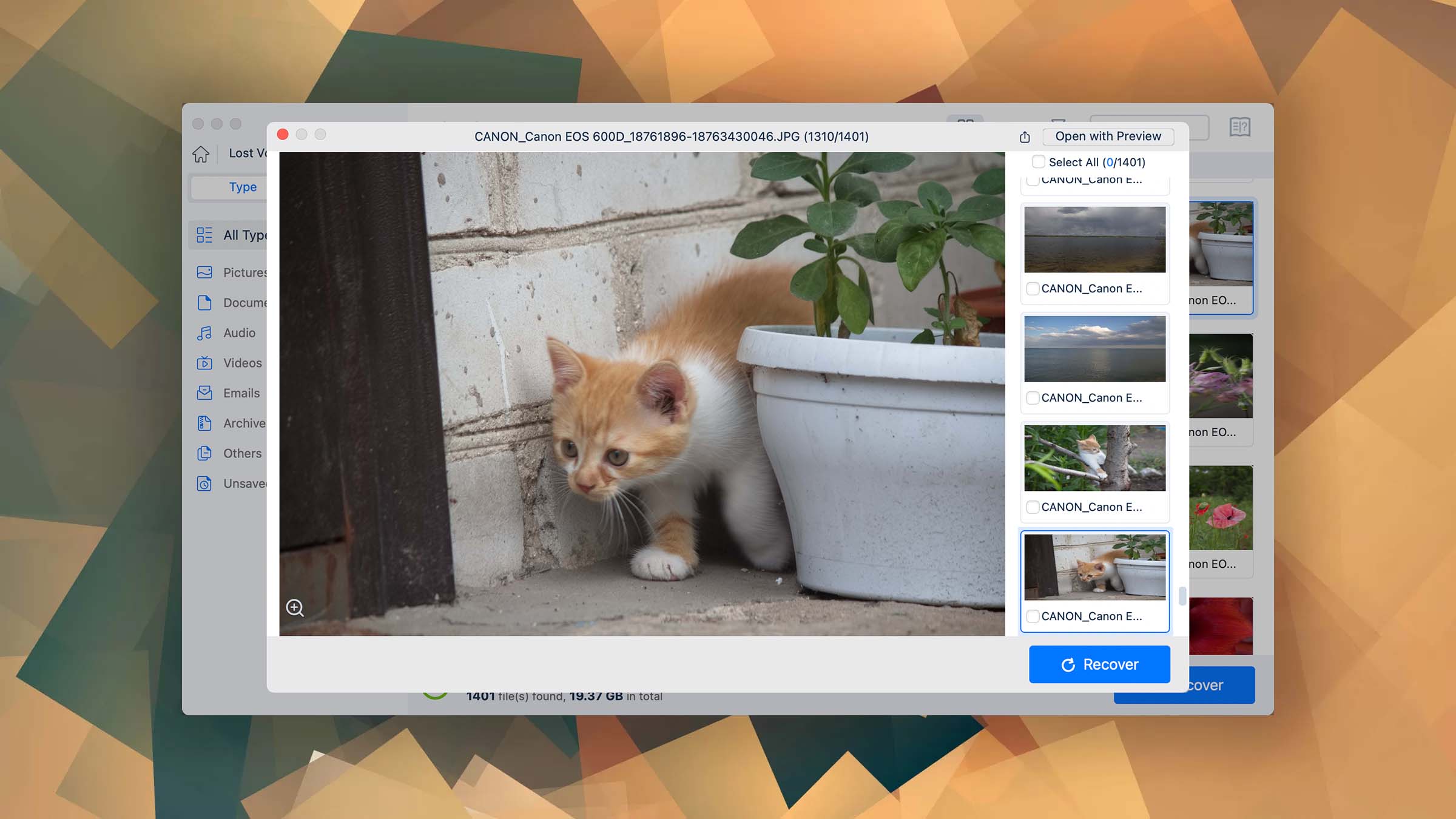
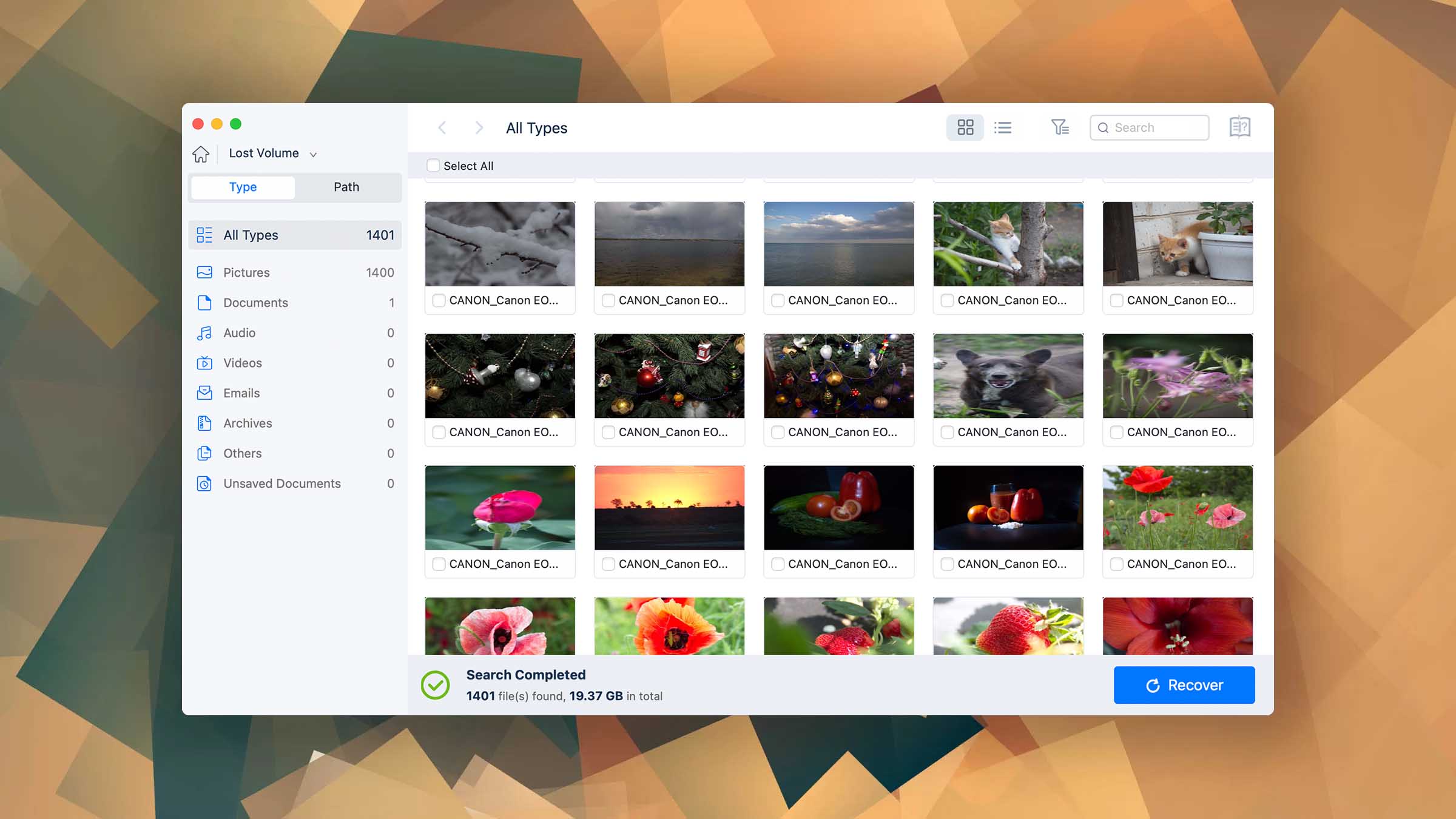
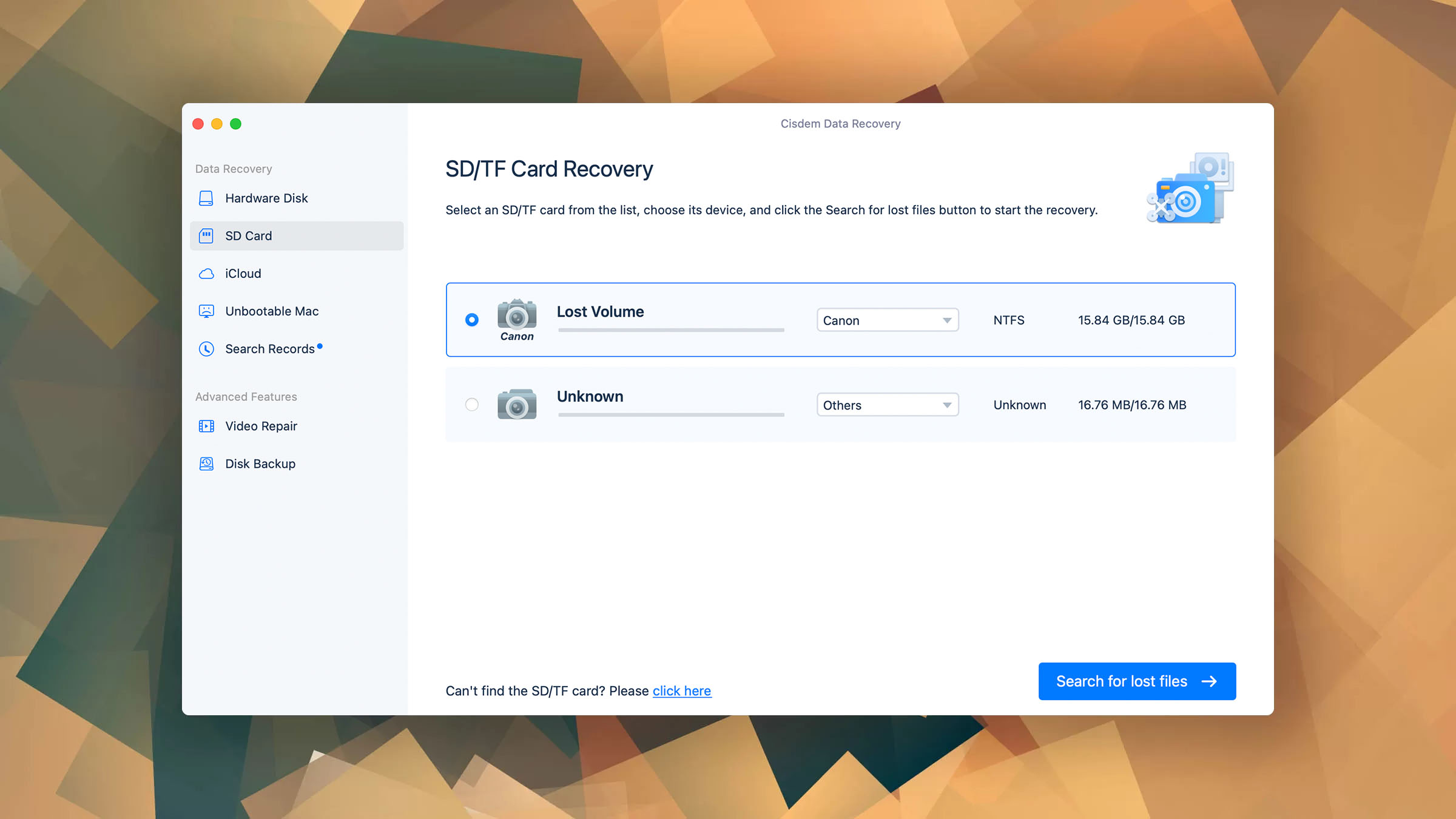
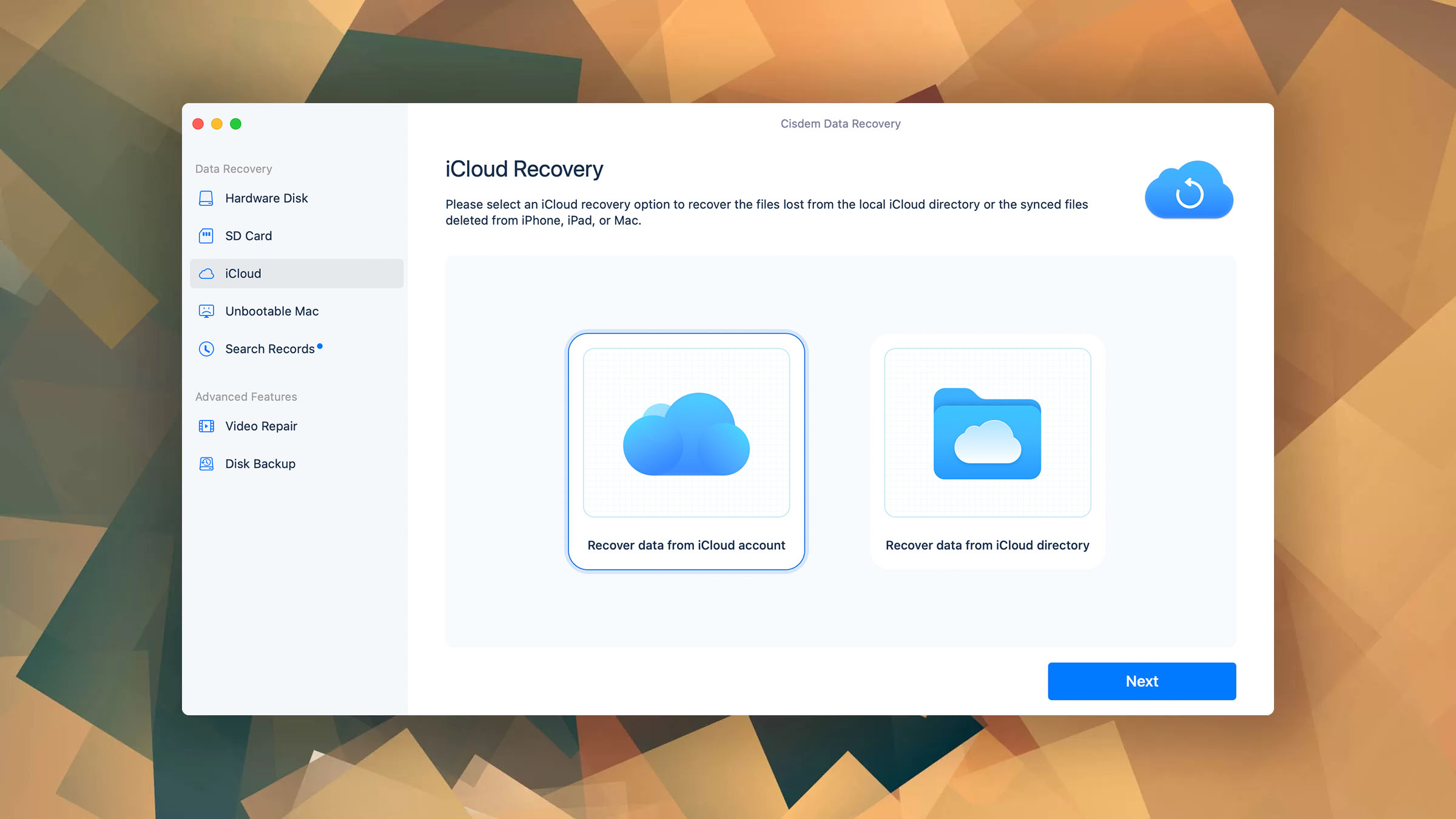
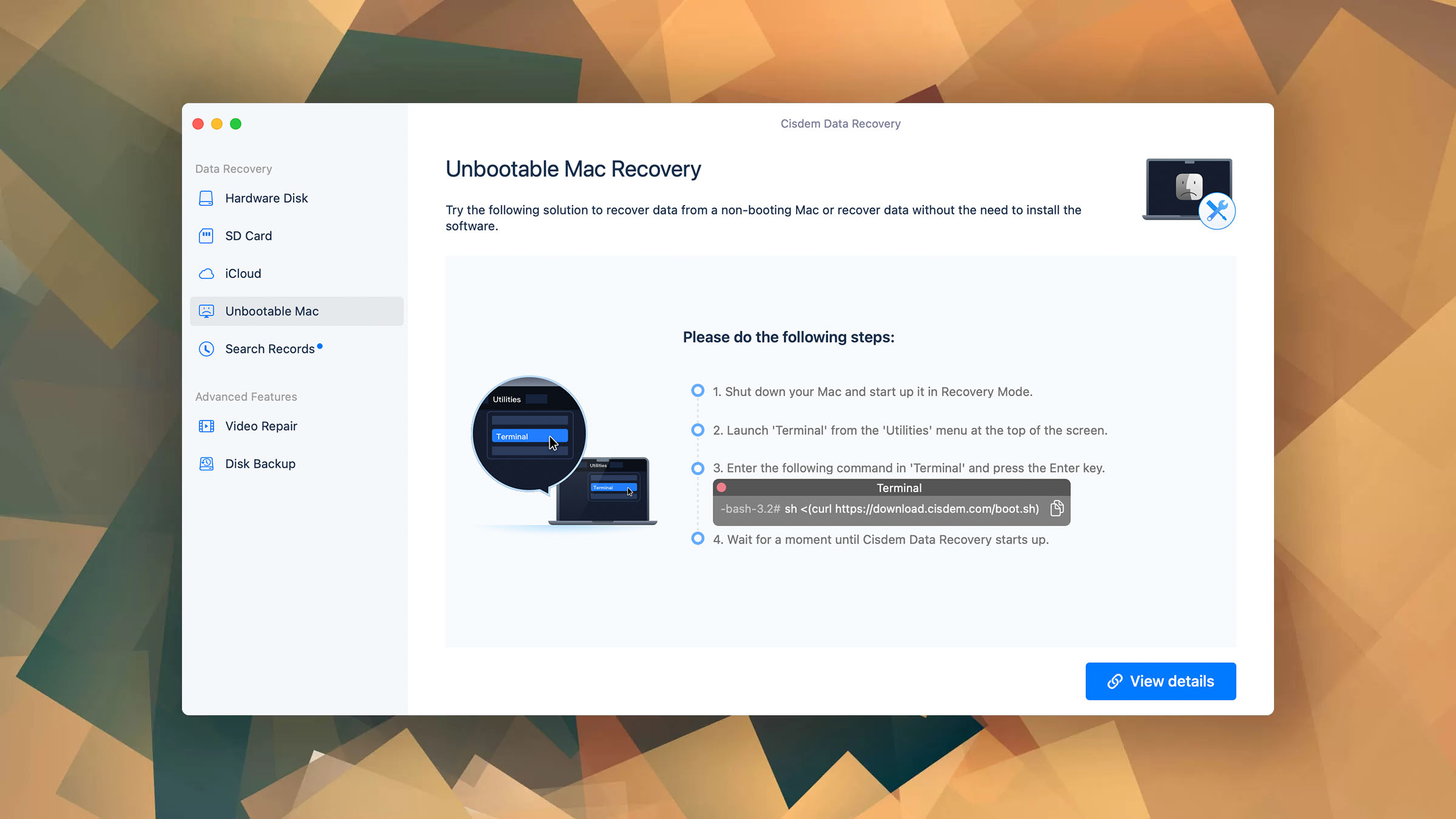
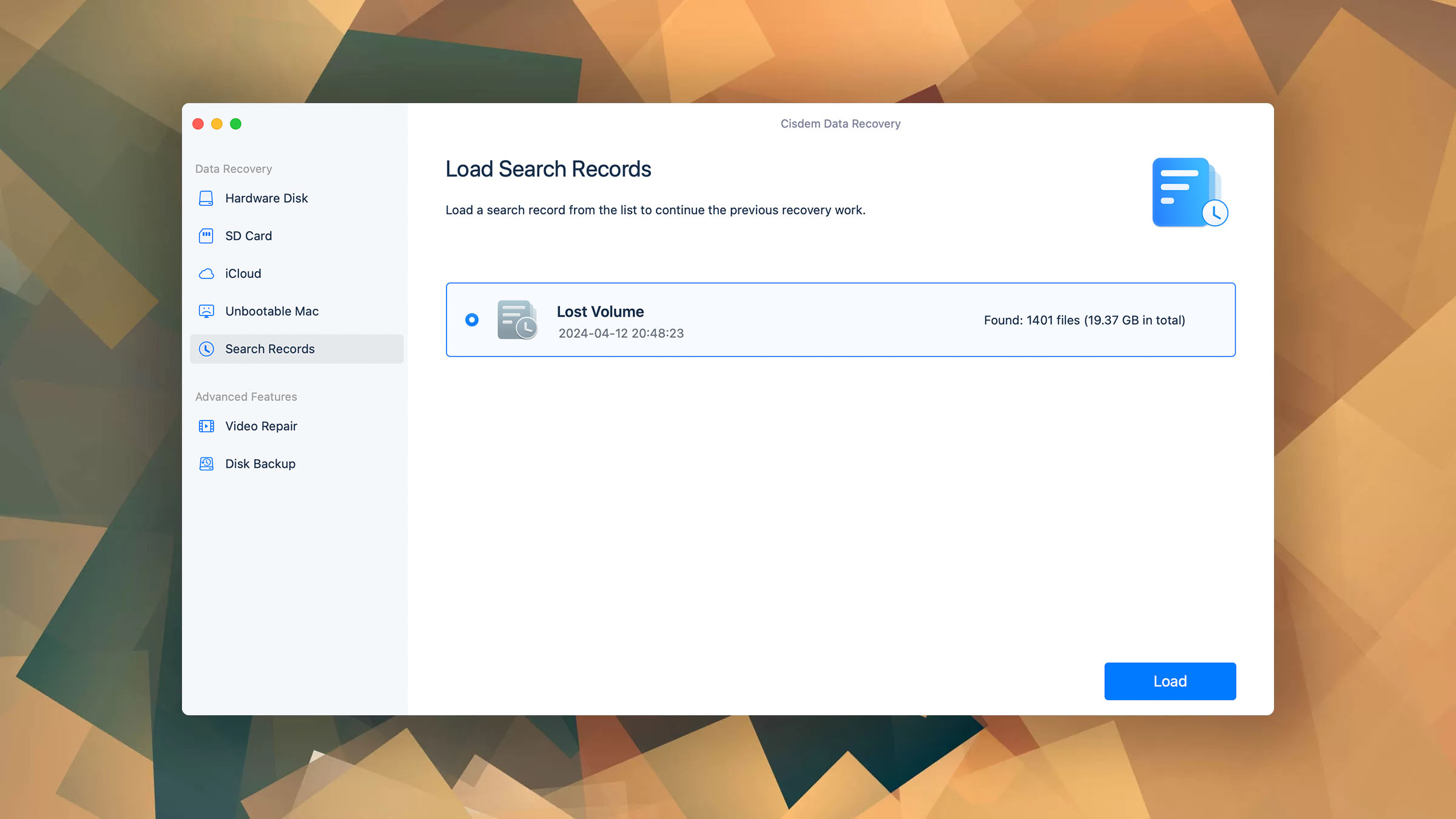
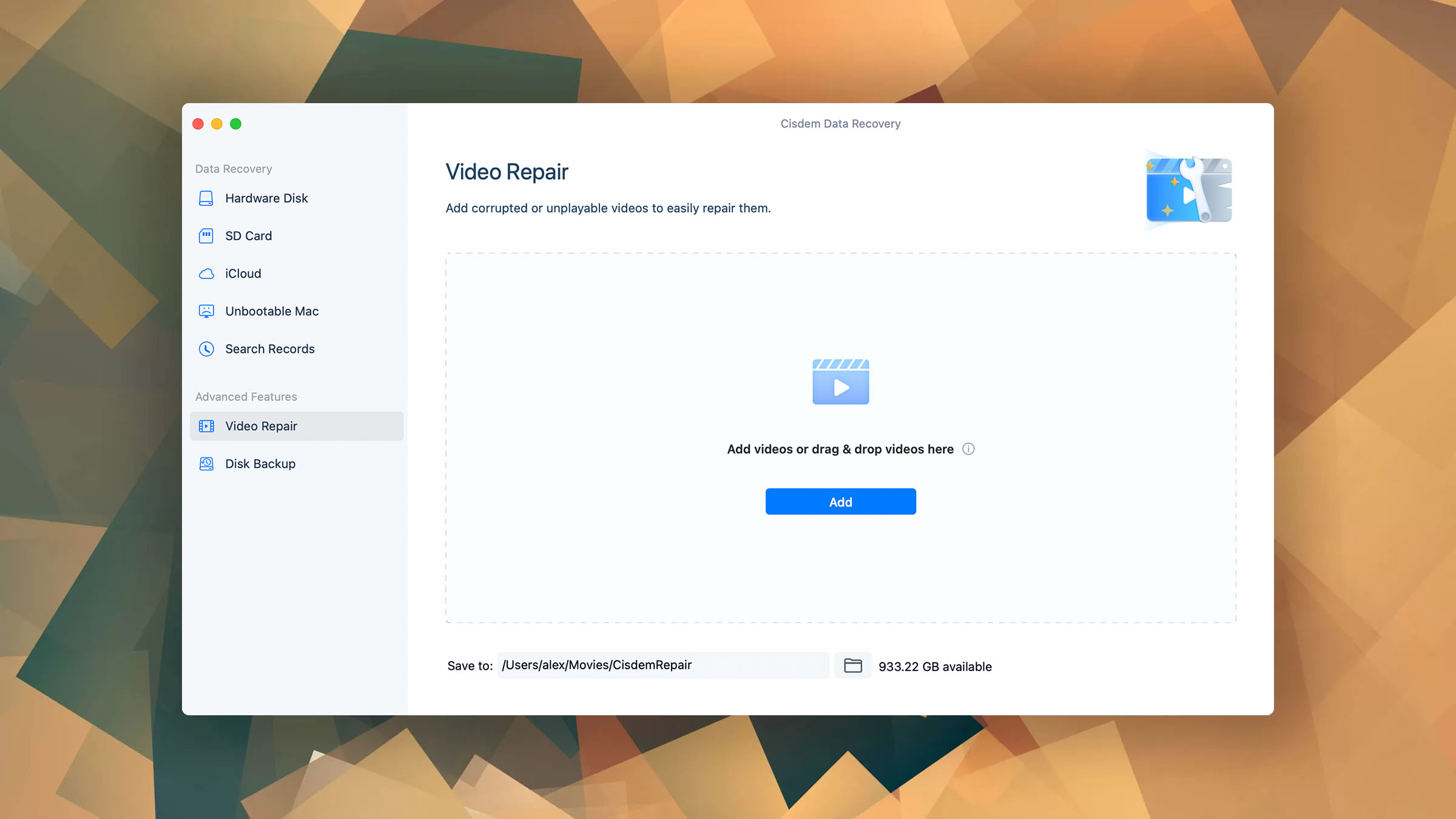
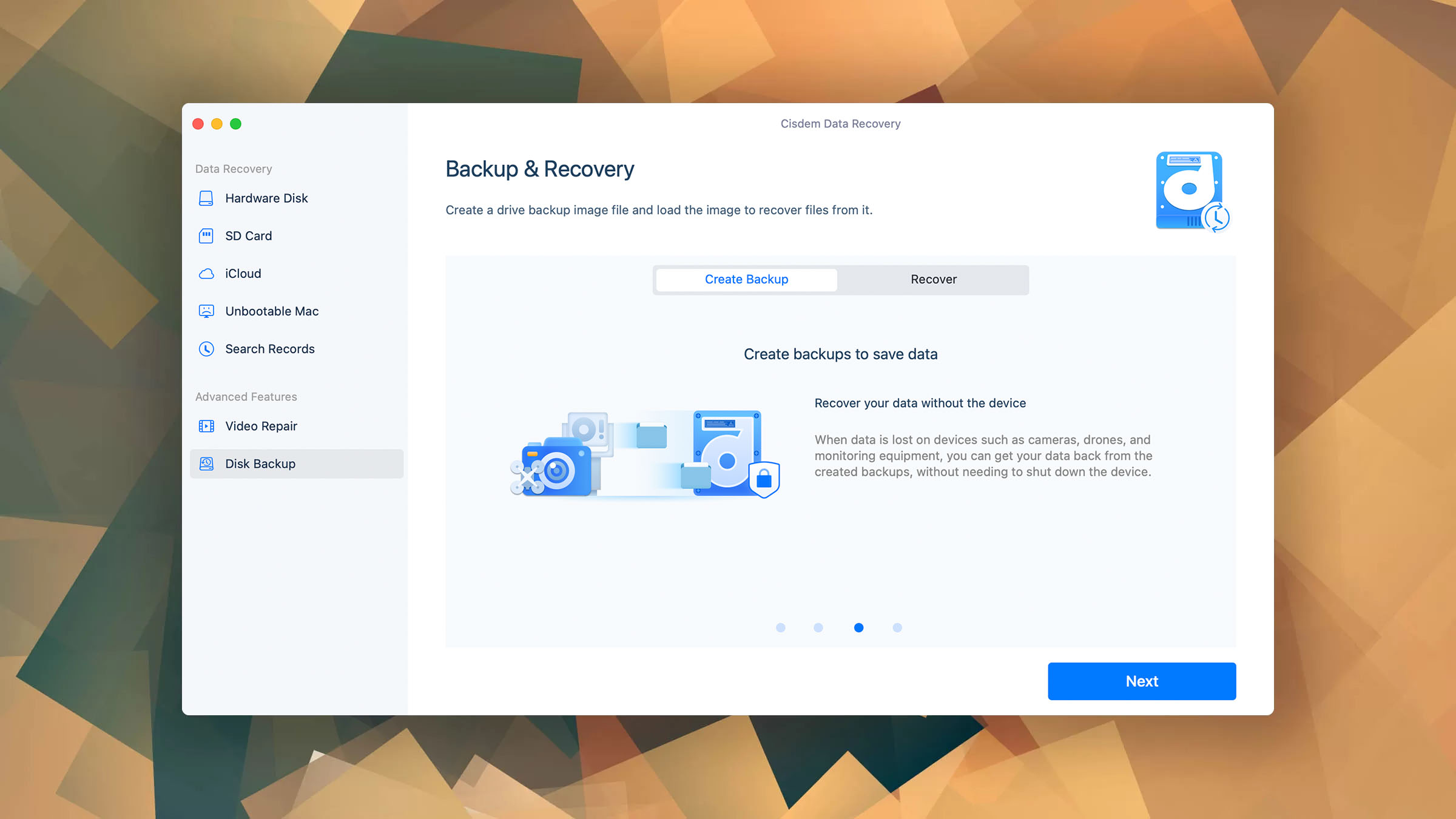
Cisdem Data Recovery is a white label copy of EaseUS Data Recovery Wizard that shares all of its shortcomings without making any improvements. Read full review
Read full review
This provider of global data recovery services has a documented success rate of 96% thanks to its state-of-the-art facilities and highly experienced engineers.
Learn more
Headquartered in Dallas, Texas, ACE Data Recovery is among the most trusted data recovery centers in the country, expertly recovering data from all storage devices.
Learn more
Since its foundation in 1985, Ontrack Data Recovery has been a leading data recovery center, performing around 50,000 recovery jobs every year.
Learn moreLC Tech FILERECOVERY Professional Review – Can It Compete with Modern Recovery Tools?Jordan Jamieson-Mane • April 17, 2024
 UFS Explorer Review – A Powerful Recovery Tool With Lots to Offer
Jordan Jamieson-Mane • April 4, 2024
 Cisdem Data Recovery for Windows Review - A Capable Copy
Jordan Jamieson-Mane • October 19, 2023
 Klennet Recovery Review (Formerly Zero Assumption Recovery)
David Morelo • September 4, 2023
 iBeesoft Data Recovery Review - A Likable Clone With Limited Features
David Morelo • October 25, 2023
 AnyRecover Data Recovery Review – A Polished Solution for Basic Users
Jordan Jamieson-Mane • June 27, 2023
 DMDE Review - A Data Recovery Powerhouse or a Usability Nightmare?
David Morelo • June 16, 2023
 Cisdem Data Recovery for Mac Review - A Clone in Disguise
David Morelo • April 12, 2024
Watch our short explainer video to understand the Pandora Data Recovery review process and how it enables us to produce the most trustworthy data recovery software reviews.
 CF Card Data Recovery: Restore Data From a Compact Flash Card
Joshua Solomon • April 17, 2024
 5 Popular Professional Data Recovery Software Solutions + Honorable Mentions
Odysseas Kourafalos • April 16, 2024
 Top 10 Best Disk Repair Software for Mac
David Morelo • April 9, 2024
 How to Recover Overwritten Files
Jordan Jamieson-Mane • April 4, 2024
 Is Disk Drill Safe to Use? Our Own Experience and Test Results
Jordan Jamieson-Mane • April 2, 2024
 12 Best Data Recovery Software of 2024: A Ranking Validated by REAL Testing
David Morelo • March 22, 2024
 9 Best SD Card Data Recovery Software Tools (Based on Real-World Testing)
David Morelo • March 13, 2024
 10 Best Hard Drive Recovery Software Solutions to Consider in 2024
David Morelo • March 12, 2024
➕ There’s no shortage of DIY data recovery software applications that make it possible even for regular home users to recover lost data.
➕ In most situations, the recovery process should take less than hour from start to finish.
➖ Even the best data recovery software can’t recover data from physically damaged storage devices.
➕ Many reputable data recovery services don’t charge money unless they actually deliver at least some results.
➖ Professional data recovery services can be very expensive, with prices often reaching thousands of dollars.
➖ It will likely take at least several days for your recovered data to arrive from your data recovery center of choice.
Use Data Recovery Software When Possible
Data recovery software is much more affordable than professional data recovery services (some solutions are even free!), so it should always be your first choice if money is a factor. Generally, as long as your computer can recognize the storage device you want to recover, you should be able to use data recovery software without any issues.Let Professionals Deal With Physical Damage
Data recovery software is the right choice in most situations, but not when it comes to physical damage. If the storage device you want to recover can’t even be connected to your computer or recognized properly, then you shouldn’t waste the one chance you might have at its recovery and send it to professionals straight away.
Watch this to know how to recover deleted photos or videos from a digital camera. 📷 Digital camera recovery solution: https://bit.ly/2B9ivhJ
Thanks to DeepSpar for sponsoring this video! Check out their RapidSpar Data Recovery Tool at http://geni.us/rapidspar
What is the best data recovery software for Mac in 2022? We are going to review the top 3 Mac data recovery software to help you get your data back.
In this video, I decided to compile all of the best data recovery software that I've ever used just for you guys. Today, we're going over the top 5 file recovery software solutions that you can use to start getting your deleted or lost files back right now.
We're looking at HOW to RECOVER DELETED PHOTOS AND VIDEOS from an SD card or a USB!!
Data recovery is the process of restoring access to data that is no longer accessible because it has been deleted, formatted, or otherwise lost.
Access to inaccessible data can be restored because files often remain physically present on the storage device long after they’ve been permanently deleted, making them impossible to open through a standard file manager.
During data recovery, inaccessible data is salvaged from the storage device and moved to a safe location. This process can be performed for as long as the data has not been overwritten or physically purged from the storage device (which does automatically happen with some modern SSDs).
1
Modern operating systems typically don’t resort to permanent deletion right away. Instead, they move deleted files to a temporary storage area (Recycle Bin on Windows and Trash on macOS), where they stay for some time, making it easy for you to retrieve them. To avoid wasting time and money, you should always start by checking the Recycle Bin or Trash before moving on to more complicated recovery methods.
2
If you’ve activated your operating system’s built-in backup tool (File History on Windows and Time Machine on macOS), then you’re in luck because you can use it to retrieve your lost files without downloading third-party data recovery software or contacting data recovery professionals.
3
Regardless of which operating system you use, there are many data recovery software applications that you can download to recover lost data, including documents, audio and video files, emails, and more. Some data recovery software applications are geared toward professionals, but the most popular solutions tend to be aimed at regular home users with no previous data recovery experience.
4
No luck using data recovery software to retrieve lost files? In that case, it’s time to contact data recovery professionals and ship your storage device to them. The best data recovery centers don’t charge their customers any money unless they successfully recover at least some lost data, and they offer a free evaluation so that you know what to expect before you commit.

As long as you begin the recovery process in a timely manner, your chances of recovering an accidentally deleted file are very high. To increase them even further, use the best data recovery solution available and avoid using the device on which the file if possible. To be extra safe, you can put the device in read-only mode (SD cards make this easy with their lock switch).

Even though formatting may seem like the ultimate destructive operation, it’s actually not that difficult to recover the original content of the formatted storage device. The only exception is the so-called secure format option (called Full Format in Windows and Secure Erase in macOS), which overwrites the original data to make their recovery impossible.

The term logical damage encompasses all non-mechanical damage, including data corruption, system crashes, driver problems, and data loss caused by software bugs. Depending on how extensive logical damage is, you should be able to recover at least some lost data—if not all.

When you lose partition information, your operating system may become inaccessible, and your hard drive may appear to be completely empty. But when it comes to data recovery, the loss of partition information is actually no big deal because your data is still there on the storage device in its original form.

Various strains of malware can cause different forms of data loss. Some simply hide files from view, while others encrypt them using an unbreakable encryption algorithm. If you get lucky and experience a less serious malware infection, then you should be able to avoid data loss entirely. However, if your device becomes infected with state-of-the-art ransomware, you may not be able to recover any data at all.

Storage devices fail for all kinds of reasons. A broken connector on a USB flash drive, for example, can be repaired by a skilled professional without much effort, while a shattered hard drive would be too big of a challenge even for an expert equipped with advanced tools.

Thanks to a wide selection of data recovery software for Windows and Linux, recovering lost data from laptops and desktop computers is an easily solvable challenge even for less experienced users.

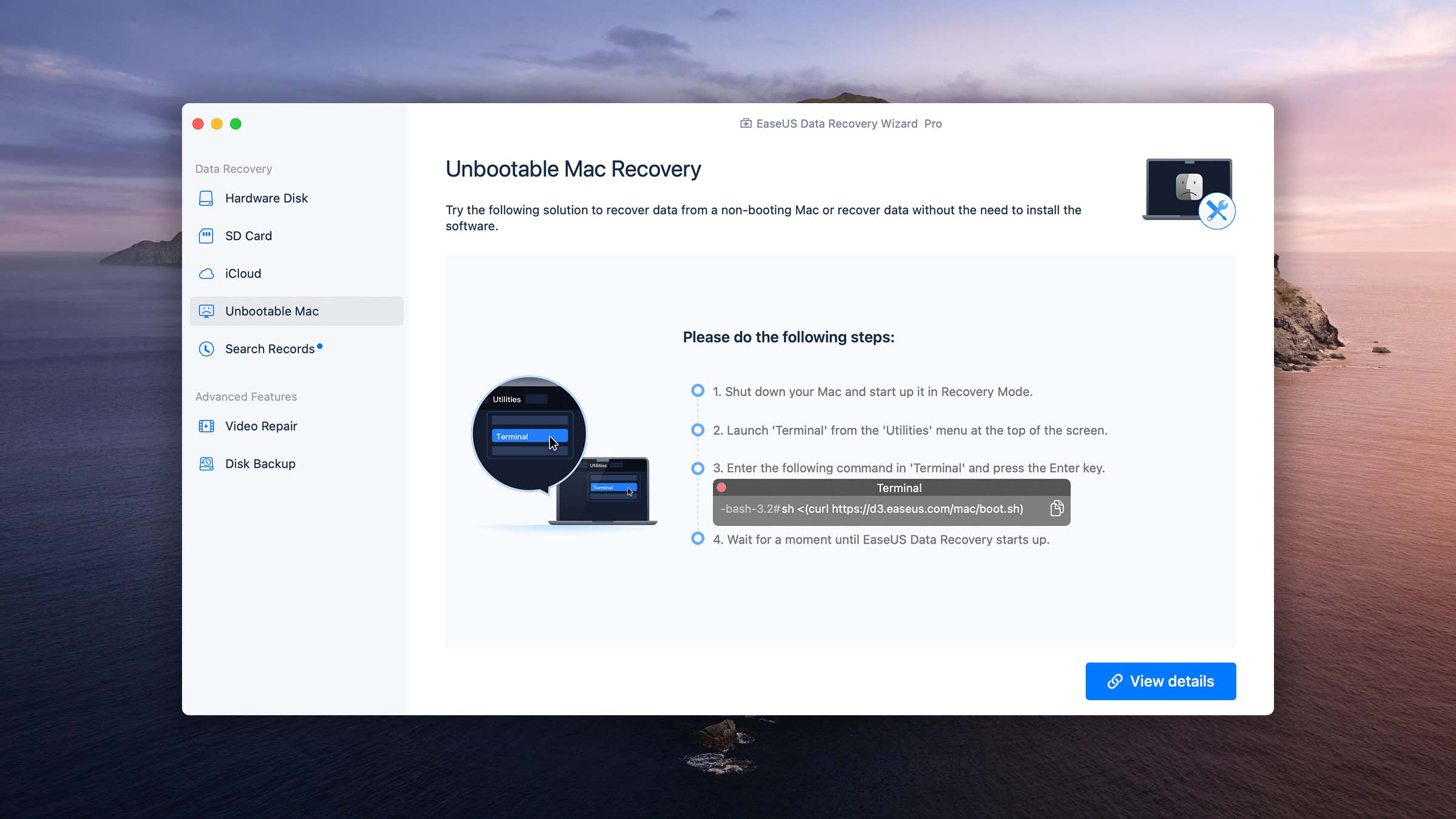
Mac users are not immune to data loss. Fortunately, most leading data recovery software applications support macOS. Just know that the applications found in the App Store are often severely limited in terms of functionality due to the restrictions imposed by Apple on their developers. You can avoid these limitations by downloading macOS data recovery software directly from its developers.

Traditional spinning hard drives have come a long way in terms of not just storage capacity but also reliability. Still, they’re far from perfect, which explains why so many of their users are interested in suitable data recovery solutions.

Unlike spinning hard drives, SSDs have a finite lifespan, so data loss is something all users who don’t take certain precautions will experience. The problem is that data recovery from SSDs isn’t always possible due to performance-enhancing technologies such as TRIM.

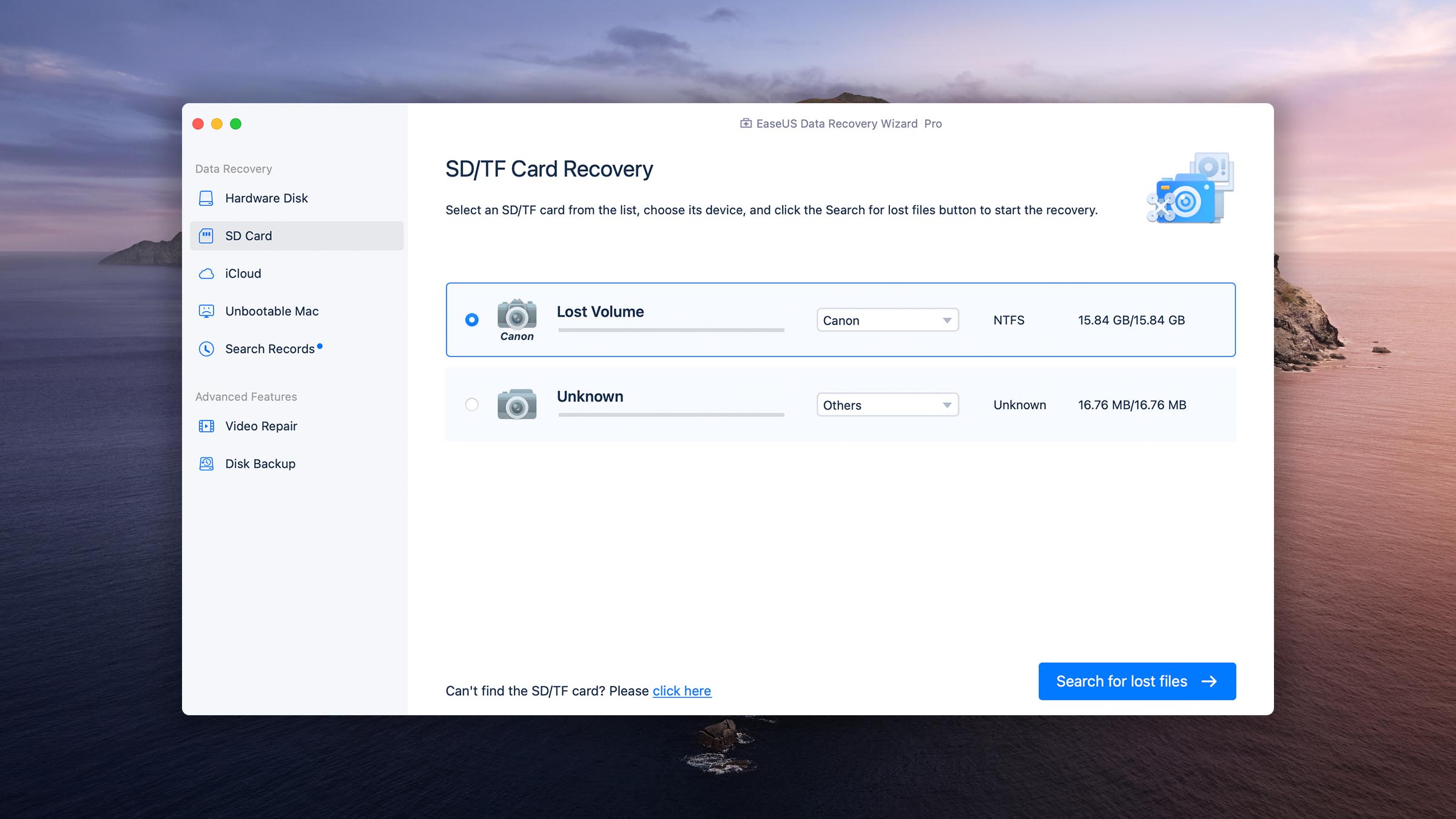
Thanks to their compact size and increasingly impressive storage capacity, memory cards can be found in all kinds of devices, from digital cameras to smartphones. Unless physically damaged, they can be recovered using readily available data recovery software.

It would be difficult to find a more convenient category of storage devices than USB flash drives. Because of their portability, USB flash drives are formatted much more frequently than regular hard drives, which increase the likelihood of data loss, but they can be recovered using the same techniques.

The Android operating system gives users a lot of freedom to enjoy their devices to their full potential, and this freedom sometimes results in the loss of important data. Fortunately, its recovery is possible using both native Android apps and PC/Mac software.

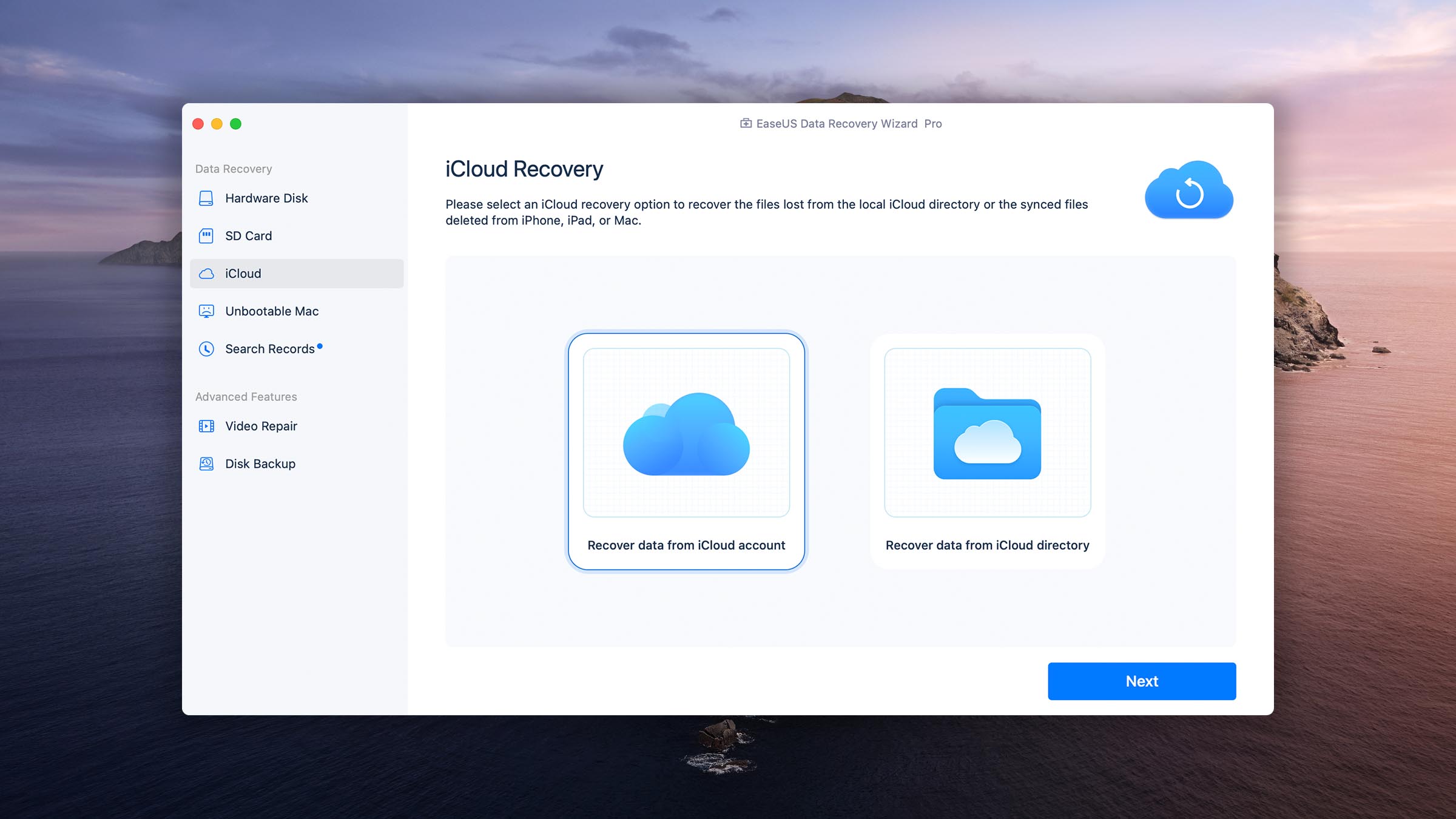
Recovering data deleted on an iOS device can be tricky because of various restrictions imposed by Apple and the way iOS in general handles file deletion. Still, you might get lucky if you use the right data recovery software, and you can always attempt to recover data from a local or cloud backup.
Found on many portable storage devices, from memory cards to USB flash drives, the FAT file system family has been around for a long time, which is one reason why its recovery rarely ever presents a problem.
This most advanced member of the FAT file system family may not be as widely supported as its older siblings, but at least it can be recovered just as easily using any software that supports it.
As the default file system of Windows computers, NTFS is commonly found on hard disk drives and solid-state drives. Despite its fragmentation issues, NTFS recovery is something most data recovery solutions handle without breaking a sweat.
Created as a resilient file system for servers, ReFS features built-in handling of hard disk drive failure and redundancy, among other things, making data recovery easier and more likely to end successfully.
Before the arrival of macOS High Sierra, HFS+ was the default file system on Apple computers. Deleted files can be recovered from storage devices that use HFS+ until they become overwritten with new data.
The adoption of solid-state drives prompted Apple to switch to a new file system, one that would take better advantage of their performance. To do that, APFS enables TRIM to immediately wipe deleted data, making its recovery extremely difficult.
Dating back to 1992, the ext2 file system is simple and efficient, making it great for embedded devices and various low-power computers. When recovering data from it, file names get lost because journaling isn’t supported.
Like their names suggest, ext3 and ext4 are more advanced versions of the ext2 file system, offering support for journaling. As such, it’s often possible to recover files with their original names from ext3 and ext4 storage devices.
This modern file system supports many advanced features, such as pooling, snapshots, and checksums, which make it more resilient and lead to improved data recovery chances.
Because ReiserFS actively reduces internal data fragmentation and stores all metadata in a single, combined B+ tree, complete recovery of lost files is not just possible but likely.
This family of journaling file systems was created by IBM in 1990, and it’s still used today by some Linux users. During data recovery, file names often become lost, but that’s the only major issue JFS/JFS2 presents.
You can expect good results when recovering data from XFS-formatted storage devices because this file system employs metadata journaling and delayed allocation, among other features.
Data recovery is the use of various techniques and technical solutions to regain access to data that is no longer accessible. Data can be recovered for as long as it’s physically present on the storage device.
The cost of data recovery ranges greatly depending on the selected solution, with free data recovery software applications on one end of the spectrum and professional data recovery services on the other end.
That depends on a number of different factors, including the size and speed of the recovered storage device, the type and number of recovered files, and the selected data recovery solution. Generally, you can expect to recover data from a modern SSD using DIY software in a couple of hours at most.
You can recover your data without paying any money using free data recovery software applications or using paid data recovery software applications that offer a free trial with limited data recovery capabilities.